
Question
How to make image 2 color and then overlay on background image
Per the image below, I want to take the sound wave file (jpg) on top of the lighter blue background, and make it so the sound wave bars are white, and then add that white pattern over the blue background image. The result would be the sound wave bars in white over the lighter blue background.
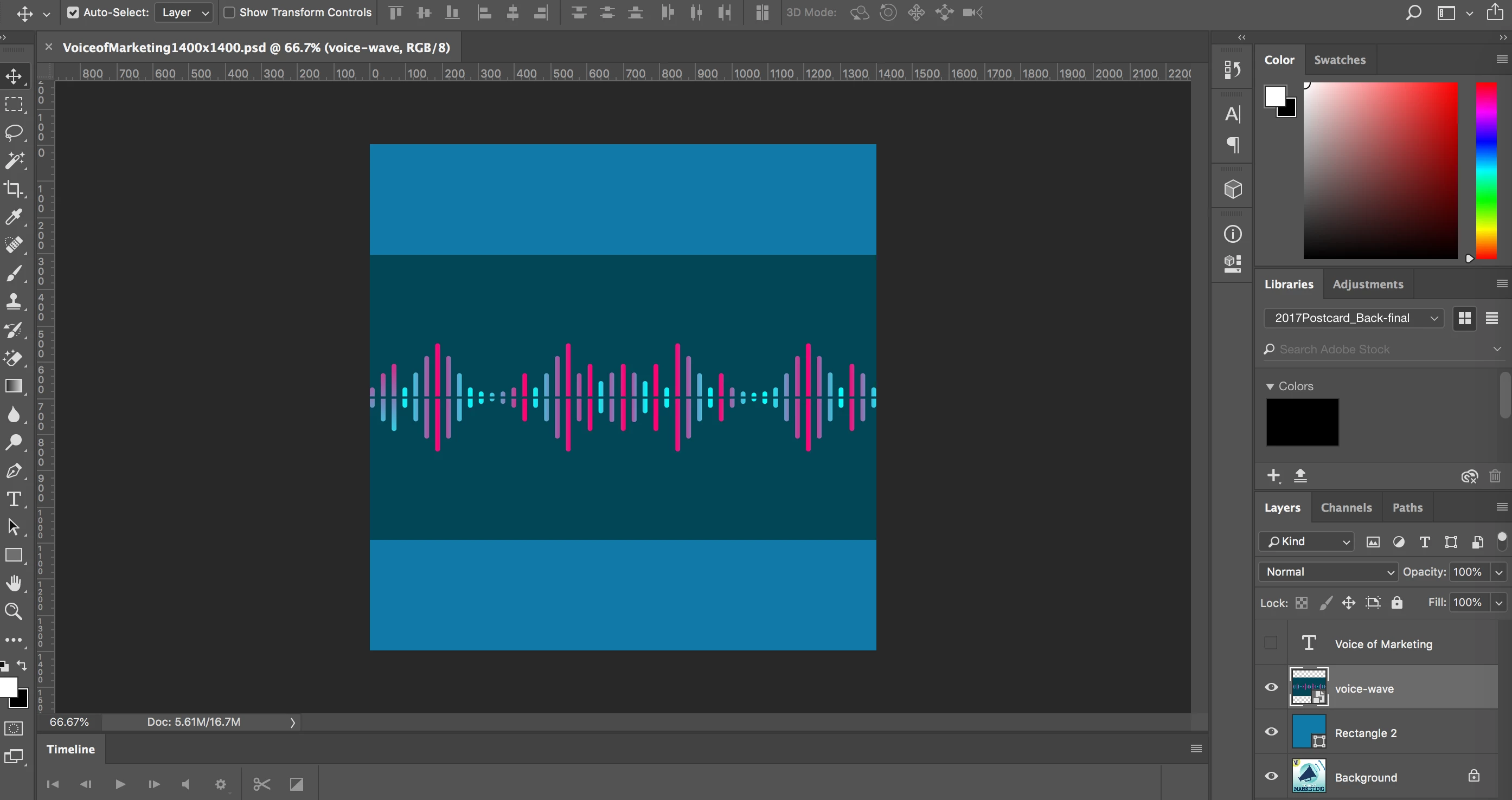
I was thinking I would posterize the top layer (voice-wave) image to 2 colors, black and white, then select and delete the black area (the non-voice wave part), and then just lay it over the top of the lighter blue background.
The end result would then be the white sound wave over the light blue background color.
However, I can't find any posterize filter.
Perhaps there's a better way to do this?
Any input greatly appreciated.
doug
 AdChoices