
Answered
How to Make My Design Look Realistic on a Mockup in Photoshop?
Hi everyone,
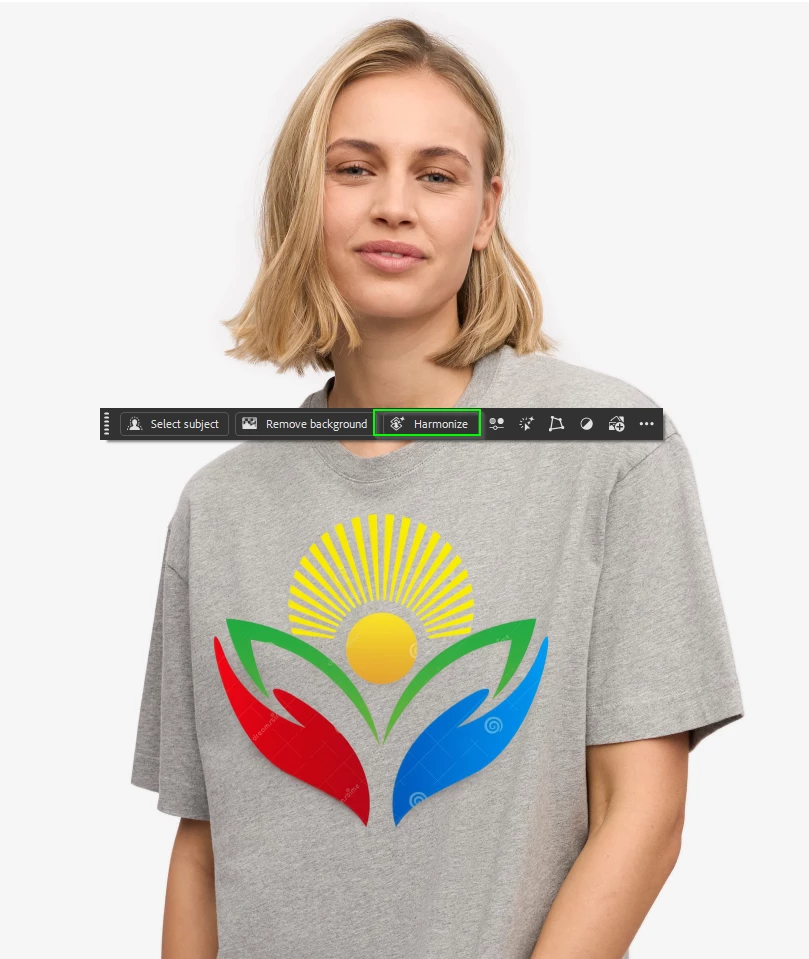
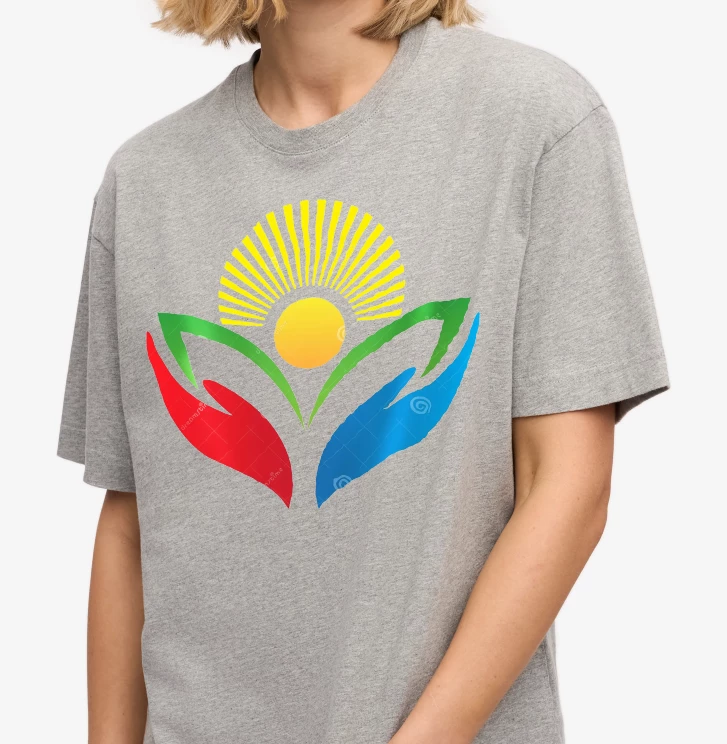
I’m working on creating a Cover Image and Feature Image for my Faire shop. I have a mockup of a person wearing a t-shirt, and I can place my design on it. The problem is that my design doesn’t “bend” or follow the contours and wrinkles of the shirt, so it looks flat and unrealistic.
Is there a way to do this in Photoshop? Can Harmonize or another tool help me achieve that effect?
It’s probably obvious that I’m not a graphic designer — I’m just trying to figure this out myself since I haven’t had luck hiring someone on Fiverr or Upwork. Any tips or guidance would be so appreciated!
Thanks so much,
Judy
 AdChoices