
Participant
May 28, 2017
Question

how to make Photoshop like Krita?

  • May 28, 2017
  • 2 replies
  • 18652 views

So the shortcut keys and flexibility in my opinion is so much better in krita. I work faster with krita but want to move to photoshop because the brushes renders better for me. Top and Bottom Button refers to the pen

Panning around: in krita I just have to press the top button to drag around, hovering over it. In PS, I have to press space and actually draw on my tablet to move.

Zooming: Krita I press ctrl and (space or my top button) to zoom by just hovering move. In PS same thing but top button doesn't work and I have to actually draw on it like I previously mention.

Brush Size: Krita is so much better in this area in term of shortcuts. You just hold shift and drag (not hovering) to the right to increase to the left to decrease. In PS, you need to press 2 keys and than hover drag. (alt+bottom button+hover right or left)

Accessing Colors, Brushes, Brush Sizes, Opacity, Angles, Palette: In Krita, with one click (bottom button), it brings a wheel of sorts to change all of those settings.

As you can see here. I was wondering why, Photoshop a profession and highly grade program doesn't do this. It is so much more convenient and you work faster.
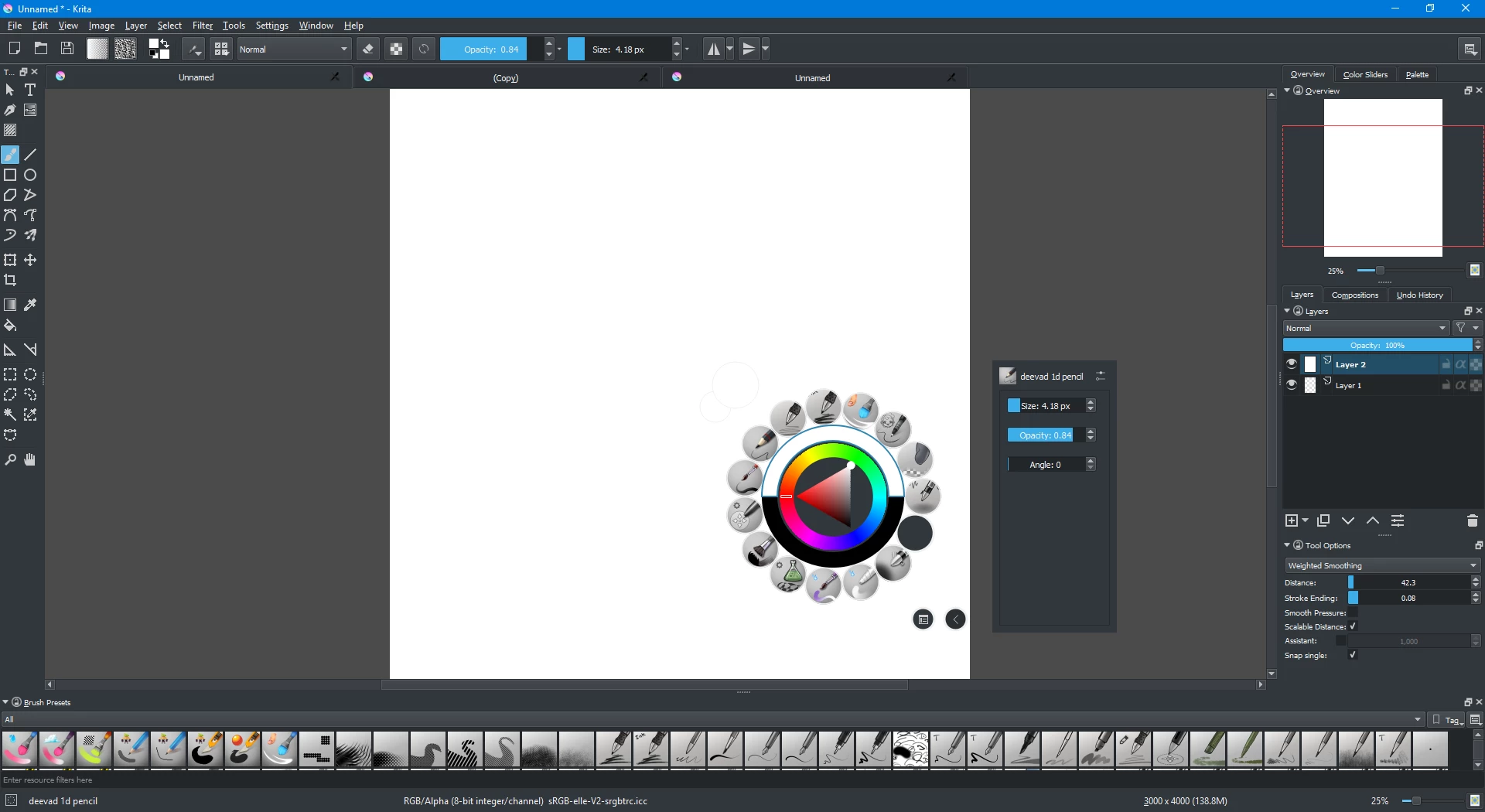
My workstation in Krita which is very convenient.

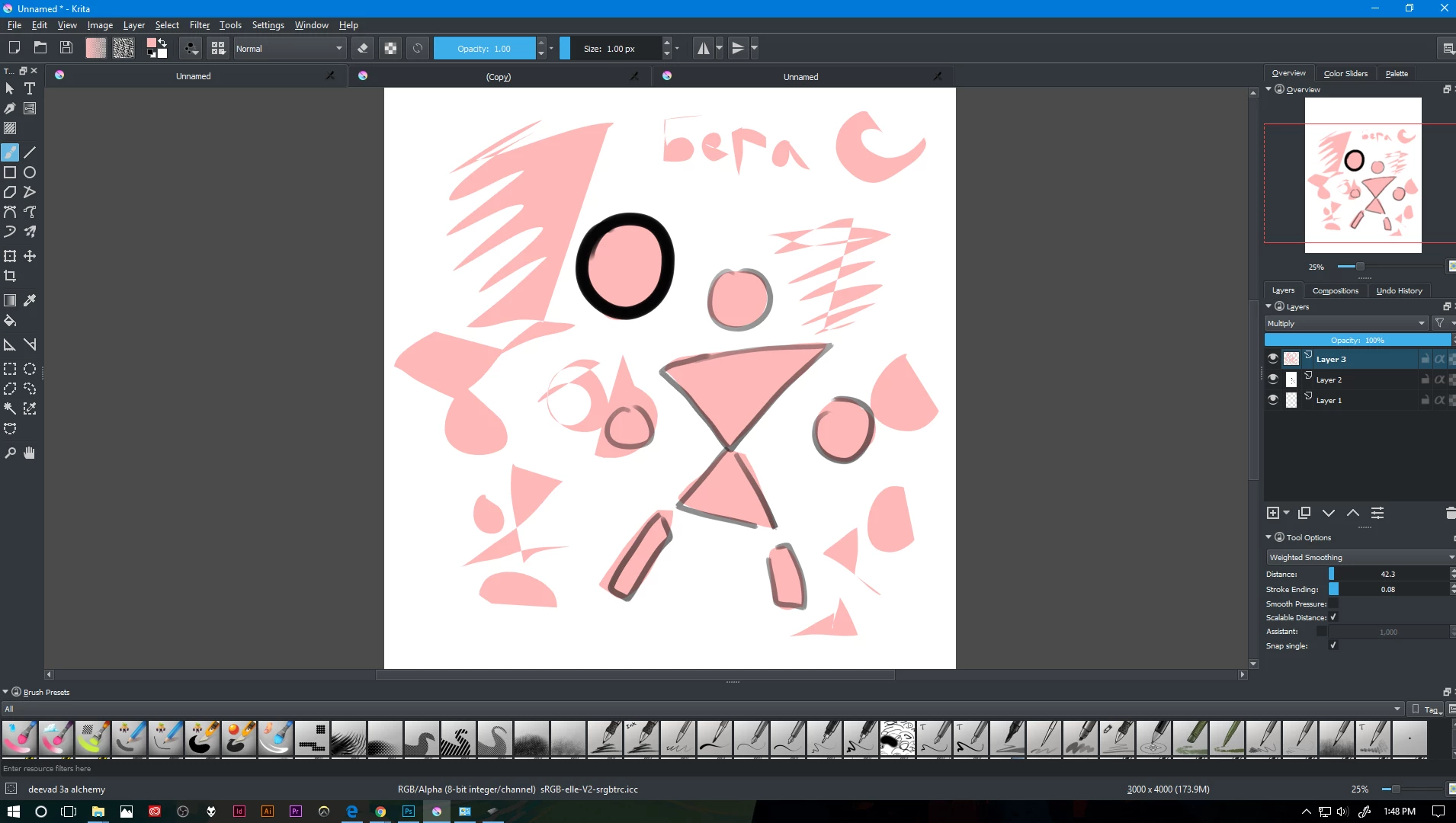
Also I was wondering if PS have this tool where you draw and it covers the area you draw. In Krita, it is call the deevad 3a alchemy brush (That green bottle you see). It is a much a faster and more controllable way to color in something. So when you draw, it fills the space in between (for a circle, you need to complete the circle so it look like a solid circle, if drawing only half a circle, it will be like half of a hemisphere . Its hard to describe but that tool is amazing.
This topic has been closed for replies.

2 replies

Participant
May 30, 2017

What I'd like to know, as the author of Krita, in what way our brush engines fell short... I'd like to improve them if possible :-)

Trevor.Dennis
Community Expert
Community Expert
May 30, 2017

boudewijnrempt  wrote

What I'd like to know, as the author of Krita, in what way our brush engines fell short... I'd like to improve them if possible :-)

I actually thought that Krita's brush engine was rather better than Photoshop's.  It certainly has some very cool presets right from the get go.  And that strange lad who came here touting Affinity a couple of days ago, would just LOVE the UI.

I wonder if the OP is talking about configuring brushes.  In Photoshop I know how to make my own presets, but I don't know, and nor is it obvious, how to do that in Krita.  I don't know Krita well though.  Not well at all.

Participant
June 1, 2017

There is some information on that in the manual [weblink removed], but the best plan would probably be to check out some brush packs, say those by David Revoy, and check how they manipulate the various knobs in the brush preset editor. Note that in Krita "brush tip" is what you'd put in an abr file -- brush presets are the combination of settings for a particular brush engine saved to a .kpp file.

JJMack
Community Expert
Community Expert
May 28, 2017

You seem to know Krita much better than Photoshop.  There are shortcuts in Photoshop for changing the like opacity, You can create your own  shortcuts,  Brush Presets, zooming mouse wheel, shortcuts and touch zoom pan rotate.  H hold paning Shortcut,  Navigation panel panning and zooming,  Preferences for zooming.  Tablet support the brush sizing and hardness.  Photoshop scripting can also help when it come to using Brush Presets.  Do not confuse Photoshop Brushes with Brush Presets.  Brush Presets are Tool presets the are different then Photoshop Brushes *.ABR files they are *.TPL files.  There are also third party Plug-ins for Photoshop for managing Brushes,  Color Wheels for example Coolorus color wheel for Photoshop and brush aids for all sorts of things like.

Photoshop is not Krita and Krita is no Photoshop. If you want to draw you may want to look into Adobe Illustrator. Adobe's vector based drawing application. I do not use AI its as complex as Adobe Photoshop.

JJMack
5eraZ-AAuthor
Participant
May 28, 2017

I see, thank you for your response. And yes they're not the same, I just wanted to change the shortcut to something familiar. I'm fine with adjusting to some of photoshop shortcuts and I tried to change PS shortcut to match krita but photoshop its difficult to navigate since there is no search bar. And I can't change the shortcut to keys to shift, alt, ctrl. Increase and Decrease brush size is currently [ & ] or alt+bottom button (which sometimes lag because alt is already color picker), I can't change it to shift+drag. And I have PS and Illustrator because my school provided them. Illustrator is vector base and is more for icon and vector art. I like the feel of sketching with PS better. Before that I only had Krita. These plug in cost money and hopefully I can purchase them in the future when I get a job but for now I can't.