
New Participant
June 1, 2022
Question

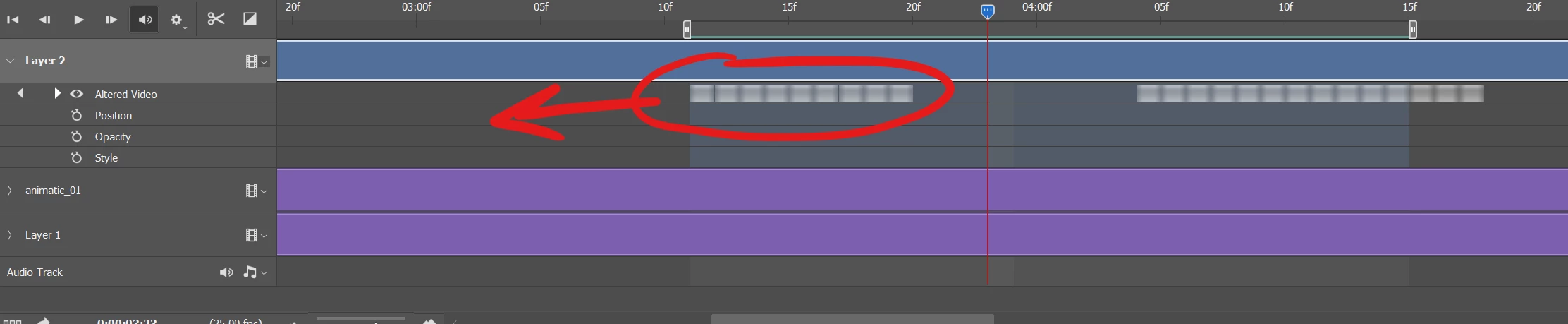
How to move frames within a video layer?

  • June 1, 2022
  • 1 reply
  • 725 views

I have no clue how to select and move frames within a video layer (aside from splitting the layer at playhead and having then 2 layers but I still don't know how to even delete many frames at once to make it not painfully tedious). I'd be really grateful for your help!
This topic has been closed for replies.

1 reply

Myra Ferguson
Community Expert
June 1, 2022

After you split the layer at the playhead, hover your cursor over the end that you want to shorten. You'll see a different-looking cursor that looks like a bracket with arrows coming from the center pointing left and right. When you see that cursor, you can drag to trim the clip.


Here's more information:

New Participant
June 1, 2022

Is there really no other way? I'll end up with tons of video layers just because I want to move a section by a few frames?