Participant
April 21, 2022
Answered

How-To: Photoshop Smudge Effect on Images ?

  • April 21, 2022
  • 1 reply
  • 1021 views

Hi 

A Photoshop newbie here, appreciate any help and guidance from the expert! 


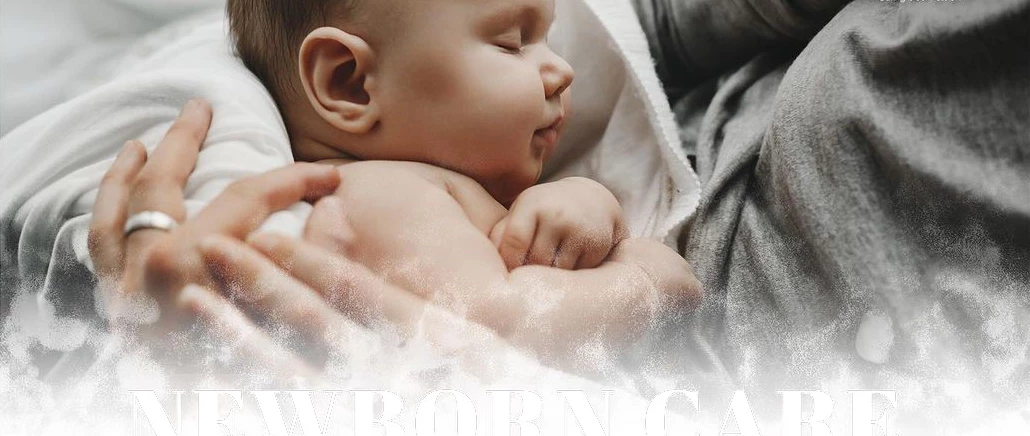
Just wondering how would i create such an effect on an image!. I believe it is a smudged effect which is a cool way to transition from the image to white space/background to write some text. It will be used for posts in Instagram or Facebook. 
 

This topic has been closed for replies.
Correct answer c.pfaffenbichler

Sorry @c.pfaffenbichler 

You lost me there! 


For the below instructions, would you have a guide or video that you can point me to please?


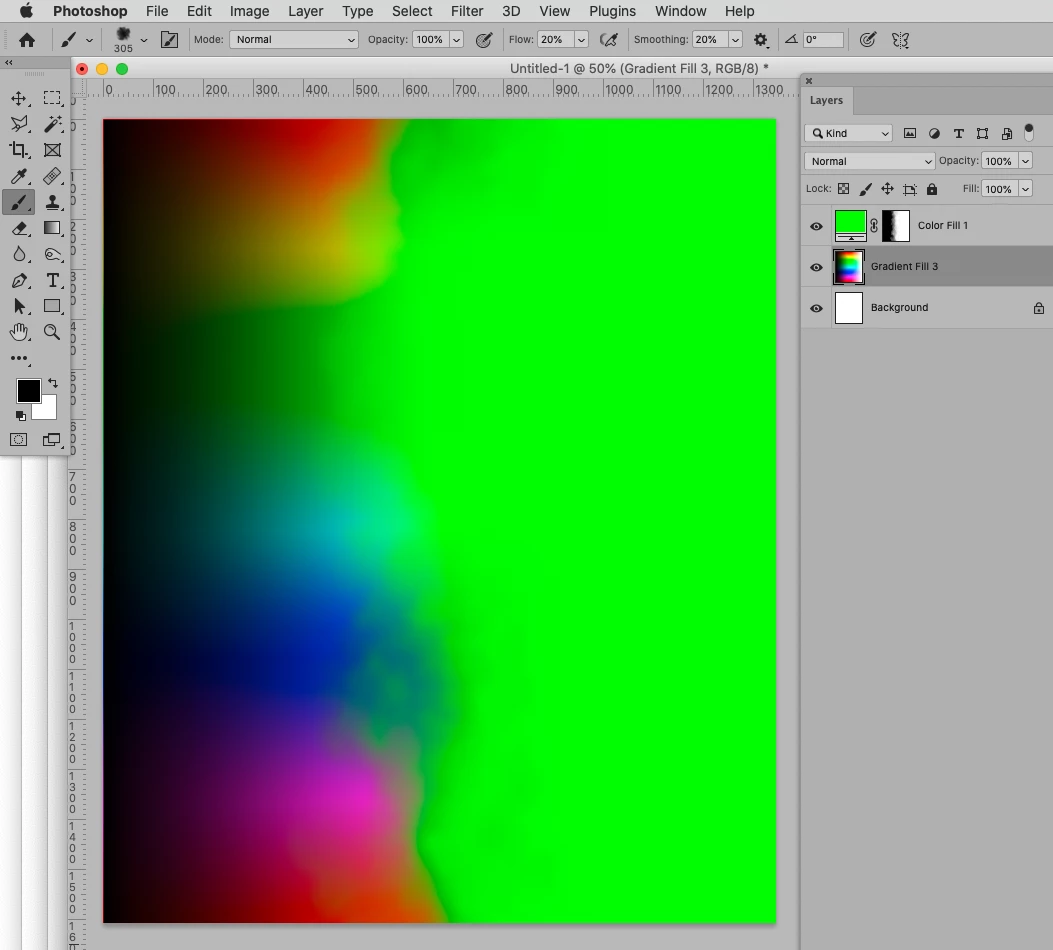
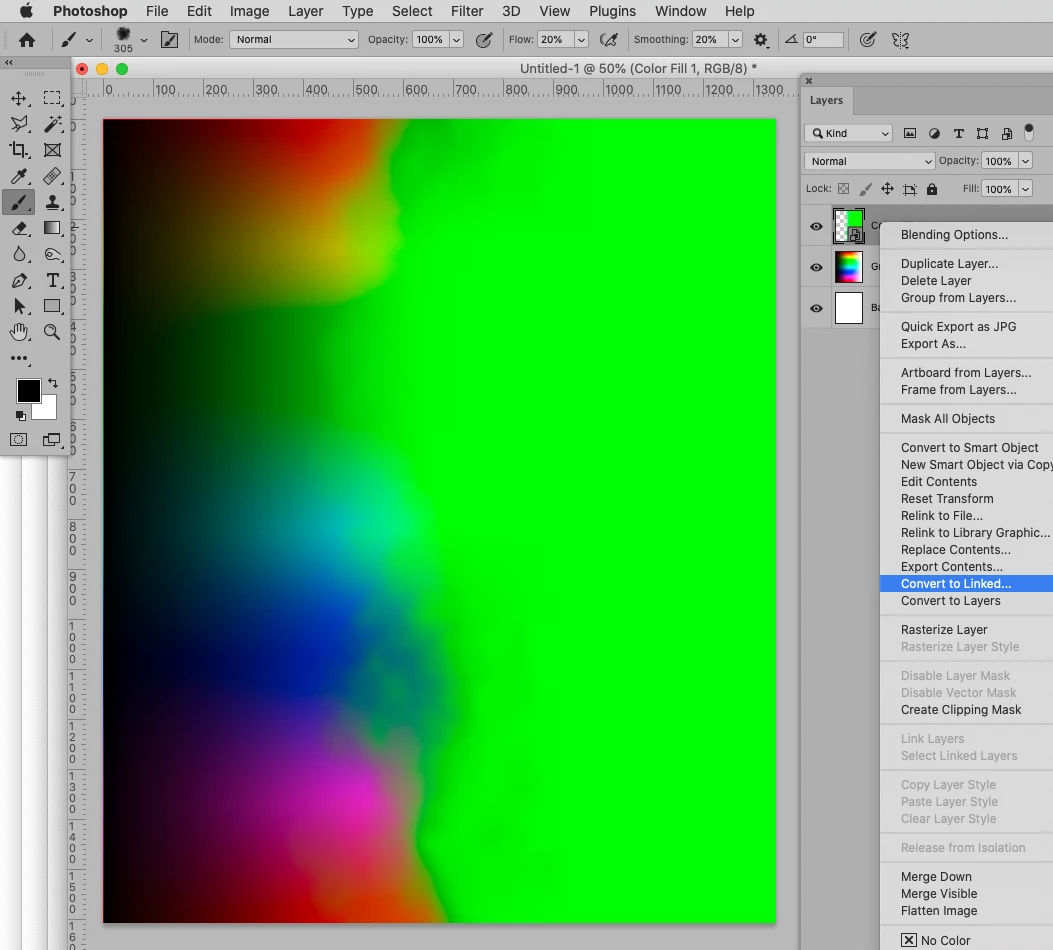
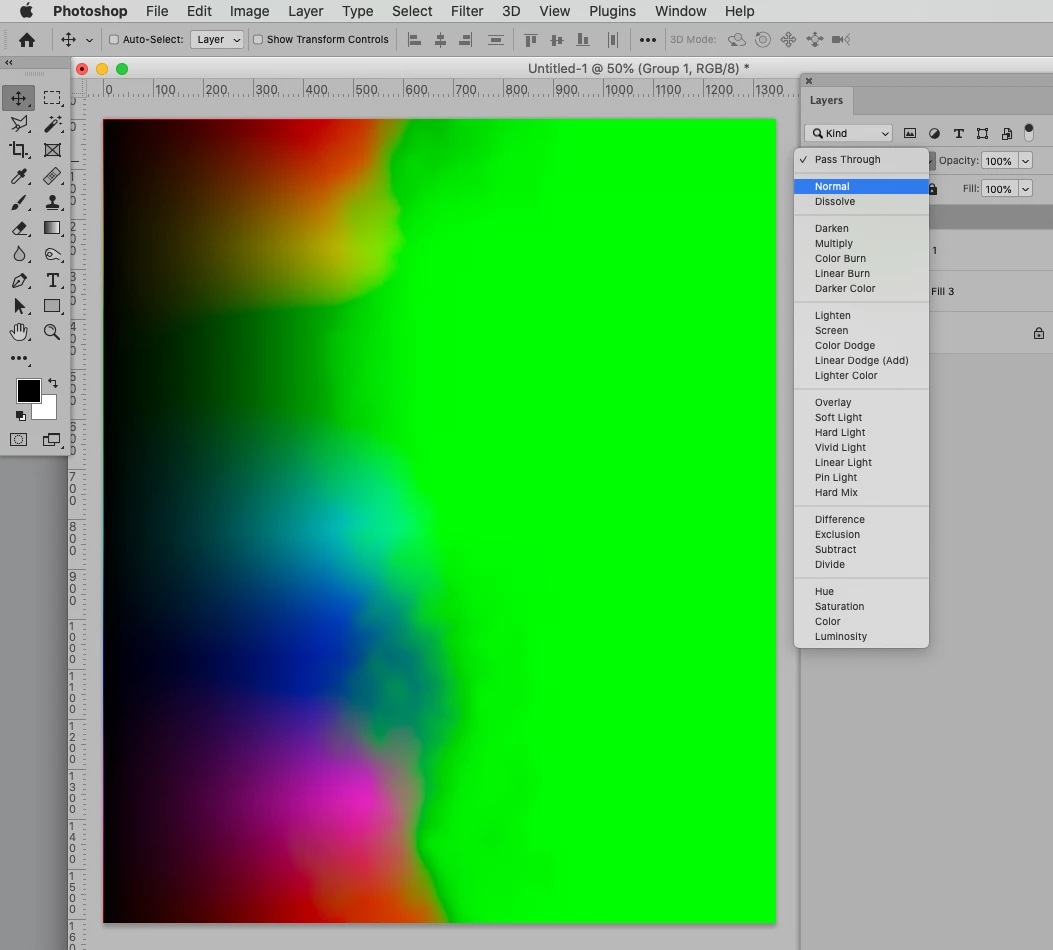
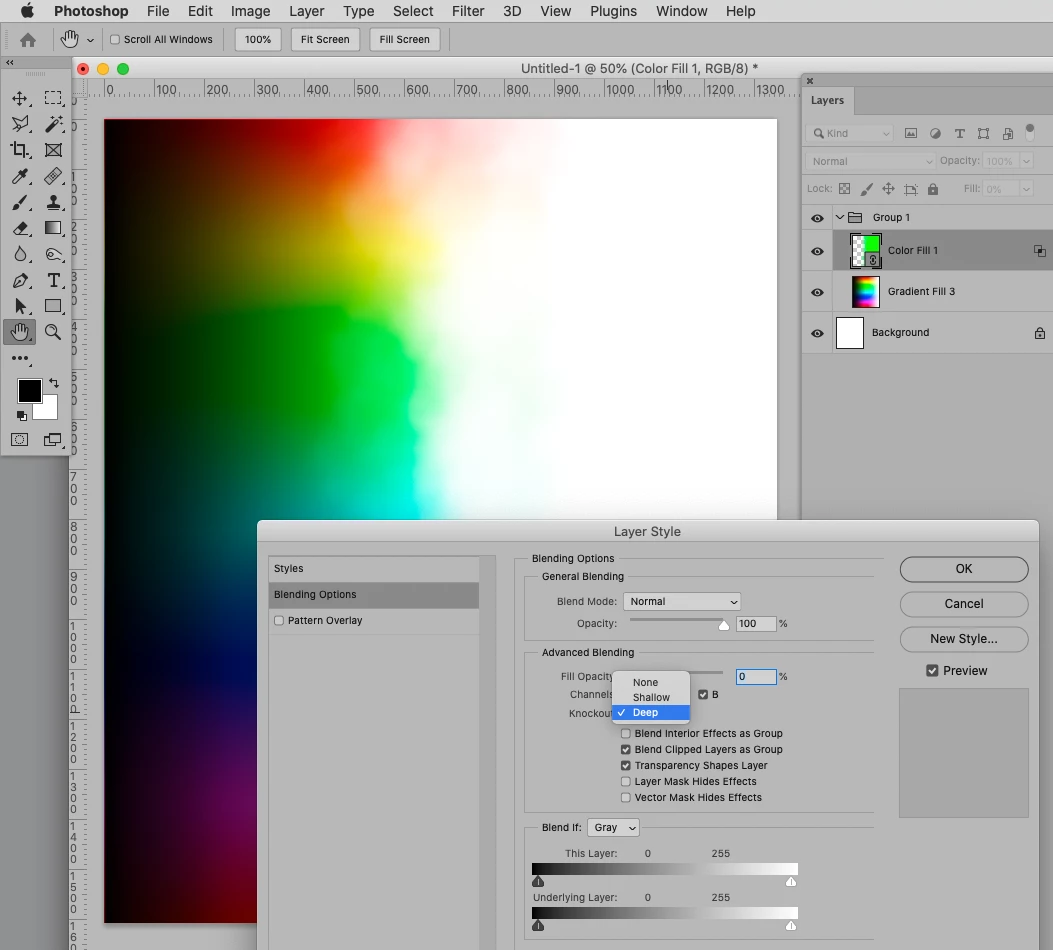
"If you need to use it in many files you could create a Solid Color Layer (though you may want to make the hidden side of the mask proper black) with the inverted Mask and use it as a linked Smart Object or put in in the Library tu use as a Knockout. " 


By putting multiple Layers in a Group with the Blend Mode »Normal« one can use a Knockout-Layer with Fill 0% one those. 

By using a Linked Smart Object one can use the same Knockout in multiple files and, if onechanges the SO itself, update it the next time one opens the layered images. 

A Library Smart Object may be more convenient for placing, though. 

1 reply

c.pfaffenbichler
Community Expert
Community Expert
April 22, 2022

Seems like the effect of Layer Masks. 

To create it you could try using a randomized, scattered brush or look for stock images that provide structures you like. 

c.pfaffenbichler
Community Expert
Community Expert
April 22, 2022

Some screenshots concerning a randomized Brush: 

c.pfaffenbichler
Community Expert
Community Expert
April 24, 2022

Thank you @c.pfaffenbichler 


Could you please send me the settings of the brush? It seems I could not reproduce similar to your effect...

And

would it be possible to achieve this through a layer mask, therefore, it does not destruct the actual image?


Thank you 

YouElz


Create a foggy black splotch on white and create a brush tip (Edit > Define Brush Preset) from that. 

Then you can apply Shape Dynamics and Scattering (similar to what the screenshots show) and save a new Brush with those settings. 


would it be possible to achieve this through a layer mask, therefore, it does not destruct the actual image?

That’s the point and the screenshot in my first post on this thread should show that the Layer Mask does not affect the Layer’s original pixel content.