

How to prepare photos to use in PS Sky Replacement
This is not about how to use the PS Sky Replacement
This is not about how to Import an Image to add to Get More Skys
This is about prepping personal image of Landscapes with Skys, before Importing them Into the PS Skys.
Does anyone know of an Adobe or third-party document on that?
Say you have a Landscape Photo, a nice sky to use, but the Mtn, Trees, etc. are not part of the sky. Now I could ignore the bit below the sky, but could that not get in the way. Should I cut that out? Delete a selection and leave as transparent? Fill in with gray? Fill in with sky blue? Accomplish some content aware fill (but not the entire bottom?) ,etc. Oh, or perhaps just crop as to keep only the sky (perhaps with a bit of content aware on the bottom)
A concern is the bits that are not sky may bleed thru in the Sky Replacement. Fairly sure I noticed that in some of the PS included sky's.
For example, this Landscape:
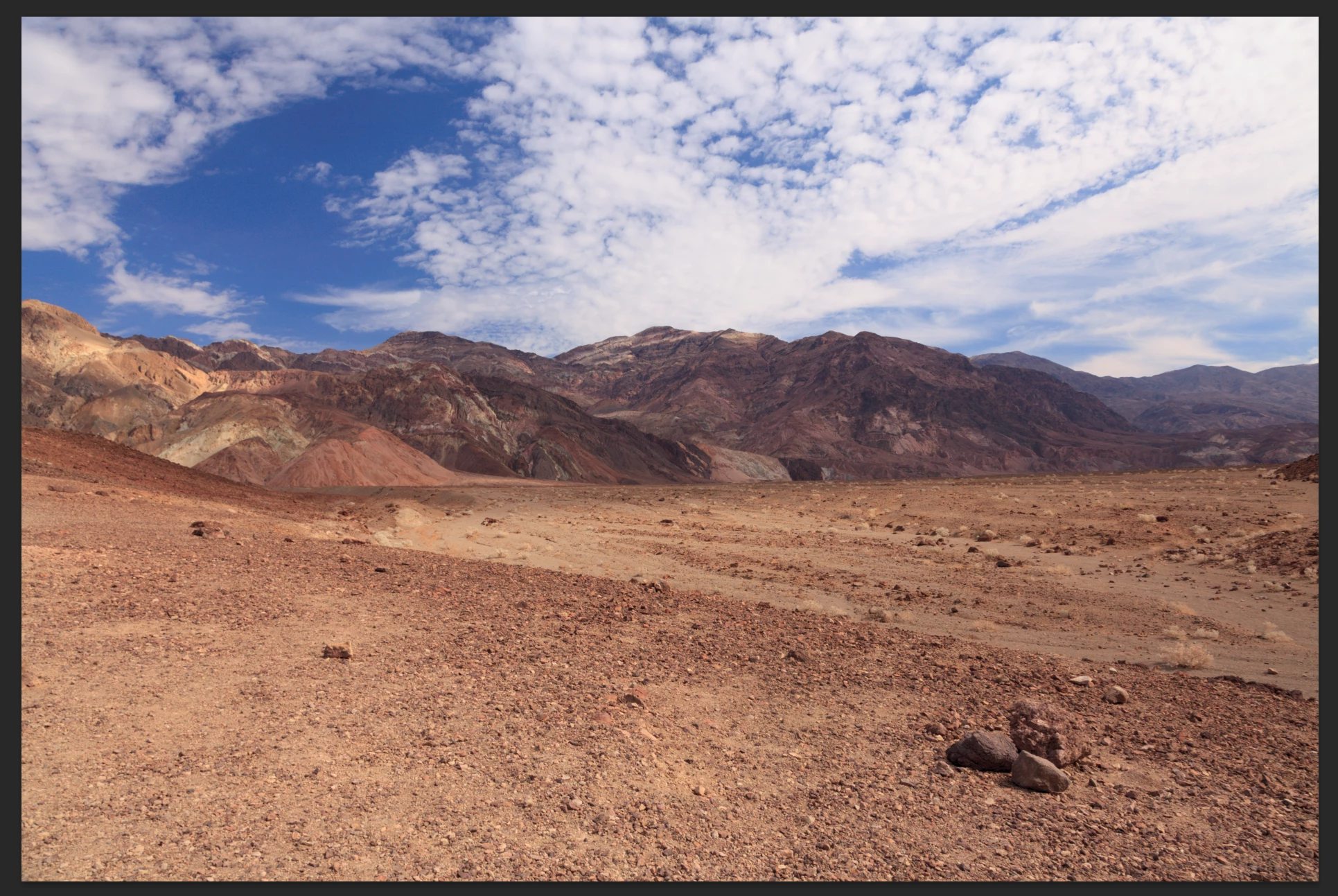
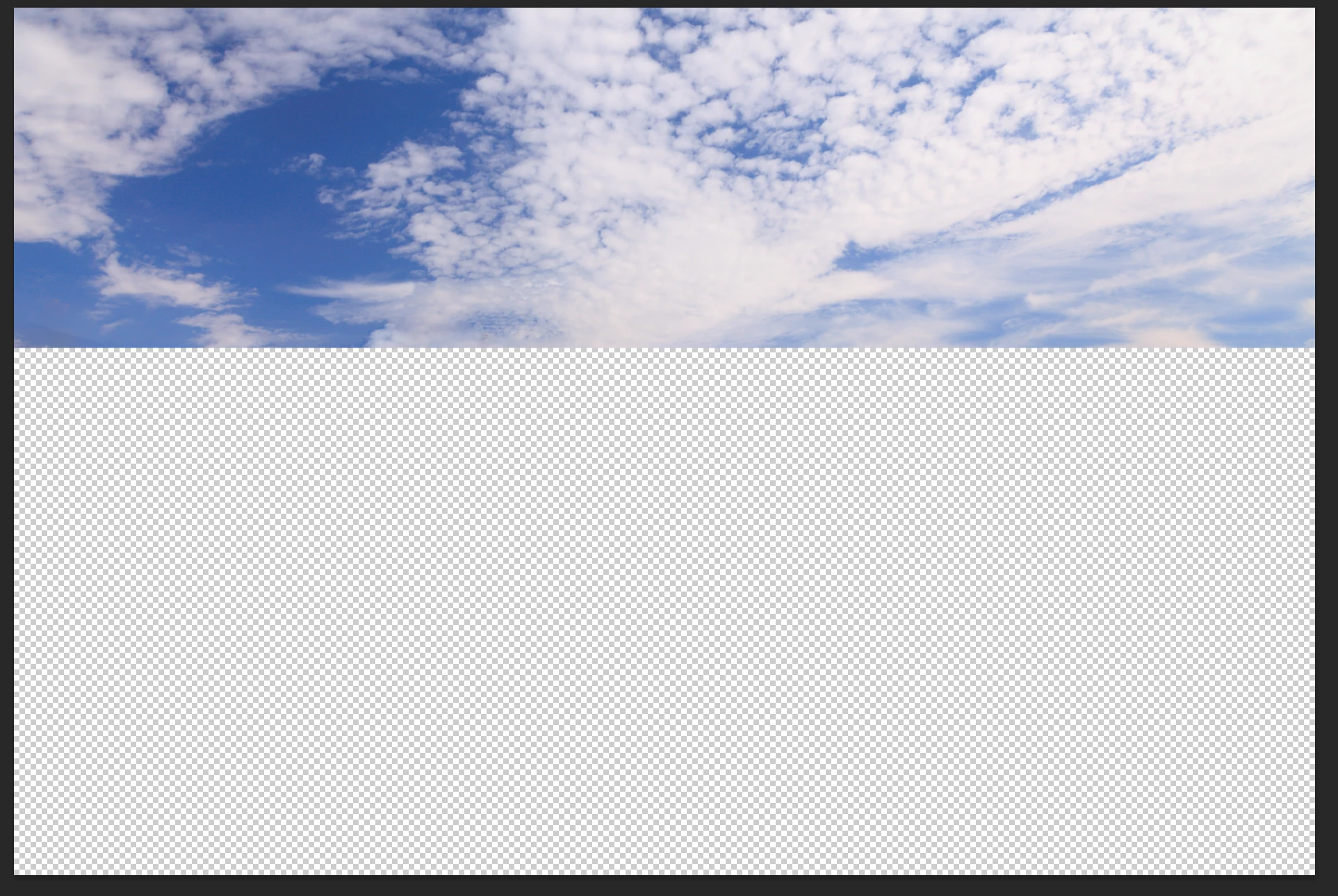
Could create a duplicate layer, select and delete much of the non sky, then content aware fill the bit left over as to create a nice clean break:
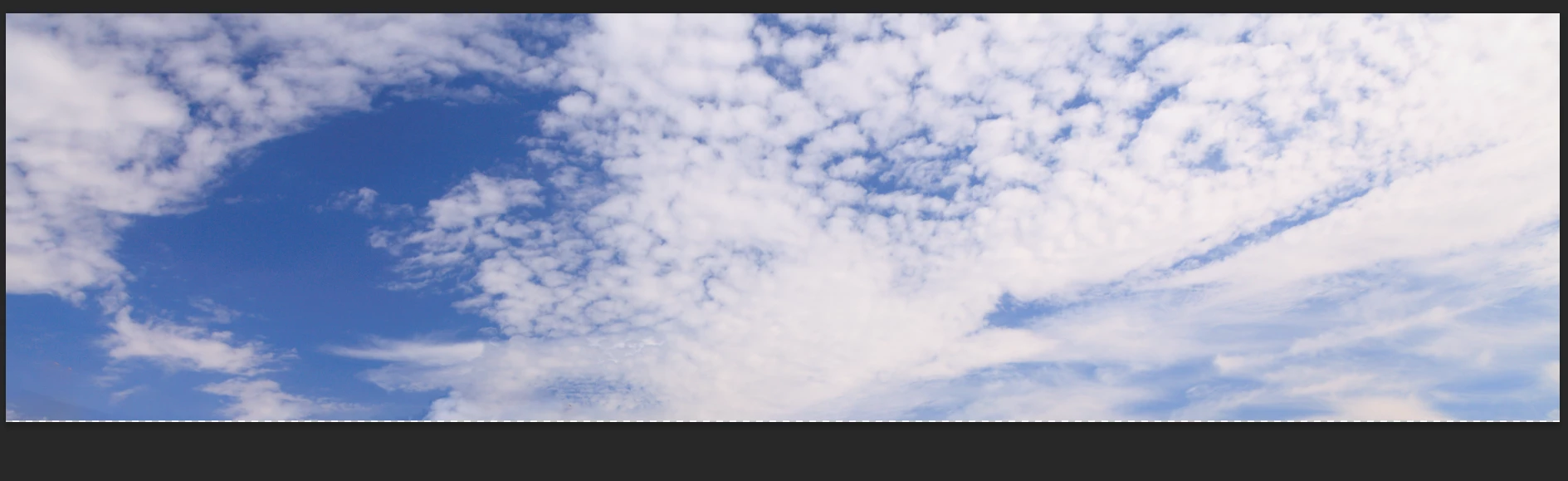
Or do you go all the way and crop out the empty space?
Or something completely different?
 AdChoices