
Answered
How to prevent layer mask from changing the shadow?
Hi,
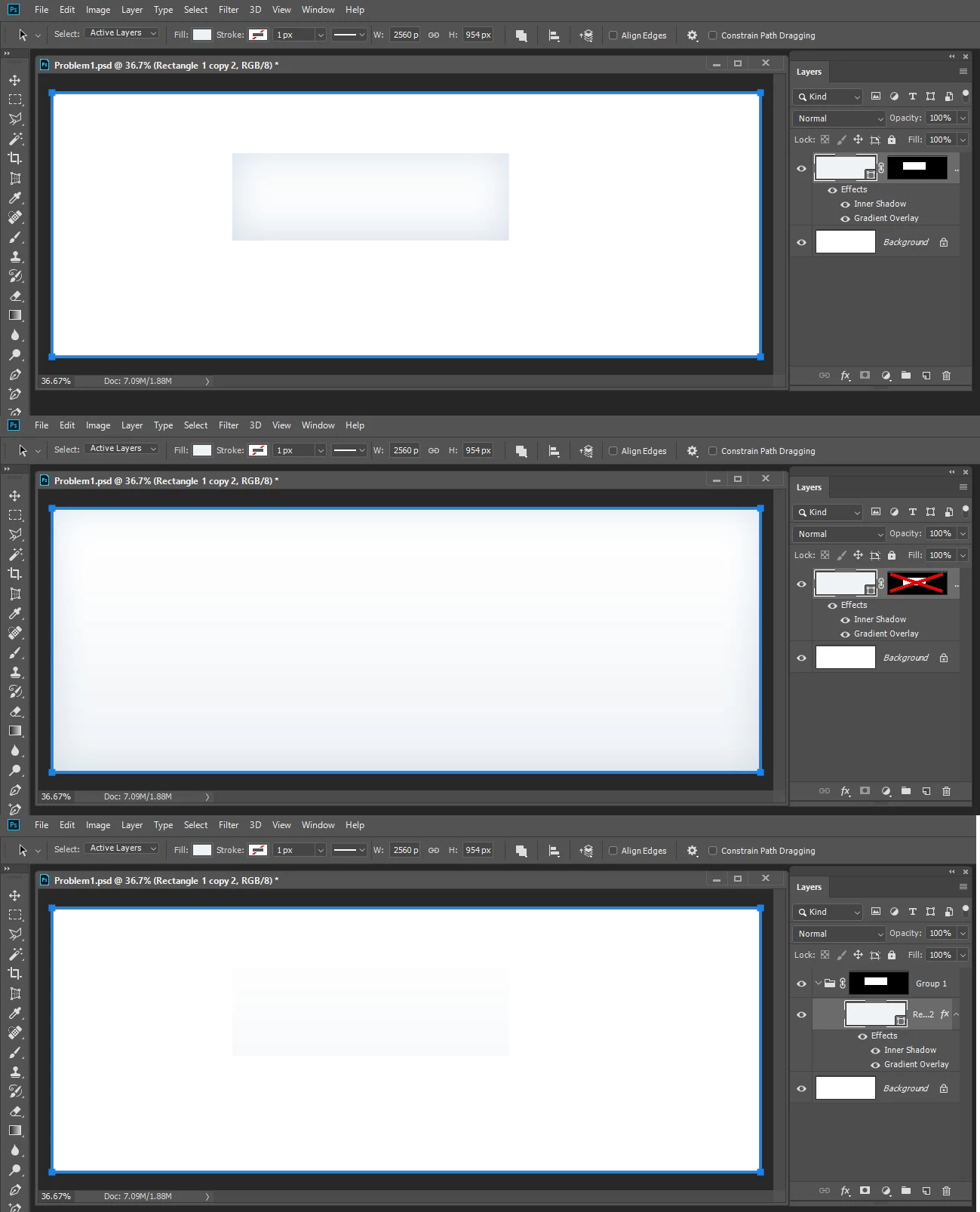
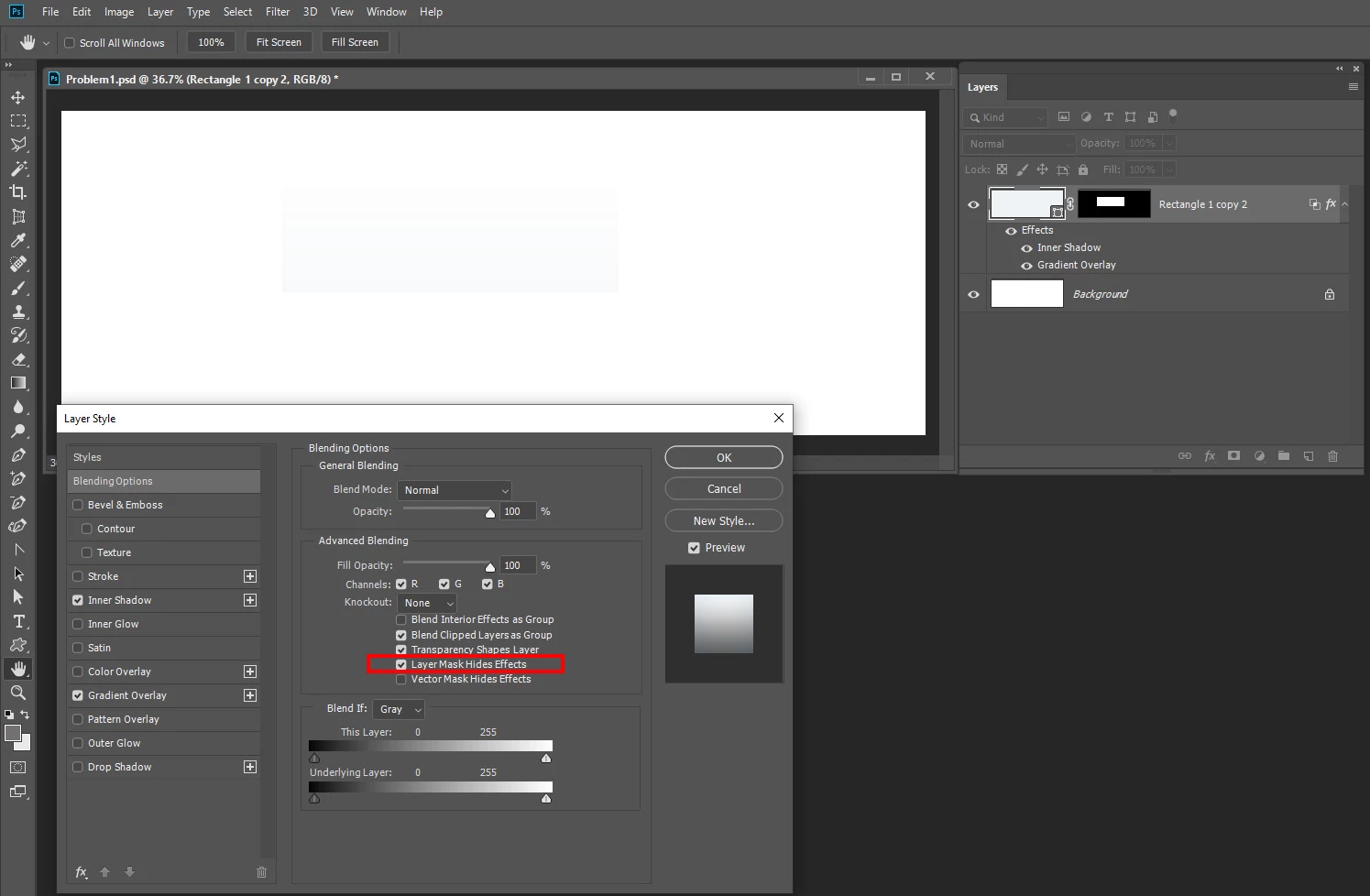
I have a layer in my PSD file. The layer has some effects, such as "Inner Shadow" and "Gradient Overlay" etc. Now I want to grab a block from the layer, therefore, I try to add a layer mask on the layer. However, I find the layer mask not only pick out the block I want, but also move the shadow all inside the block, which is not desired. How to prevent this?
My PSD file can be downloaded from Dropbox - Problem1.psd - Simplify your life
 AdChoices