I have my Windows set-up to automatically run my software elevated, but to be sure I also checked folder permissions. All relevant user accounts have full control over the Program Files folders and the Appdata folder (where prefs are stored).
I could be wrong, but I'm starting to get the feeling my preferences file is being restored from a back-up. I have no back-up software and I haven't heard CC doing this, so I'm going to dig a bit deeper into the 'Adobe Photoshop 2023 Prefs.psp' file, see what I can find out.
I'm still not entirely sure how, but I might have fixed the problem.
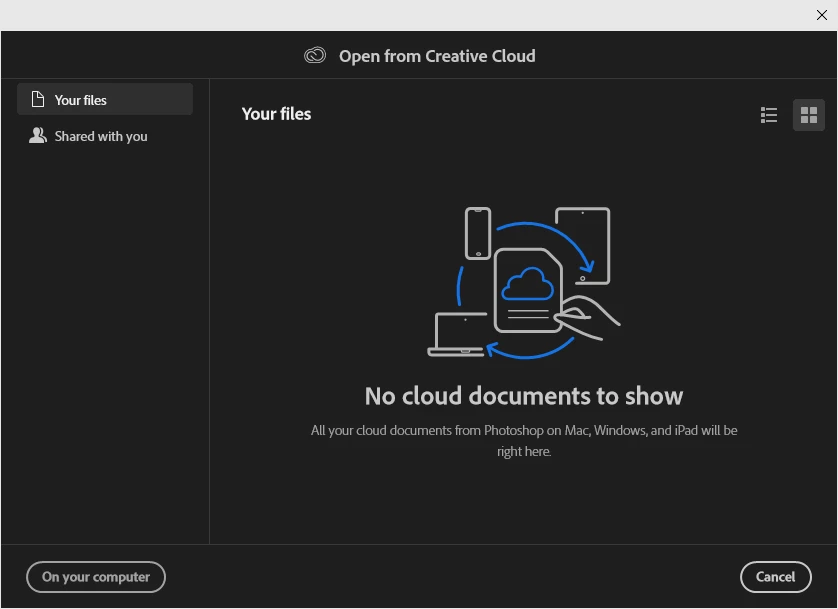
For some reason, my Photoshop kept saying the file save location was always on 'On your computer'. It kept giving me the CC open window despite that, but it saved my old preferences nonetheless. Every time I tried something (so even after a complete wipe), it still kept holding on to the 'On your computer' setting. Which led me to the above answer, of it having something to do with a back-up.
I never found out whether it had something to do with a back-up, as I tried a couple of different combinations of the following (took me an hour of trying different combinations in no particular order):
- Change the location from 'On your computer' to 'Creative Cloud' and vice versa
- Reset the Preferences
- Open/delete the Adobe Photoshop 2023 Prefs.psp file in \AppData\Roaming\Adobe\Adobe Photoshop 2023\Adobe Photoshop 2023 Settings
- Open and close Photoshop
I think it started working after doing some of the above routine and opening the prefs.psp file from the appdata folder last, though I could be mistaken. I still can't figure out the logic behind these steps, but I am just going to gratefully accept it works now.


 AdChoices