
Participant
December 22, 2019
Answered

How to reactivate Photoshop

  • December 22, 2019
  • 1 reply
  • 1270 views

Having trouble reactivating Photoshop

Having trouble reactivating Photoshop on the second computer. To begin with, the Help topics don't show me where to find what is activated or not. Please help me to view what is activated. 

Eve


This topic has been closed for replies.
Correct answer Geckoes

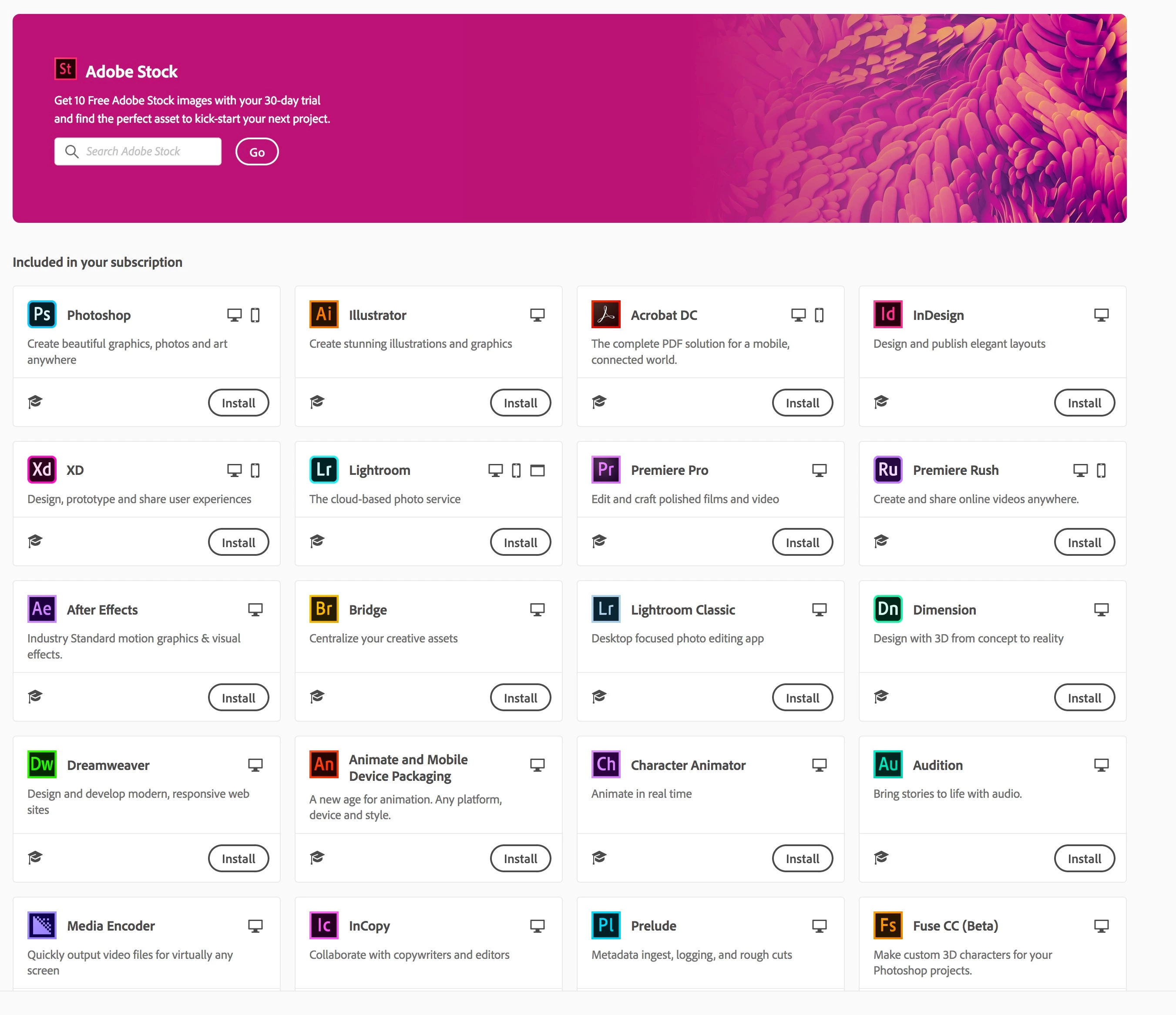
It gives me that page with "Install" but not "Open" like yours. When I click install, that's where it leads to that insatalling page than never progresses. Eve


After some hours last Friday and again today with an Adobe Team Member with access to my desktop, glad to say the problem is fiinally solved. ! Yeay !


1 reply

JJMack
Community Expert
Community Expert
December 22, 2019

Which version?

JJMack
GeckoesAuthor
Participant
December 23, 2019

The latest.


All of my updates get stuck on this window. For hours. Nothing happens. Eve

Raimundo Illanes
Inspiring
December 23, 2019

Maibe you need to update the cs app first, the new app should look like this