

Ivan Zajats
Inspiring
February 25, 2025
Question

How to reduce extra sharpness at the edges?

  • February 25, 2025
  • 2 replies
  • 324 views

I'm playing with AI images now and many of them have this issue  oversharpened edges...

How would you tackle this? The Blur tool works quite fine, but probably there are more options to try?
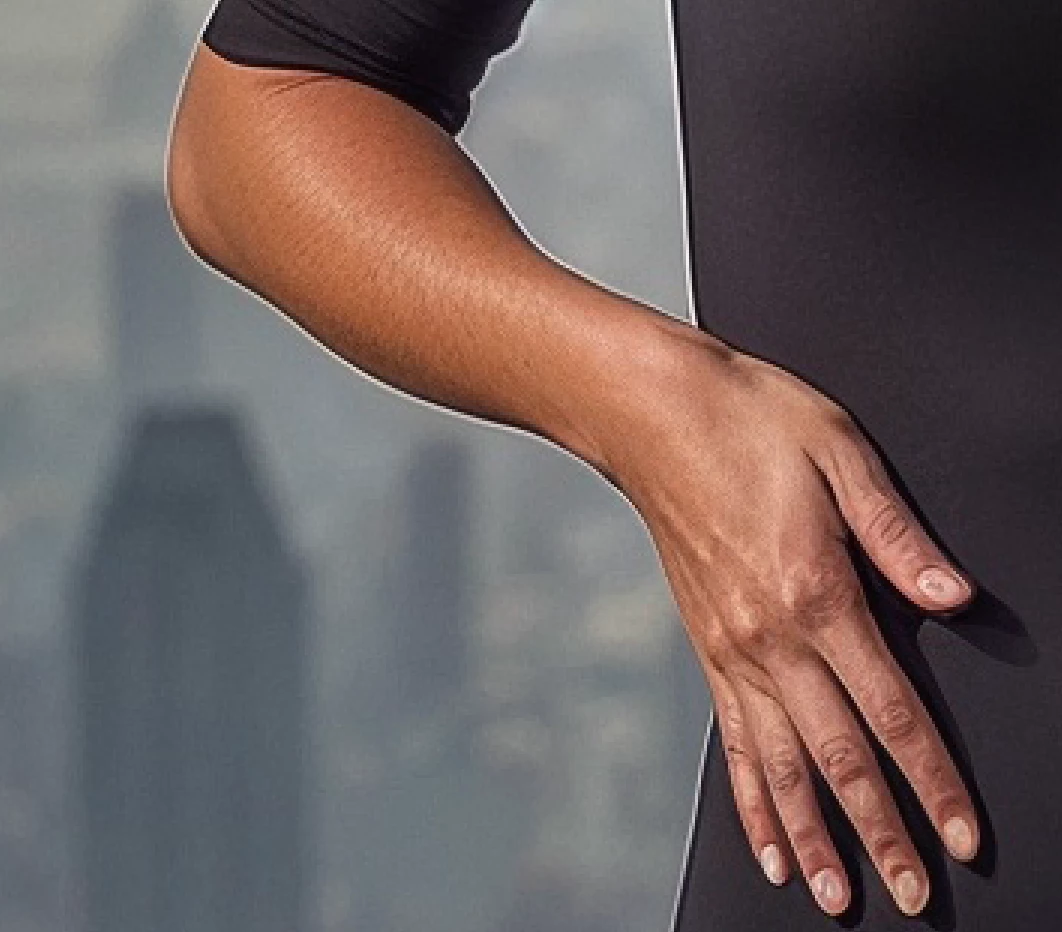
 

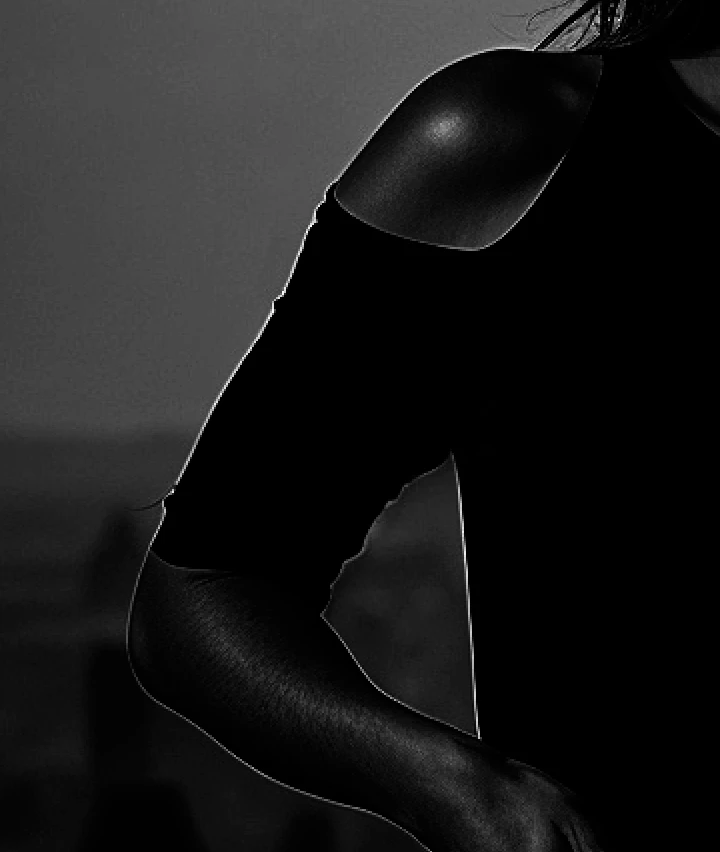
I'm also considering a luminosity mask + cloning the edge (but it needs more time and precision)
2 replies

Stephen Marsh
Community Expert
Community Expert
February 28, 2025

I'd dupe the layer, blur it enough to reduce (Gaussian, Median or whatever works), change the layer blend mode to darken, apply a midtone adjustment to lighten slightly and or playing with blend if sliders. Finally, creating an "edge mask" using find edges filter, or glowing edges filter or a custom convolution filter matrix is another option to isolate the darkening of the halos to height contrast edges. This could all be automated/semi-automated into an action.


I haven't tested, but the Camera Raw Filter sharpening has an edge mask feature and it may support negative values.

Trevor.Dennis
Community Expert
Community Expert
February 25, 2025

It's long winded, but if you use the clone tool set to Darken, on a new layer also set to Darken, it won't overwrite the subject.  It obviously depends oin the tonal values of the subject and backgroung.


Ivan Zajats
Inspiring
February 25, 2025

yep, a good tip 🙂