

Answered
How to remove custom color profile from dropdown list
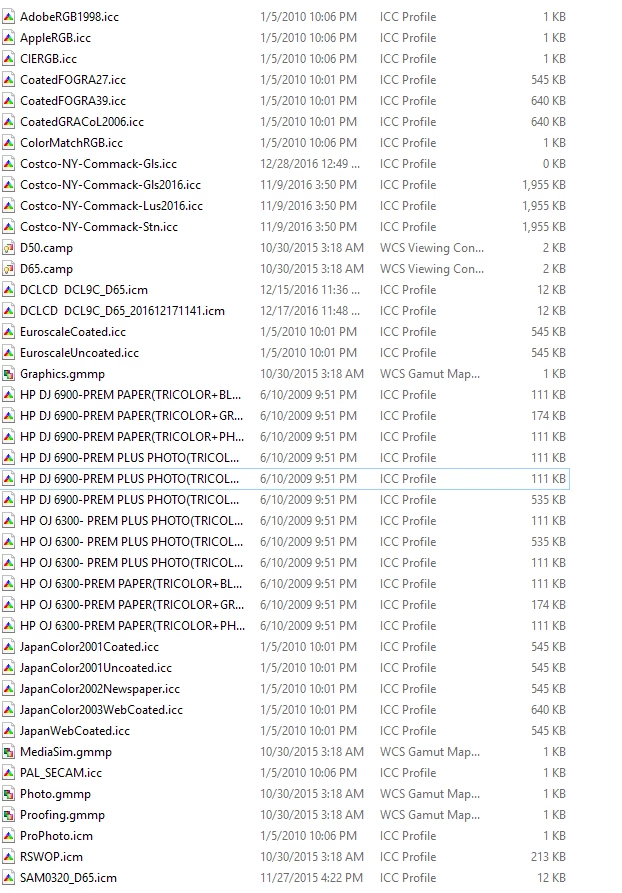
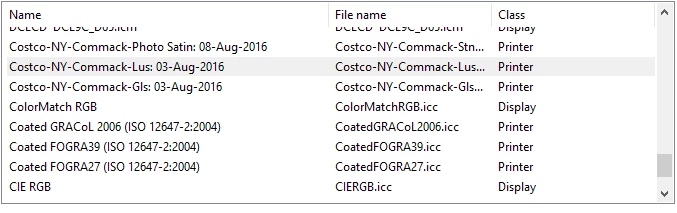
I have custom color profiles that I no longer use, as the printer for them is no longer available. I would like to remove them from the dropdown list under View>ProofSetup>Custom. I have removed the ICC profiles themselves, but the link to them seems to remain in the dropdown. There seems to be no "delete" for this. I am using Photoshop CC, Win 10.
 AdChoices