
Question
How to remove or add tapered ends to brush strokes added to pen tool paths?
In Photoshop 2020, I am just stroking pen tool paths with a brush. I don't know where the settings are for the brush that are creating these tapered ends. (see attached image please).
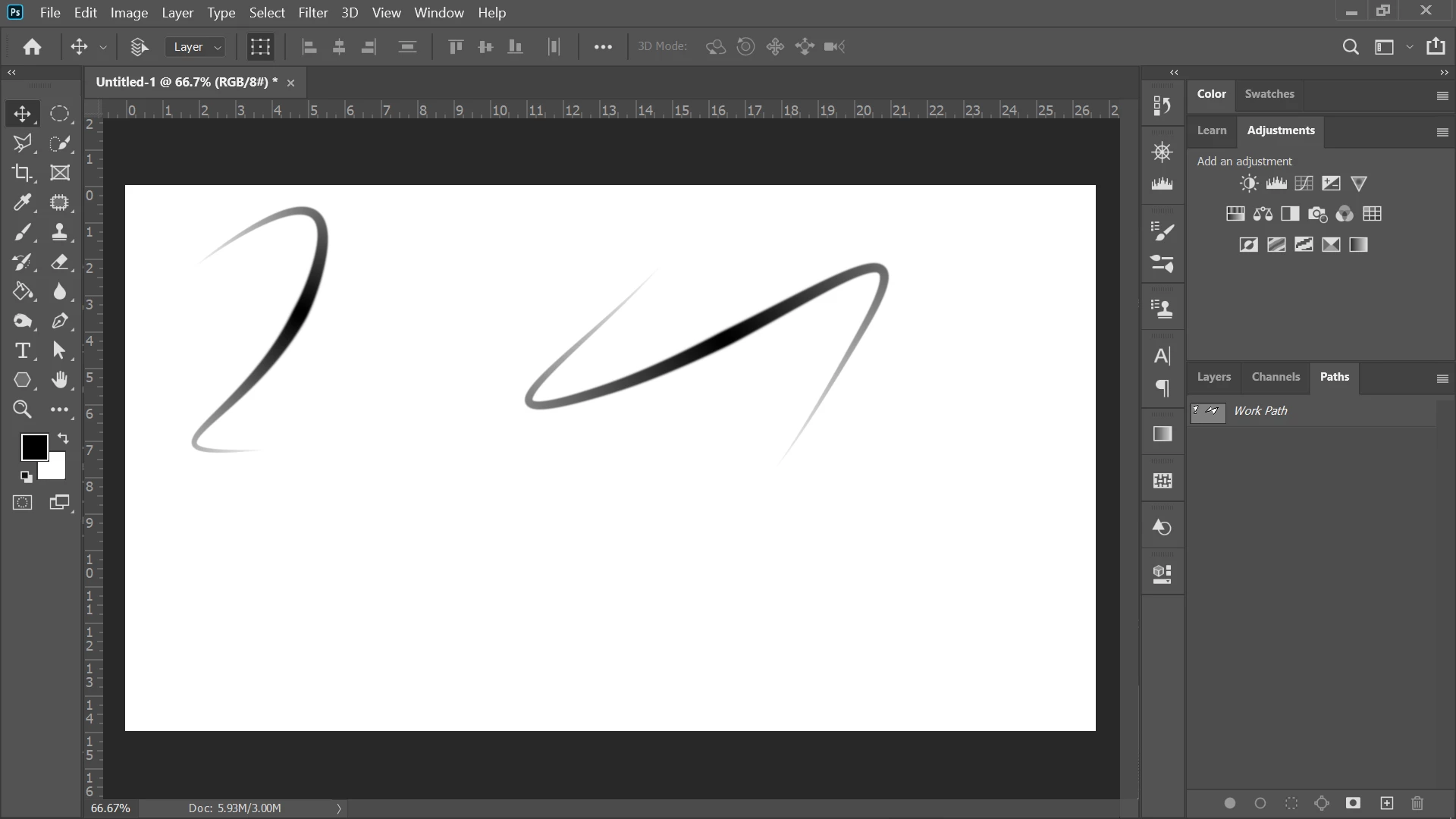 It's not brush settings because I turned that all off, and i tried turning the pressure sensitivity off and on in the brush control panel at the top--- AND I'm doing this on my computer without a pen so I'm not sure why I am seeing any tapering. Thanks!
 AdChoices