
How to remove pattern from furniture
Hi, I know this is a beginner question, but I can't seem to be able to find a solution for it no matter how much I try. I've been working on this for 4-5 hours now and I couldn't find any solution that would satisfy me.
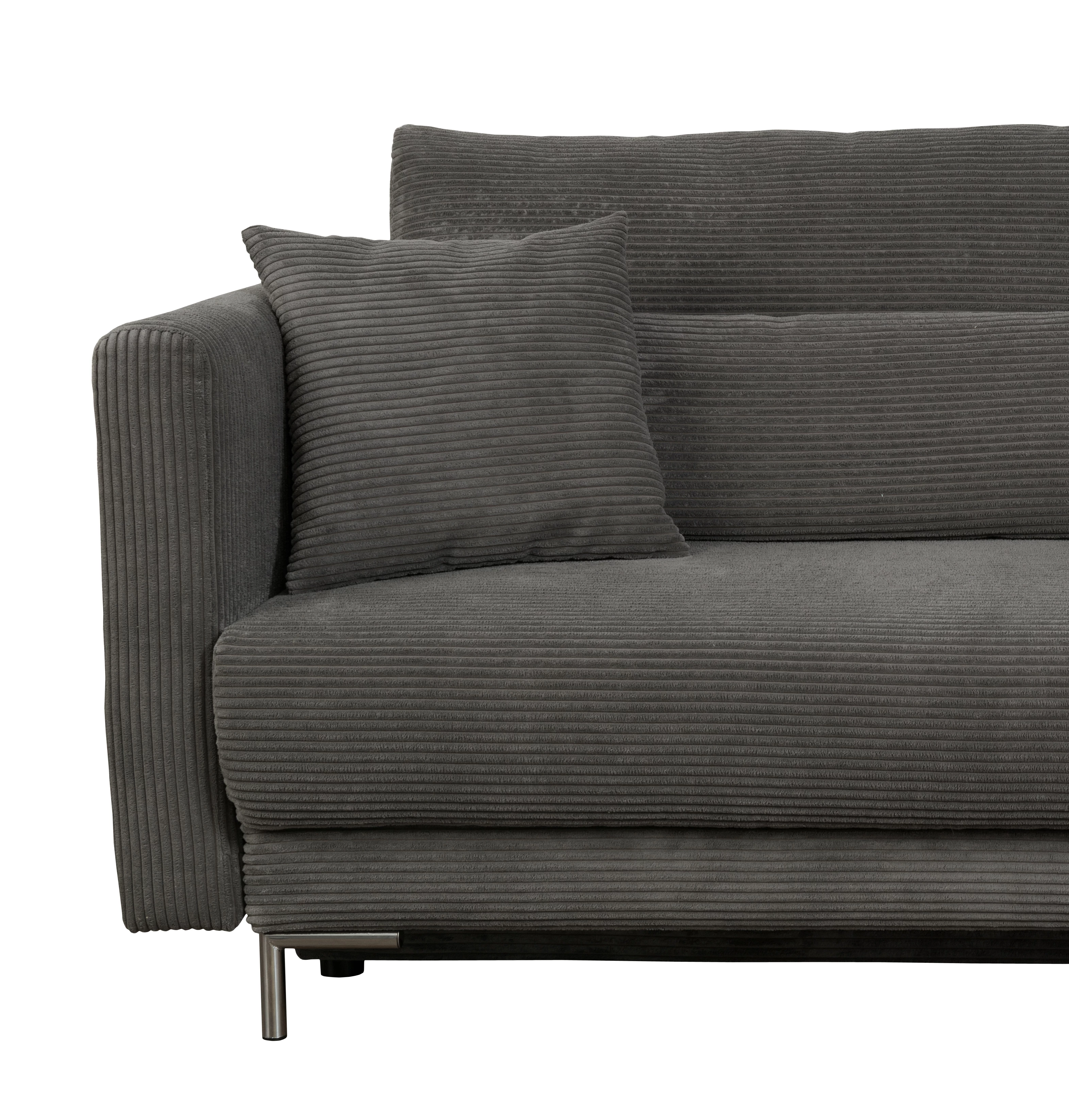
I have this sofa, which looks like this, has this pattern/texture on it, and I need to change it. It will change entirely, I don't need to just change the color, but to change the pattern. I have my material which I set as a pattern and I wish to use it instead, but no matter which Blend Mode I choose, it either doesn't cover this pattern, but keeps the shadows, or it keeps the shadows but removes the pattern(makes sense why).
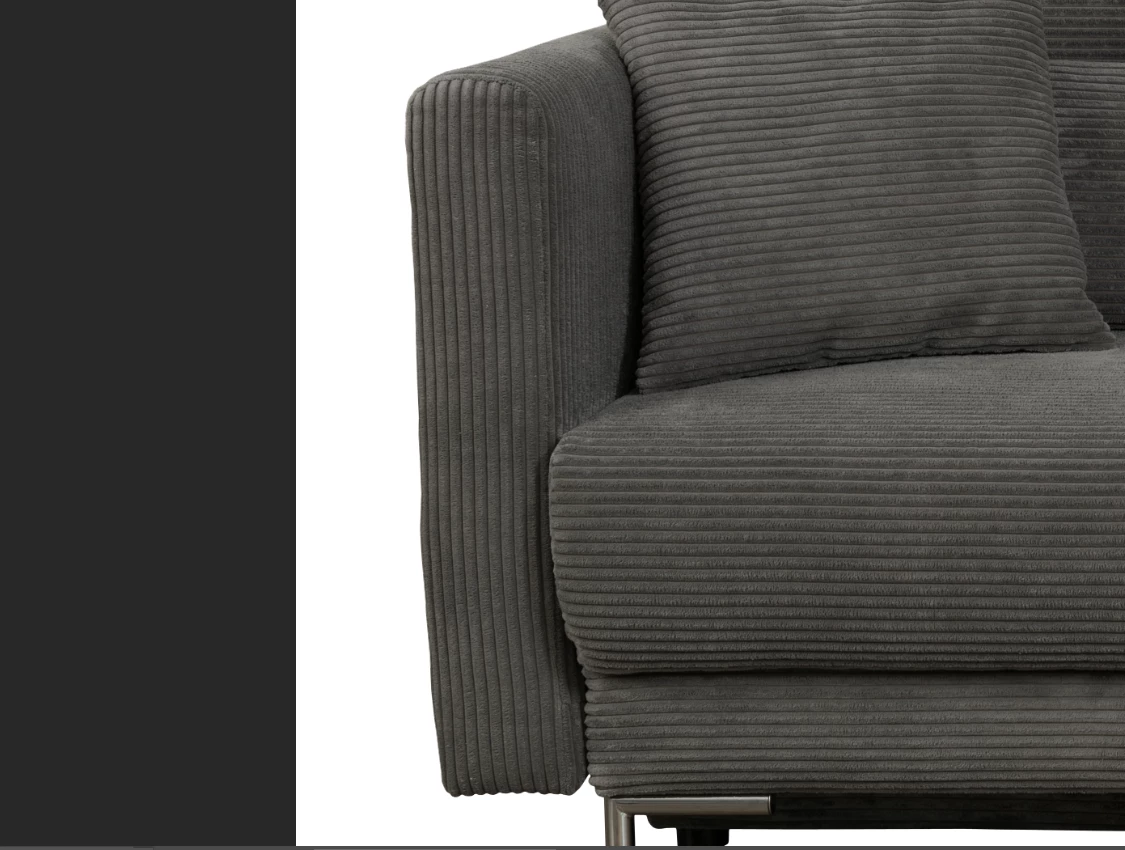
This is how it usually looks.
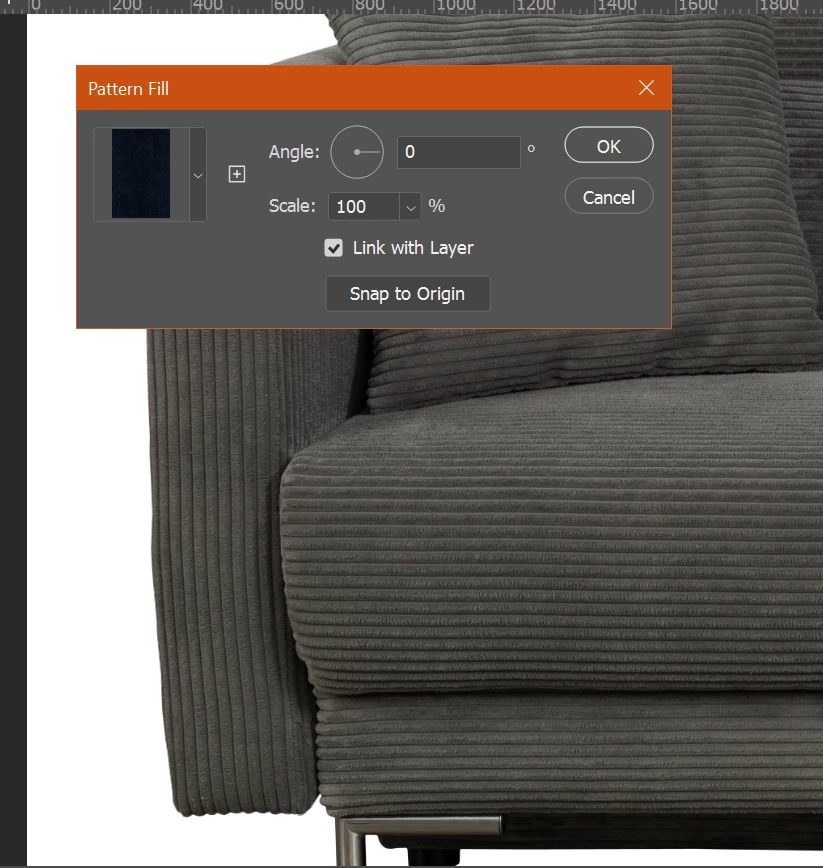
I try to apply this pattern which I made.
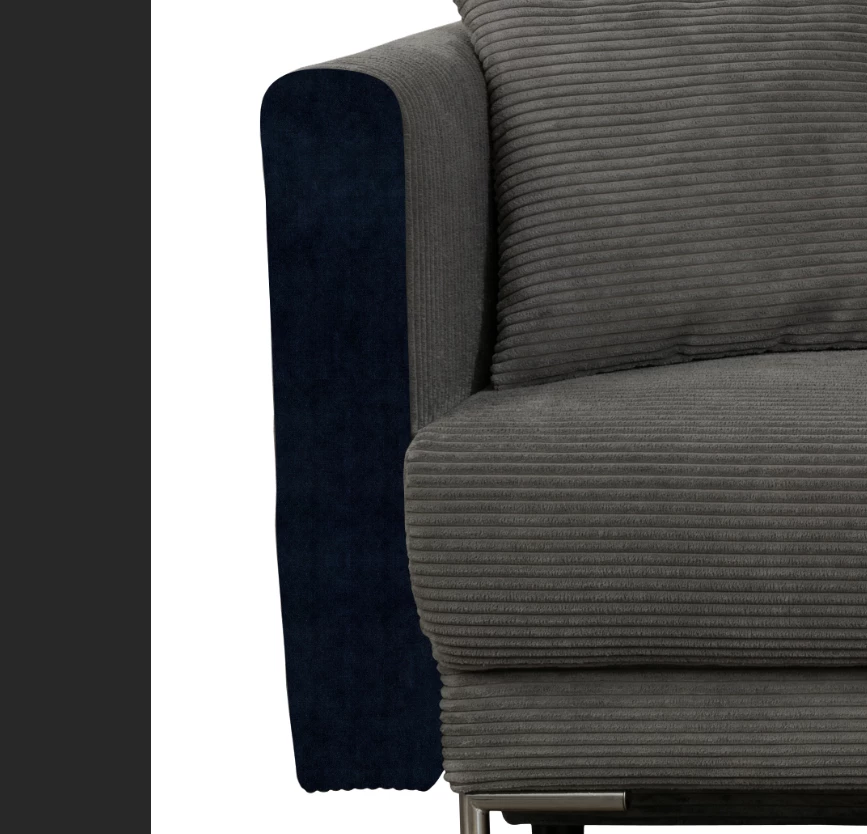
This is the result with Blend Mode "Normal". Like this, I get the new texture, but I can't use the old shadows that were on the material. No matter which Blend Mode I use, it won't show the shadows but with this texture(because the old texture is considered a shadow).
So, how can I remove the old texture/pattern on the sofa, but to keep the shadows, so I can then put this new pattern and have the shadows over it automatically. Because I need to do this for so many more photos. If I'll keep trying to do it manually(using the Eraser, cuz sincerely... Idk any better way..., or well, using the lasso tool, selecting all areas I want to remove the texture from, etc. etc., those will take so much time).
Idk any solution to do this. Somebody told me to use Motion Blur and Gaussian Blur, but it feels like I can only get to the outcome I want when everything is very very blurry, the margins get blurry too, it becomes really messy. Or he said to use Artistic Effect to kinda help change the texture, but with Artistic Effect I ended up losing the shadows(I tried more effects). Idk what I'm really doing wrong, so I chose to come here and ask.
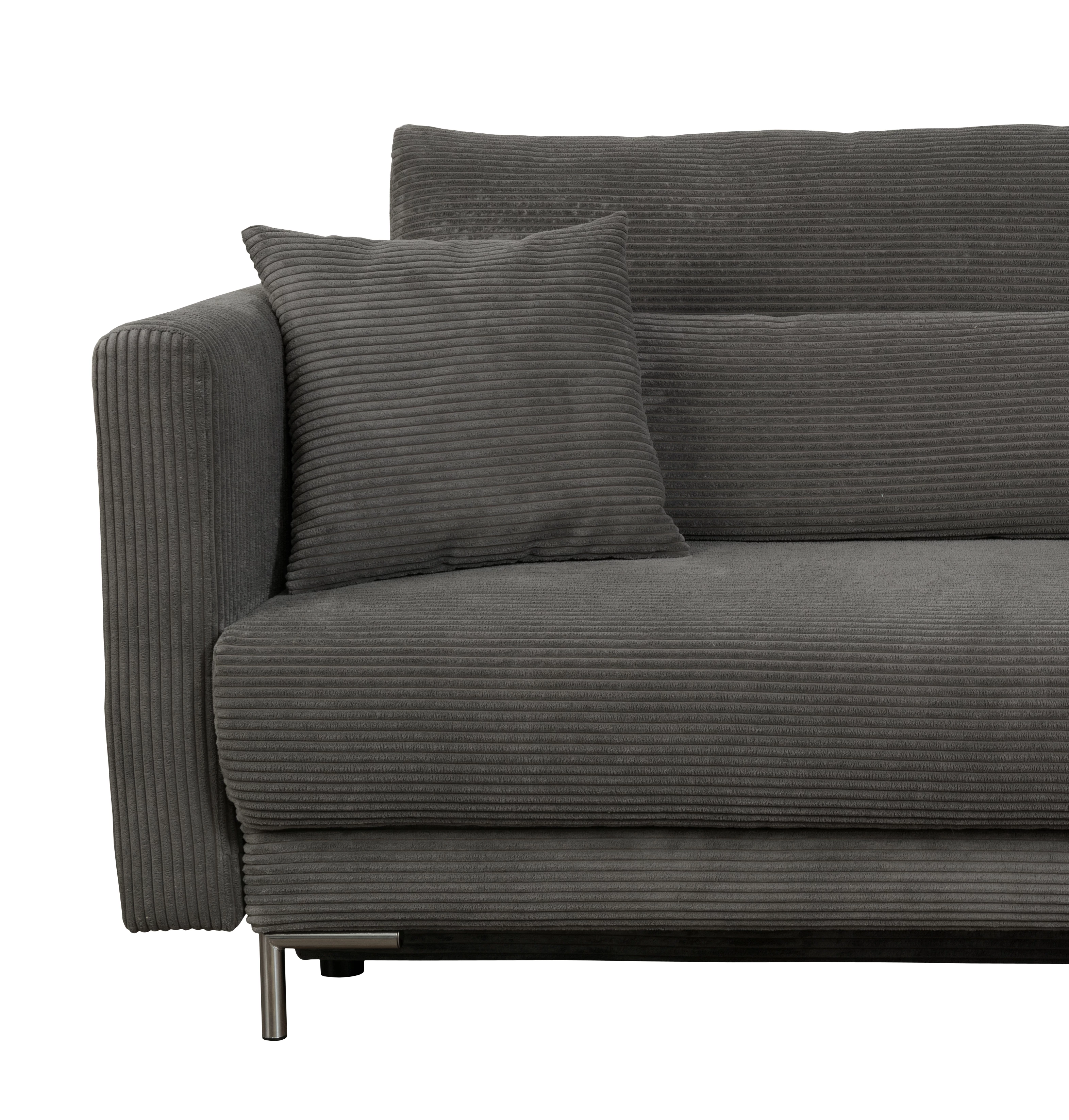
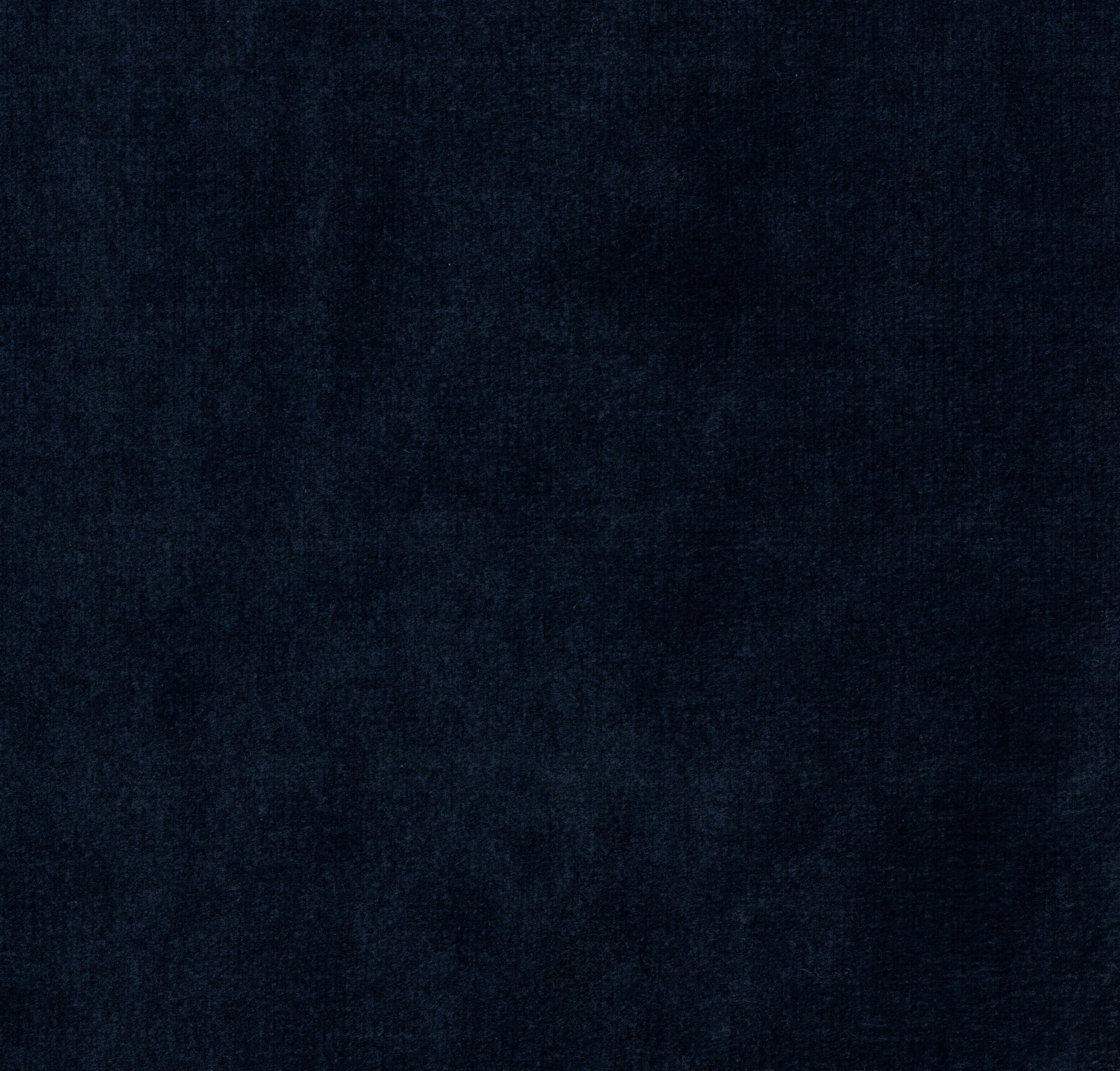
This is the image I want to edit, and this is the material I plan to use.
 AdChoices