
Known Participant
July 18, 2022
Question

How to rotate and crop by transparent | Adobe Photoshop

  • July 18, 2022
  • 3 replies
  • 1533 views

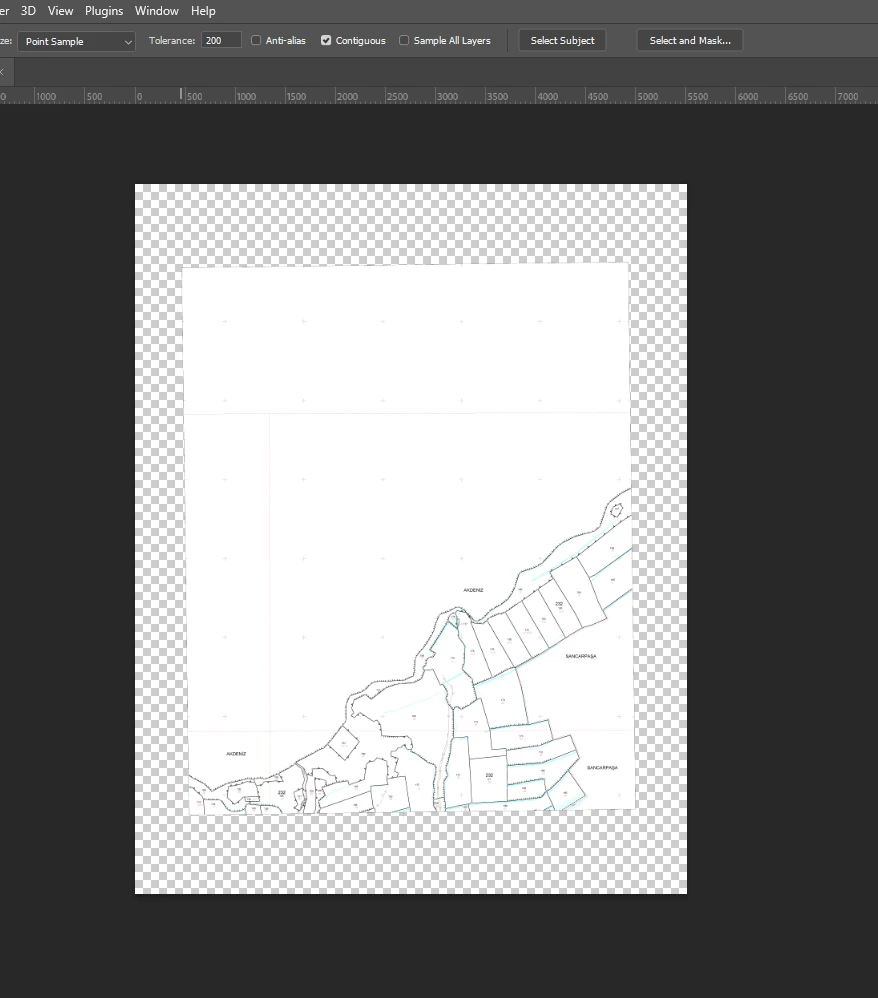
Hello, there are thousands of pictures available as below. There are transparent gaps on the edges of all of them. Also every picture is a little crooked. How can I crop according to the transparent parts of the picture? I'm going to automate this, so it has to be appropriate.


Current Image
 

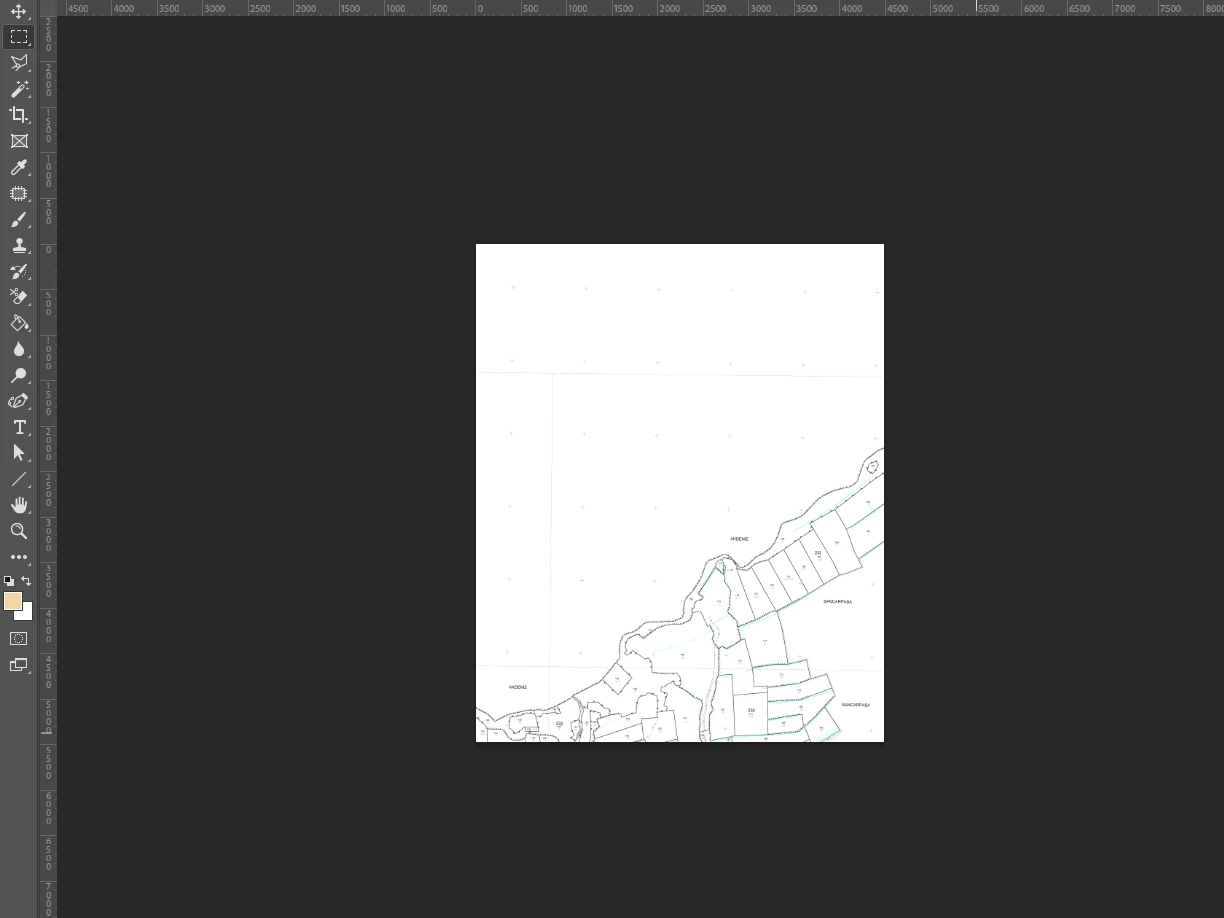
Expected Result:
This topic has been closed for replies.

3 replies

Stephen Marsh
Community Expert
Community Expert
September 1, 2022
Stephen Marsh
Community Expert
Community Expert
July 18, 2022
c.pfaffenbichler
Community Expert
Community Expert
July 18, 2022

It’s not strictly relevant, but who created them that way and why? 


Please try File > Automate > Crop & Straighten 

Known Participant
July 18, 2022

i tried this before. but i also need a rotate. this is a cadastral map published by the state. I need to correct and crop these cadastral maps in order to be able to place them on the map without any problems. actually it seems very simple, but I tried for hours and couldn't get any results. It is necessary to crop the picture and correct its orientation by reference to the transparent areas. so I thought having a reference point would make the job much easier.

result:


c.pfaffenbichler
Community Expert
Community Expert
July 18, 2022

Crop & Straighten Photos should rotate the content. 

Please provide sample images.