Participant
March 24, 2022
Answered

How to see free transform interpolation before applying

  • March 24, 2022
  • 3 replies
  • 321 views

i want to be able to see the interpolation before i click apply from free transform. is this possible?


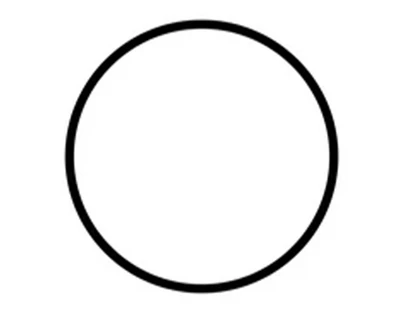
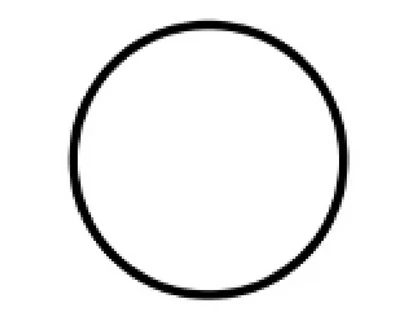
see how this circle looks in free transform before and after clicking apply? it would be great to see the final product before clicking apply. 
 

This topic has been closed for replies.
Correct answer barbara_a7746676

As Bojan said, not possible.

When using the Free Transform command you get handles to manipulate and you will immediately see the results as you manipulate the handles. If you are not satisfied with the transformation, simply undo.

3 replies

Leslie Moak Murray
Community Expert
Community Expert
March 24, 2022

I would duplicate the layer before transforming. Then you can apply it and view it, and if you don't like it you can either Undo or delete it and start over with the duped layer.

barbara_a7746676
Community Expert
barbara_a7746676Community ExpertCorrect answer
Community Expert
March 24, 2022

As Bojan said, not possible.

When using the Free Transform command you get handles to manipulate and you will immediately see the results as you manipulate the handles. If you are not satisfied with the transformation, simply undo.

Bojan Živković11378569
Community Expert
Community Expert
March 24, 2022

What is viewing percent when transforming, are you at 100%? Press Ctrl + 1 before transforming.