Participant
December 7, 2021
Answered

How to see my past edits / filters

  • December 7, 2021
  • 2 replies
  • 543 views

Is there really no more way of seeing what I did to a project in a past session? I applied some filters and now for the life of me can't remember what I used. I tested out all the filters again on a fresh project and I just can't replicate it. Can I atleast see what filter is applied to the layer in question?


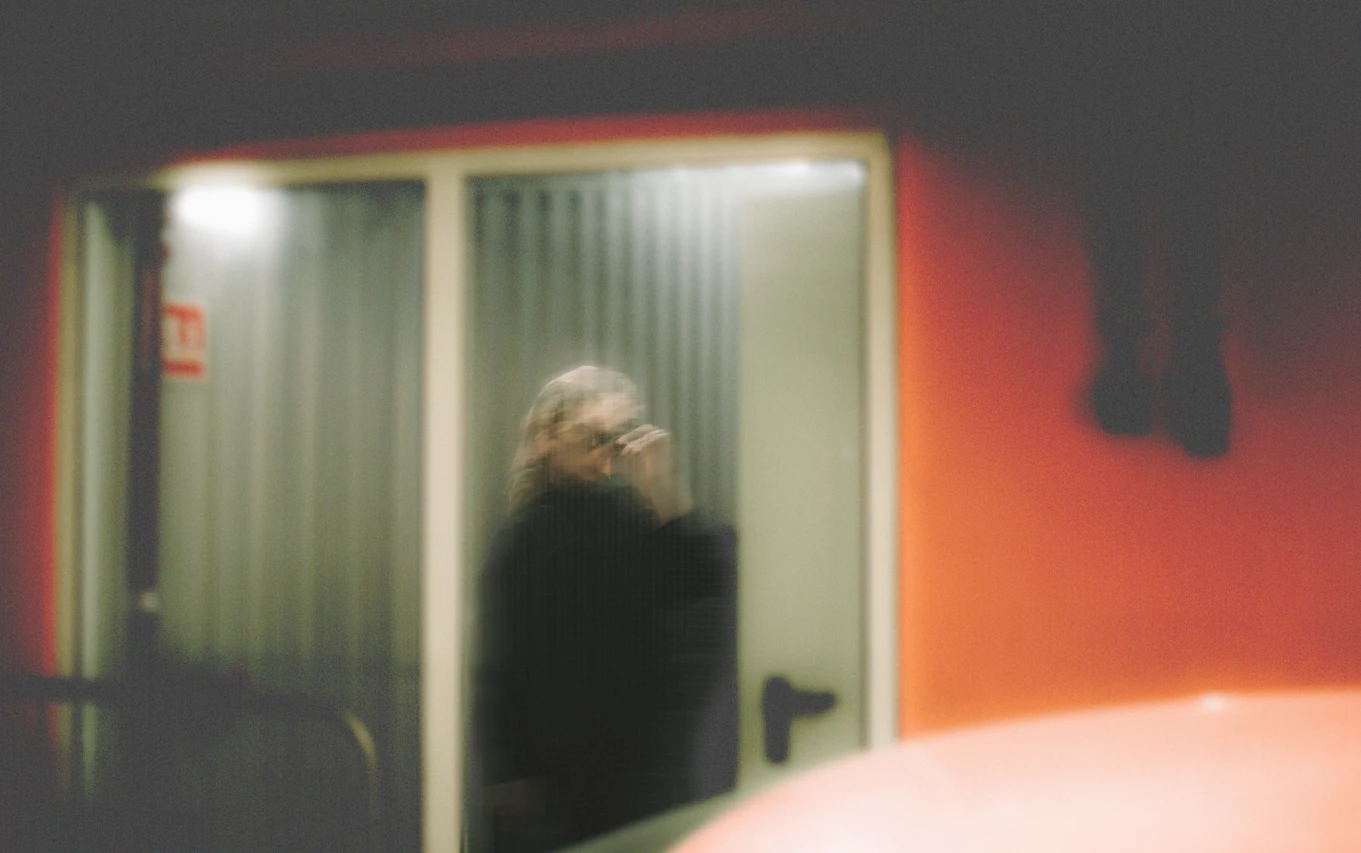
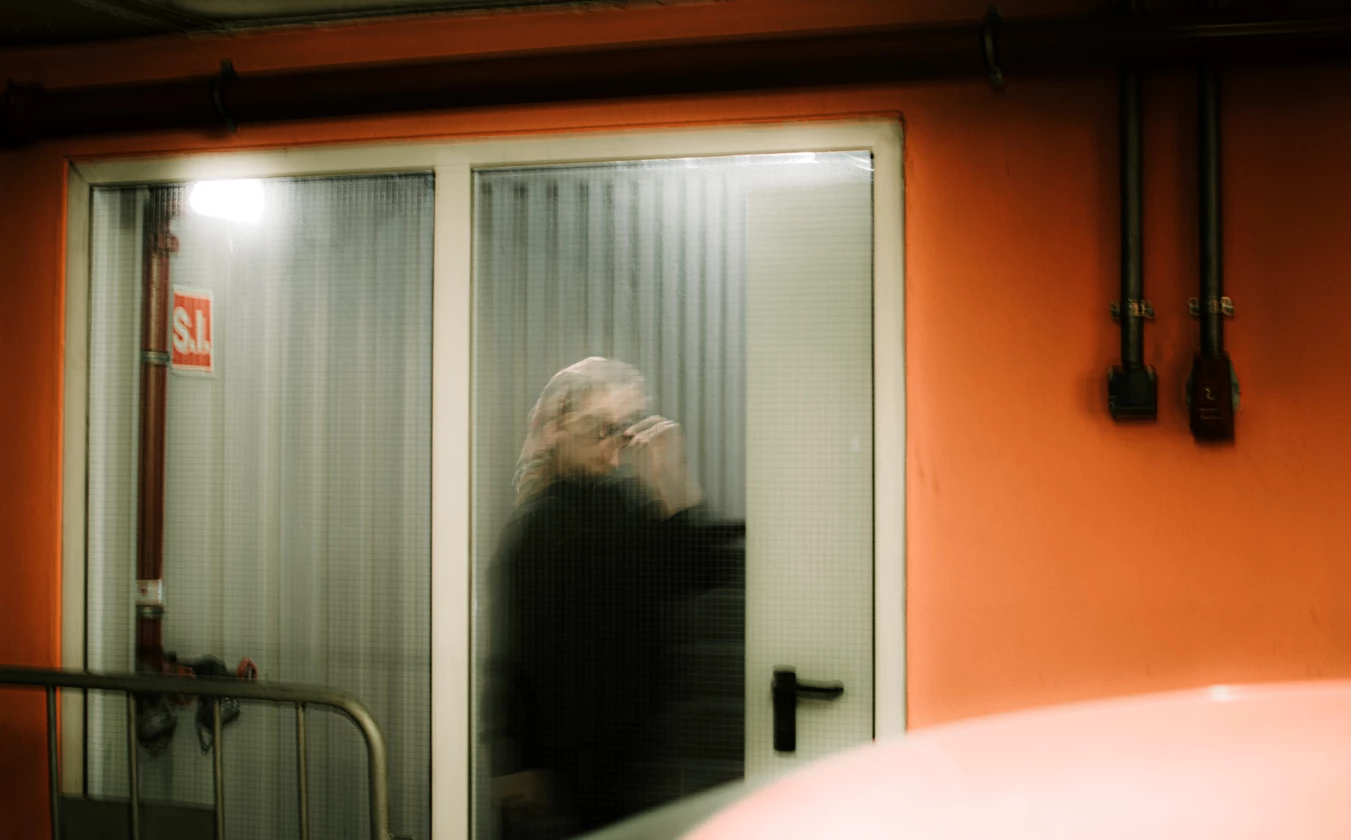
By the way here are the photos, before and after. Perhaps someone recognizes what I used. I only know that I layered the original subject over in a new layer because whatever filter I applied also blurred and grained out the subject.  
This topic has been closed for replies.
Correct answer defaultau52vyakil4t

I got it !!!


It was the Lens Blur with "More Accurate" checked. Really cool. Thanks for the help !

2 replies

c.pfaffenbichler
Community Expert
Community Expert
December 7, 2021

A Blur and some Adjustment/s might be part of it. 

defaultau52vyakil4tAuthorCorrect answer
Participant
December 7, 2021

I got it !!!


It was the Lens Blur with "More Accurate" checked. Really cool. Thanks for the help !

c.pfaffenbichler
Community Expert
Community Expert
December 7, 2021

I recommend that you apply such Filters as Smart Filters in the future. 

Participant
December 7, 2021

Will do

jane-e
Community Expert
Community Expert
December 7, 2021

In addition to being able to edit Effects when applied to a SO, you can also right-click > copy then paste to another layer.


Jane