
Question
How to transfer the same object from one image into a modification of the same image
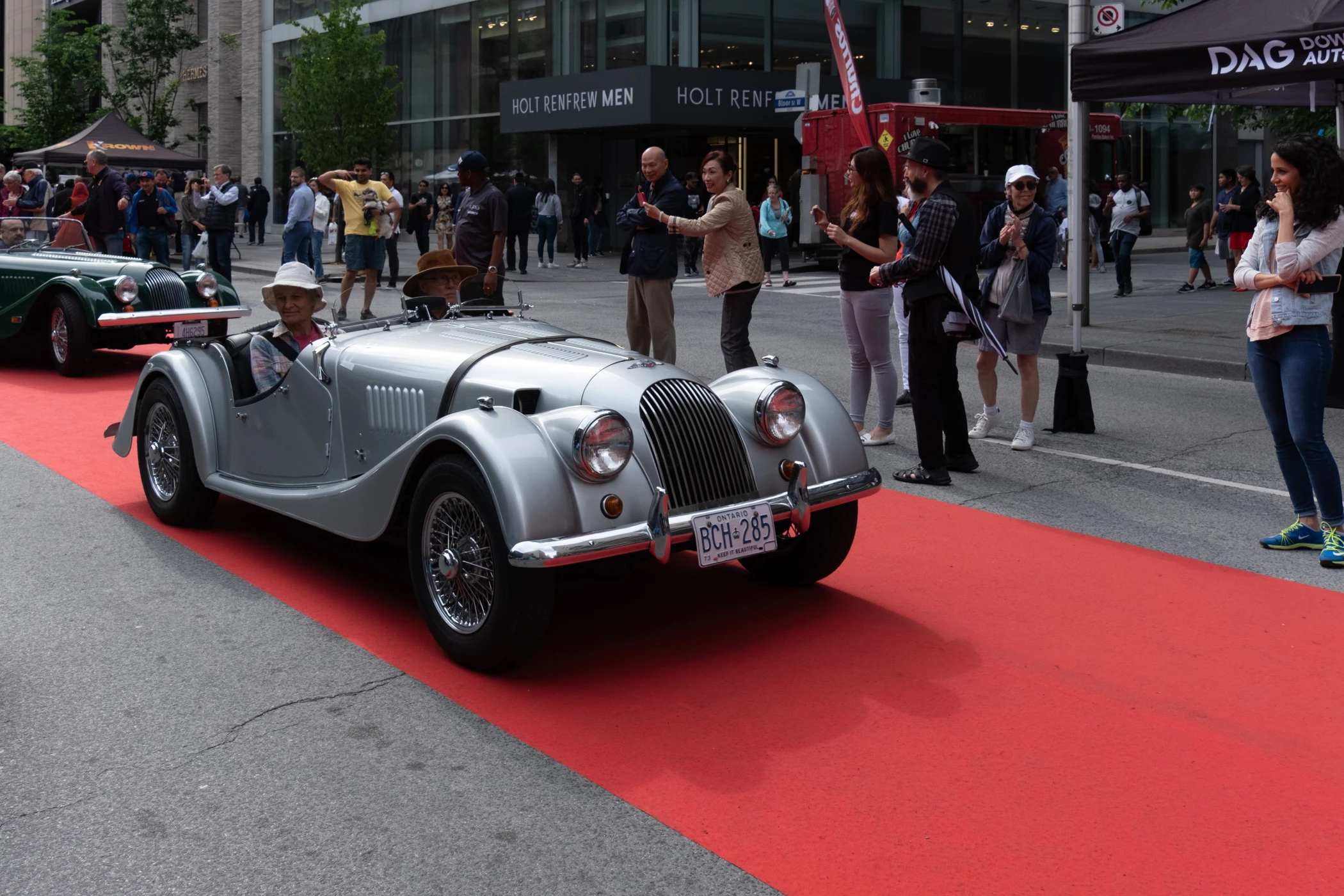
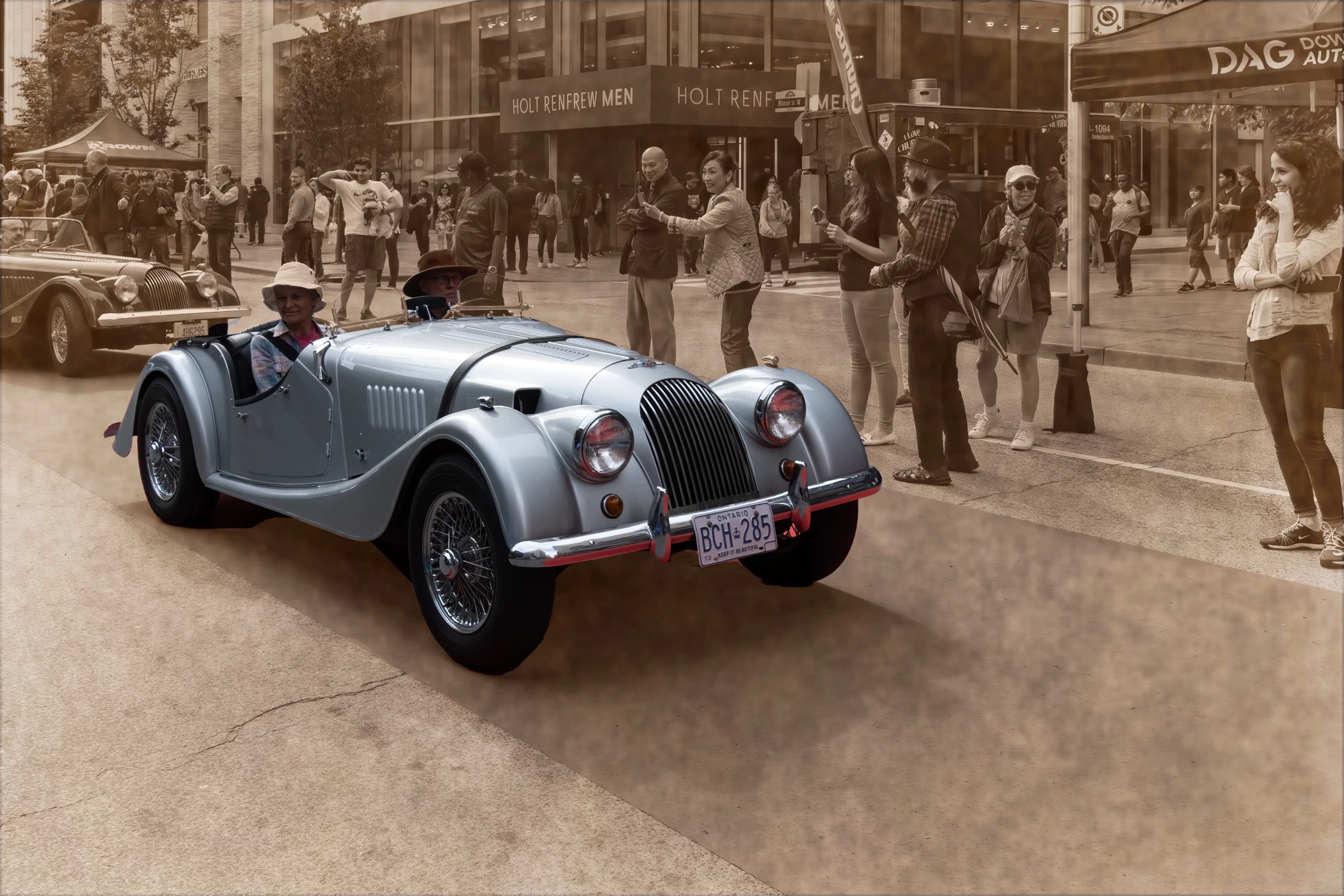
I made a sepia coloured image of a RAW photograph. Now I want to copy an object from the original RAW image and replace the same object in the sepia image, so that the colored object is the only part of the image with color. I tried to use a copy and paste selection in Photoshop but the result is less than ideal, as seen in the attached images. I am using Mac version 10.15.7 and the new updated version of Lightroom and Photoshop.
What are the steps in Photoshop to achieve a more perfect result?
Many thanks,
Jeff
 AdChoices