
How to transfer transparent background of png to copy of same image with black background
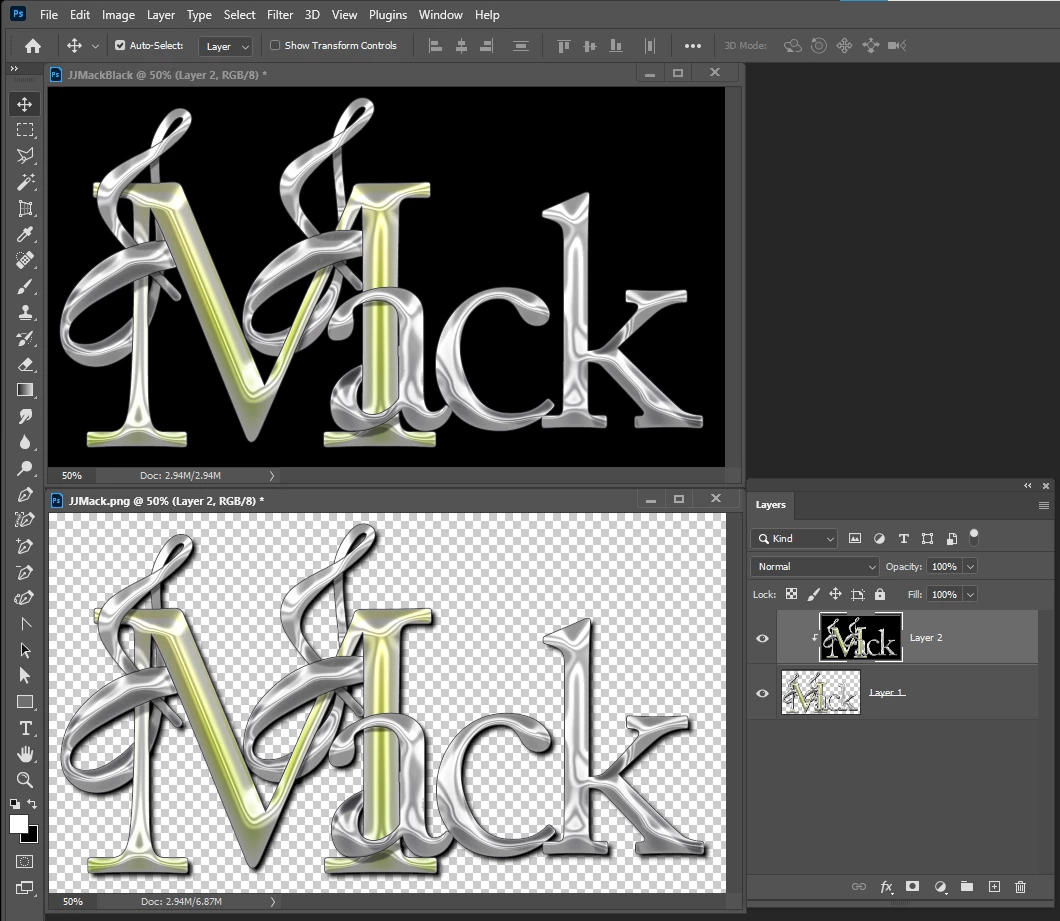
I am trying to copy over the transparency of a png image to a copy of that image that has a black background. The reason is because the copy is the result of putting that image through intel open image denoise (an excellent ai denoiser). The resulting image of the denoising has the transparency replaced with black.
First, please forego any suggestions about using photoshop's denoise or despeckle features. Sorry, adobe, but they just are not all that great, especially in comparison to intel oi denoise.
The quick selection tool or magic wand could kind of work, but neither would be quite perfect.
Maybe someone knows a secret trick of integrating intel oi denoise into photoshop with it preserving the transparency, how ideal that would be. If there are any ideas specific to platform, I am currently working on macos mojave.
Thank you for any input.
 AdChoices