

How to turn off Anti-Aliasing / Adveraging for Transformations?
I have always wondered this question but now I need to know.
I have Photoshop CC. I want to select certain pixels and then move them, using either the move or transform commands. I'm using the lasso / quick selection tool in order to select EXACT pixels; I'm working with pixel sprites so it all has to be exact.
When I am finished selecting certain pixels, I transform (just moving, not scaling), them down, and a gradient-like effect (grey pixels) spawn all over the edges of my selection.
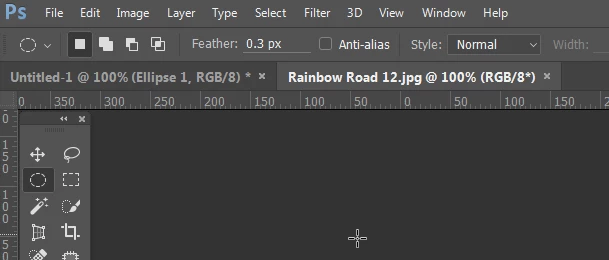
HOW do I prevent this from happening? I have set feathering to 0, I have turned off Anti-Aliasing, and I have selected Interpolation: Nearest Neighbor and I still get those annoying grey pixels.
Please help I have searched the internet and I can't find anything. I have found that it may be due to "Averaging" but I think the problem is bigger than that. Or maybe simpler. Thank you in advance!
 AdChoices