Participant
March 25, 2021
Answered

How turn on recent file display?

  • March 25, 2021
  • 2 replies
  • 1760 views

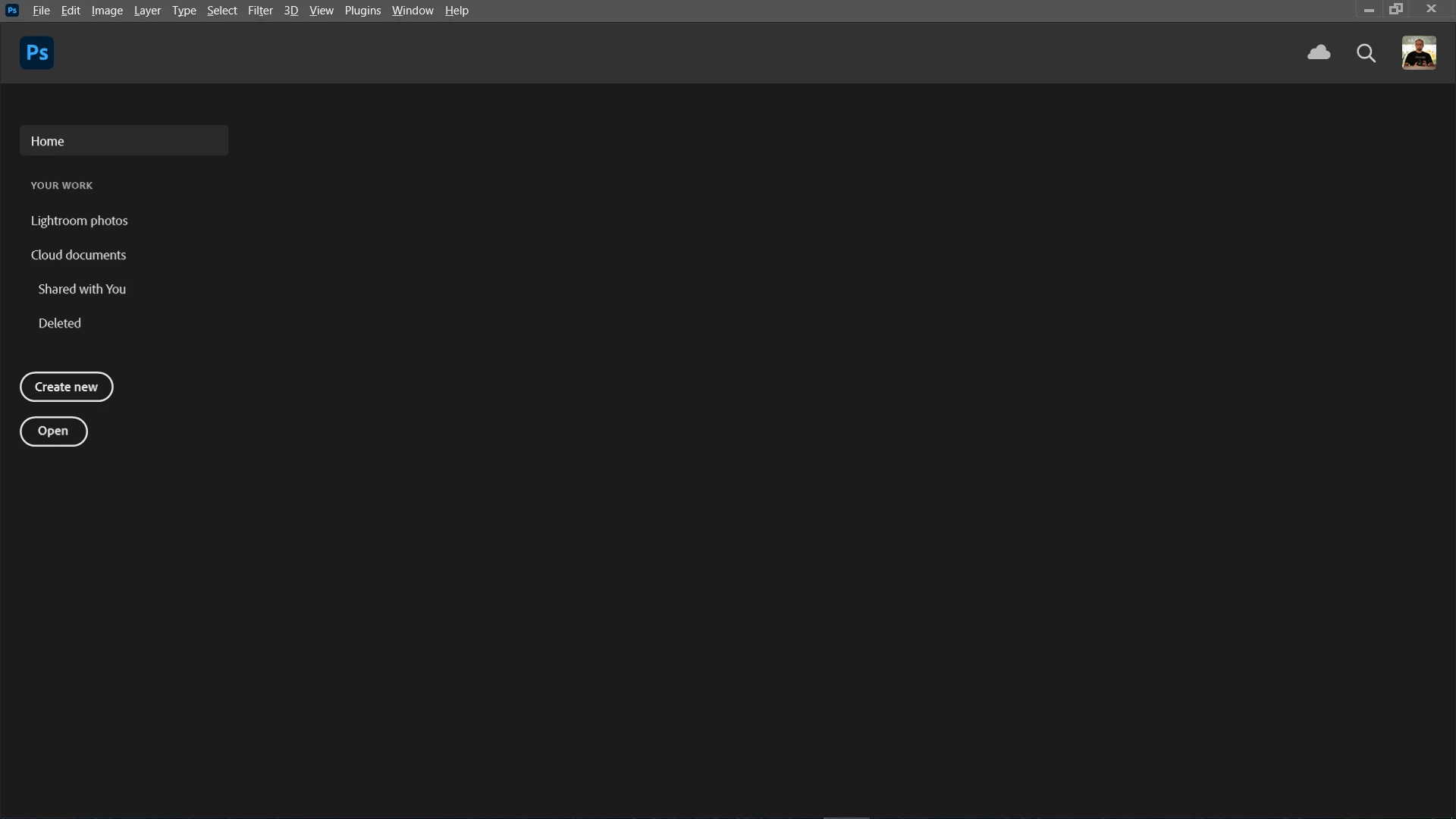
Hi, I have a problem with the PS startup screen. I don't see thumbnails of recently edited files. I reseted PS settings, reinstalled PS and unfortunately can't turn on preview.

Anyone have any idea?


Correct answer Ryczard

Yes, the files appear under recent files (File > Open Recent). I reset and even deleted manually. The system is Windows 10. But ... it turned out the problem is in version 22.3 as I went back to 22.2 everything is ok. Thumbnails are visible.

2 replies

gener7
Community Expert
Community Expert
March 26, 2021

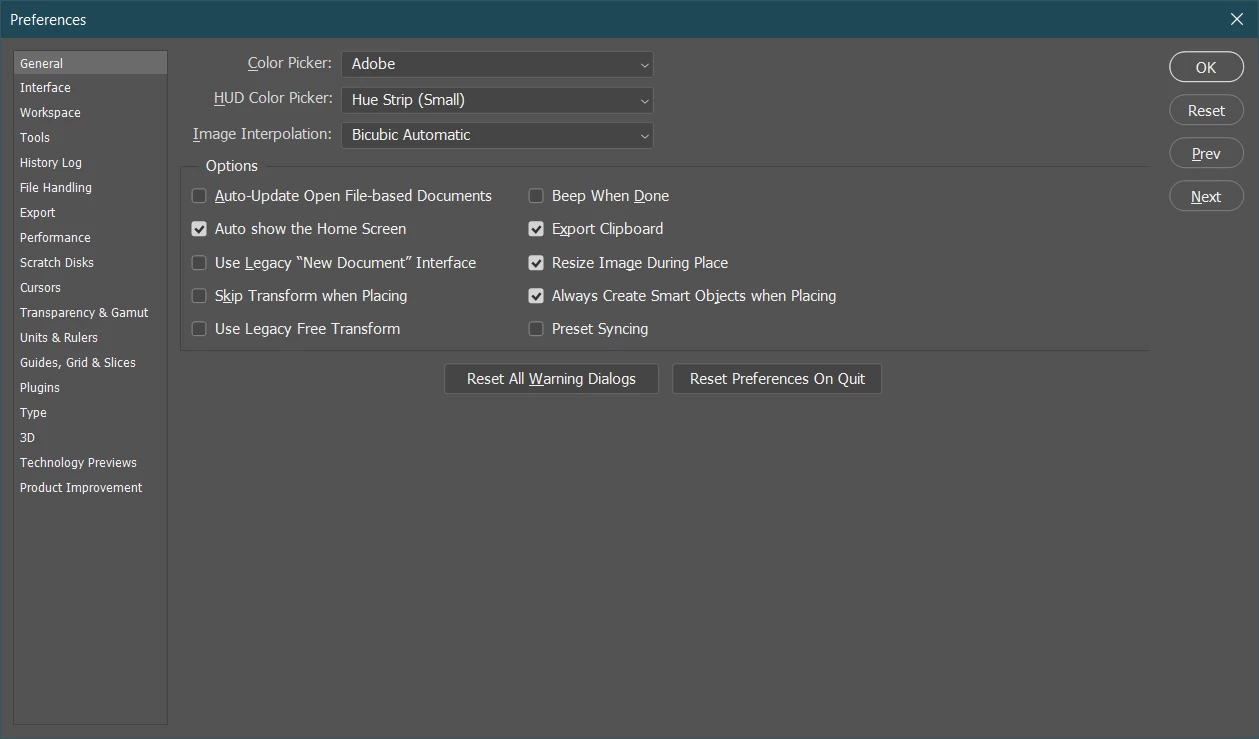
The "Recent Files" setting is at the bottom of "File Handling" in the Preferences.

Participating Frequently
April 10, 2025

My File Handling window at the bottom looks like this:  There is nothing that appears to reset or open "Recent Files"? 

gener7
Community Expert
Community Expert
April 11, 2025

Thanks, I am familiar with the "Open Recent" function under the File dropdown menu.  I use it occasionally, but I am not trying to clear my recent file list, I am trying to bring back the visual thumbnails on my workspace window.  iMac, OS 13 Ventura, Photoshop version 2024.  


Clearing the Recent Files also clears the visual thumbnails on the workspace window. My thought is that perhaps doing so may reset your thumbnail workspace.

I run PS 2025/v26.5 on MacOS 12.7.6 on a Mid 2015 Macbook Pro and never had problems with the thumbnail workspace. So I can't say exactly why this is happening.

Trevor.Dennis
Community Expert
Community Expert
March 26, 2021

Do you see files if you use File > Open Recent ?

You say you reset settings.  Does that mean that you reset Preferences?  If yes, I'm so far at a loss as to what the problem might be.


What operating system are you using?

RyczardAuthorCorrect answer
Participant
March 26, 2021

Yes, the files appear under recent files (File > Open Recent). I reset and even deleted manually. The system is Windows 10. But ... it turned out the problem is in version 22.3 as I went back to 22.2 everything is ok. Thumbnails are visible.