Participant
June 19, 2020
Question

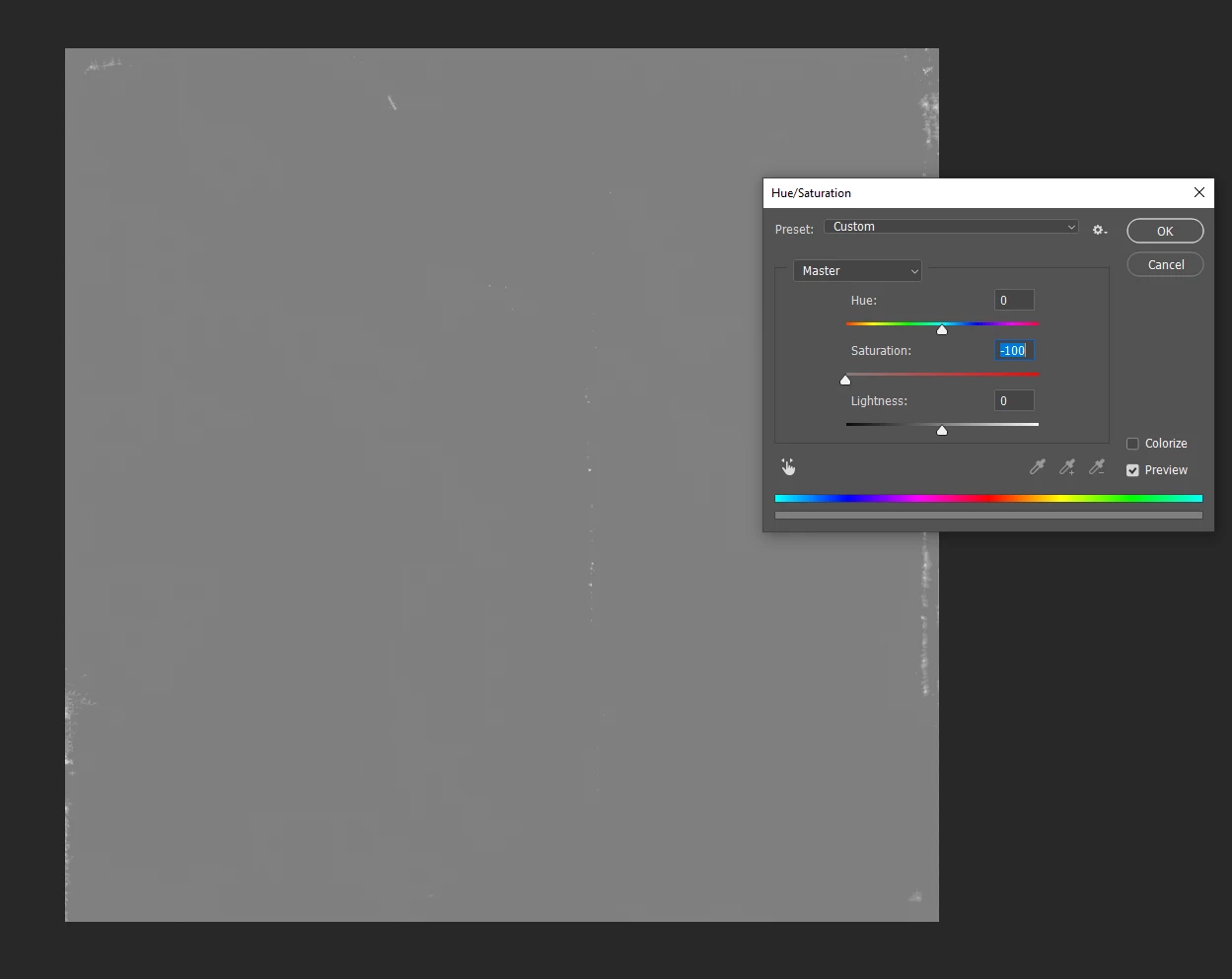
Hue/Saturation ends grey


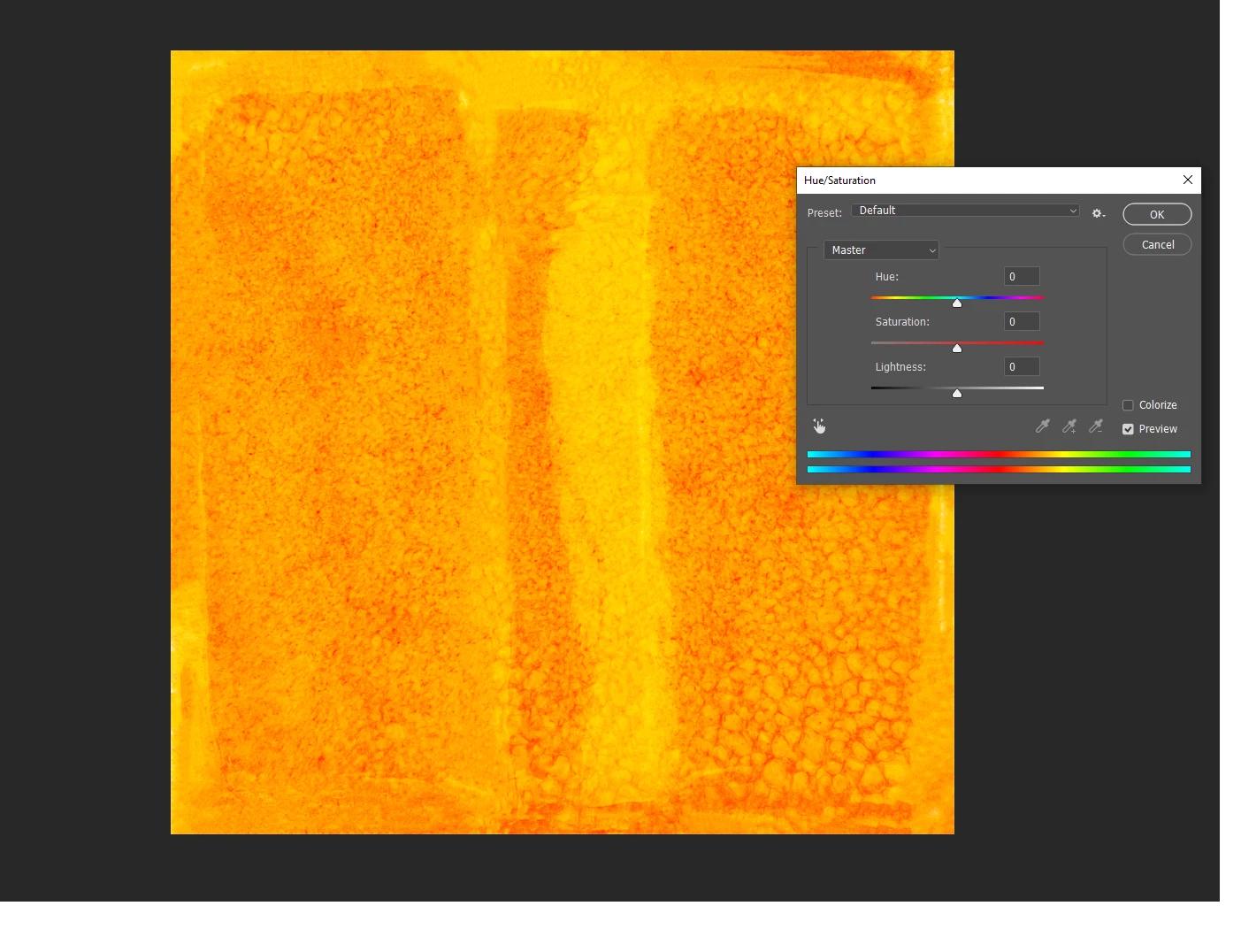
So I'm trying to edit a specific file and the problem that appeared has never happened before. 

- When I set saturation to for example -100, it turns out to be a grey almost filled image. So it's not only taking the colours out .. 

- Same goes for colour change, it won't change to any other colour than the orange spectrum.. 


What's happening. It does only happen to this image, other files that are open don't have this problem. 

Could it have something to do with a hidden setting of this file?
 

Ce sujet a été fermé aux réponses.

1 commentaire

@mj
Community Expert
Community Expert
June 19, 2020

Hi Wan92,


Could you check the colour mode? 


You can try Colorize which will take it to red, then disable the switch and contiue your edits


hth

mj

Wan92Auteur
Participant
June 19, 2020

Thanks for responding!


Colour mode is RGB colour, the weird thing is. If I use an older version of this file.. It does work, I don't get what went wrong with the file ..

Wan92Auteur
Participant
June 24, 2020

@Wan92,


Are you working on a a multi layer file?


My initial reaction was -100 saturation would take out the color as expected, buth does not explain the texture being flattened out as a 'grey almost filled image' as you explain it.


Keen to get to the bottom of this.


In this case it was no multi layer file. 

Also when I try to change colour balance, it stays in orange types of colours, it won't change to blue or green for example..