
Participant
August 5, 2019
Question

Hue/Saturation & Layer Via Copy Weird Colors Appear

  • August 5, 2019
  • 1 reply
  • 632 views

hey guys,

hope the community can enlighten me on this:

i've got a problem when using the hue/saturation tool as well as layer via copy which never occurred to me before:
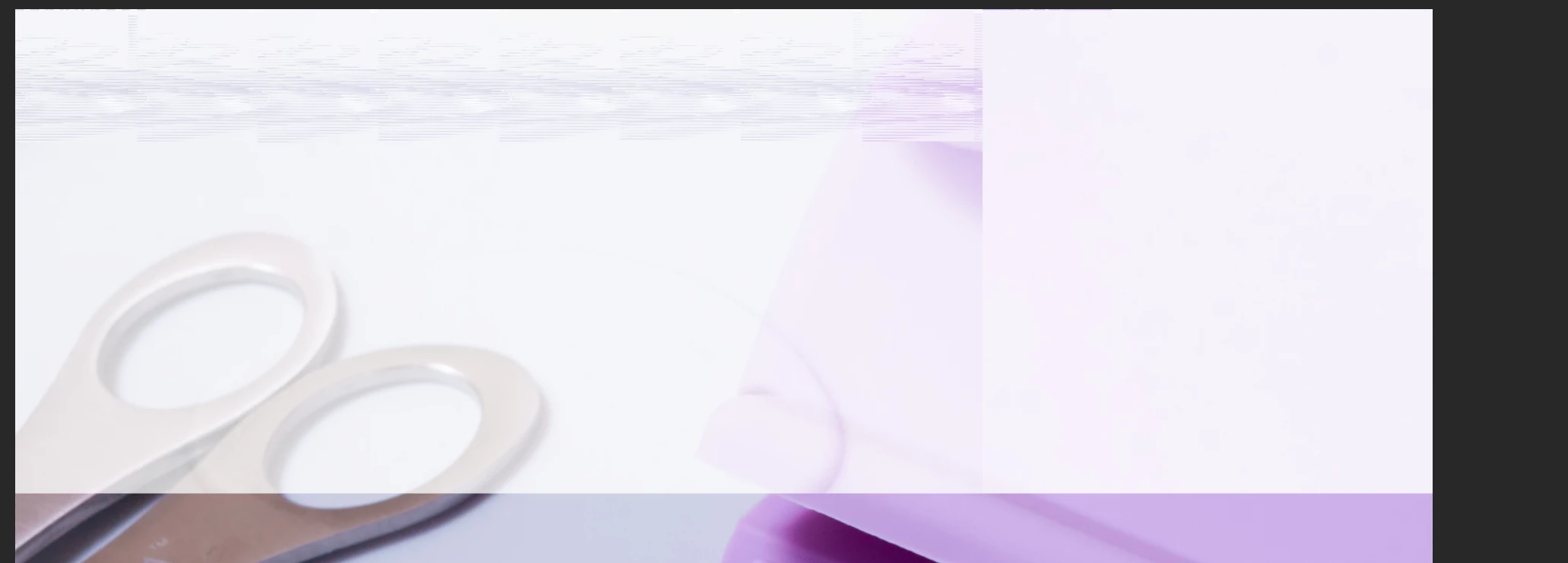
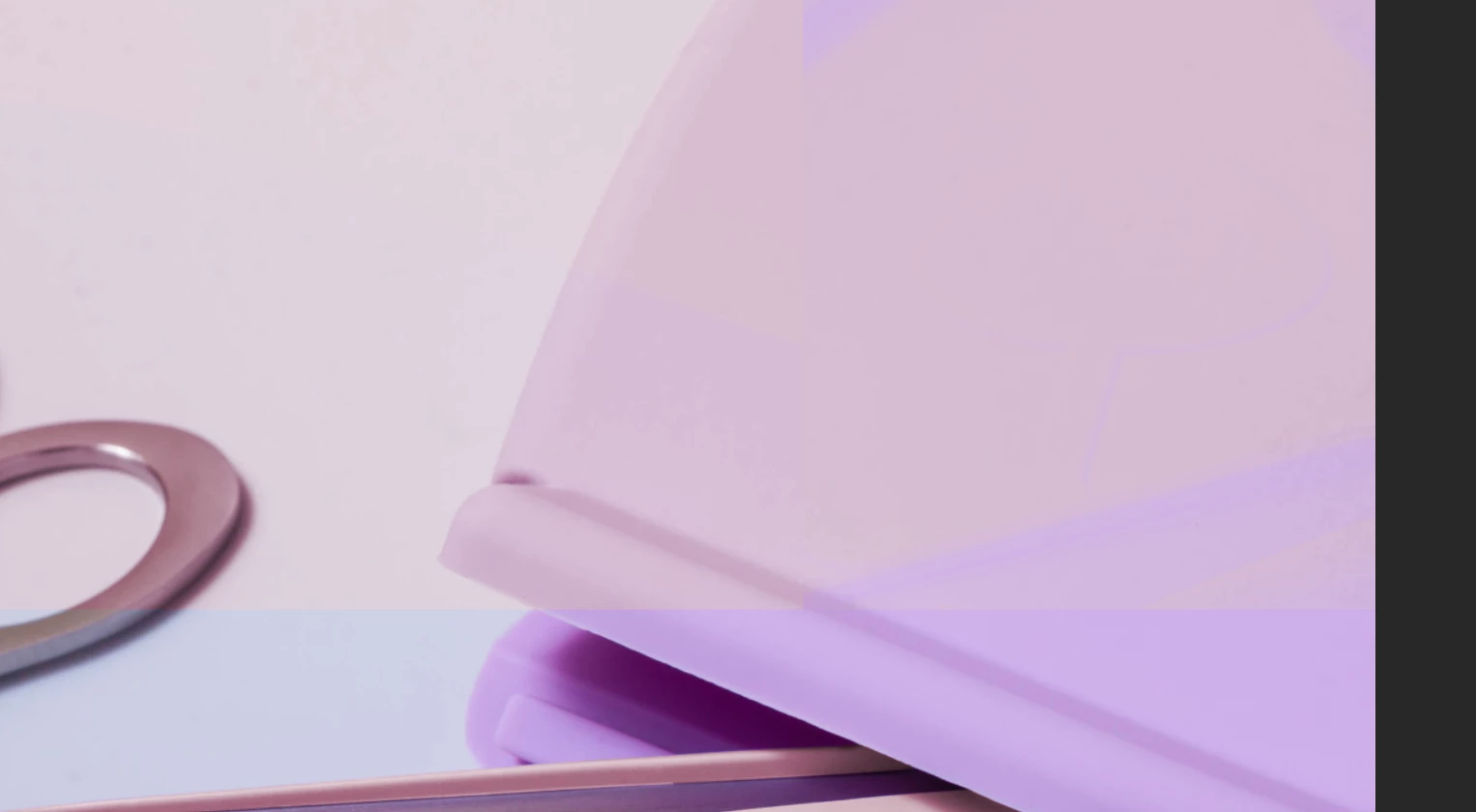
i only used the polygonal lasso tool to select the areas which i want to change color, and then suddenly this happens.

at one point an error box popped up saying something about program error? i didn't really paid attention to it and thought it was something minor, and the next thing i know this is happening

thanks guys!

This topic has been closed for replies.

1 reply

c.pfaffenbichler
Community Expert
Community Expert
August 5, 2019

Does turning off »Use Graphics Processor« in the Performance Preferences (Photoshop > Preferences > Performance > Graphic Processor Settings) and restarting Photoshop have any bearing on the issue?

And the same for checking Photoshop > Preferences > Performance > Legacy Compositing.

Participant
August 5, 2019

hello c.pfaffenbichler!

thank you for your reply

i tried both things, unfortunately it doesn't work.

i realised that the hue/saturation and color balance layers have these grey bits:

if i hide those layers, the weird colors disappear and when i delete them to make another one they still appear, even releasing the clipping mask doesn't help. or restarting the entire work

c.pfaffenbichler
Community Expert
Community Expert
August 6, 2019

good question. i have no idea

i know that it's related to the weird colors appearing on the image. there's a possibility that it might be due to the image itself? since i also tried deleting that file, import the image to photoshop to start from scratch, and as soon as i start to use hue/saturation, the damaged rectangles appear along with the glitched looking colors.

when i tried the hue/saturation tool on another photo, it's completely fine.

i'm guessing this problem isn't common?


Can you manually correct the Layer Masks?

there's a possibility that it might be due to the image itself?

The artefacts might have been caused by some GPU mishap, the underlying image probably has nothing to do with it.

when i tried the hue/saturation tool on another photo, it's completely fine.

Adjustment Layers are not Tools on Photoshop.