
Participant
January 21, 2022
Question

Huge Photoshop .PSD bloat, not Document-Ancestors issue

  • January 21, 2022
  • 1 reply
  • 796 views

Grateful to everyone who has been posting about file bloat on here, I've combed through everything and have tried lots of different scripts but to no avail, as my issue doesn't seem to be a document-ancestors issue (I've successfull removed those from my files).


I work in film, where I have to make and print huge files. Issue at hand, that has come up before: 36" x 60" document, with 18 jpg images (8x10 each), 300 dpi, each of these images are anywhere from 2-5 MB.


Yet my .PSD file (usually I can print directly from Photoshop) comes in at a whopping 800MB. Where is this extra bloat coming from?
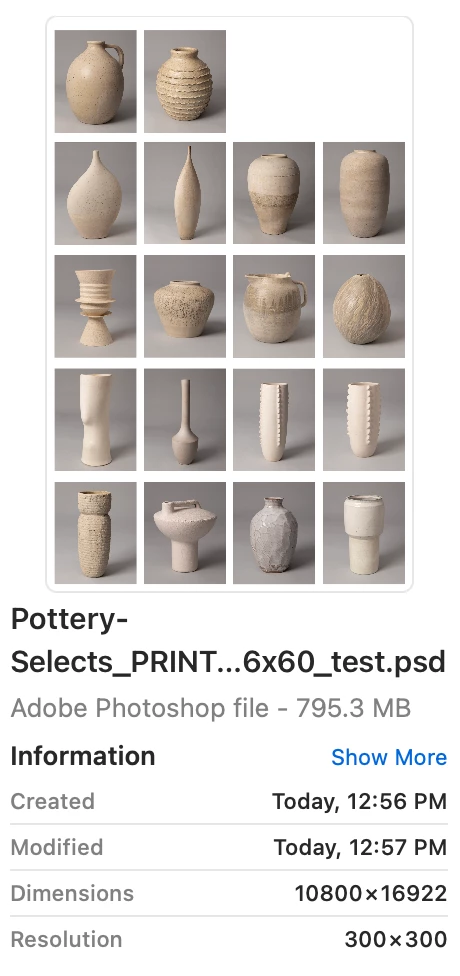
 

Even the JPG saves as unusually large (though perhaps more in line with what it should be):
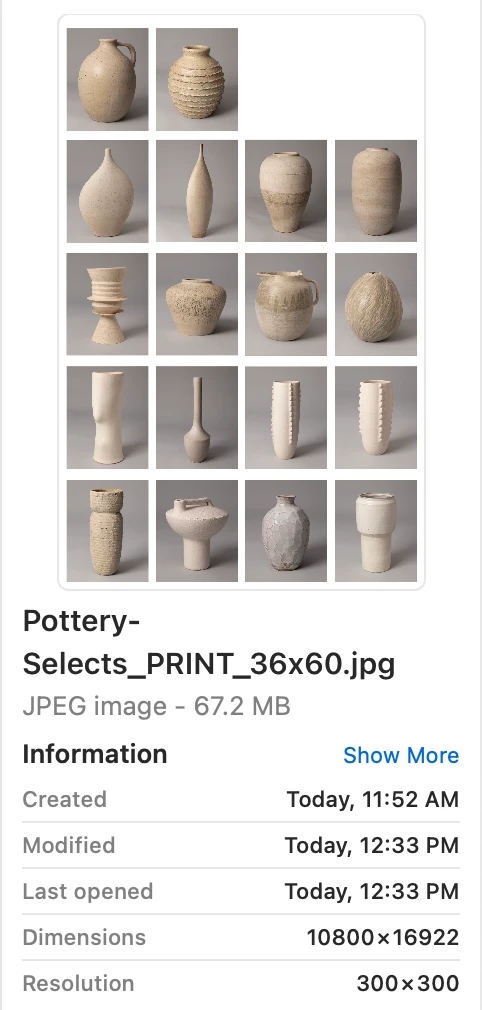
 

I've run the following scripts:

1. https://github.com/MarshySwamp/deleteDocumentAncestorsMetadata

2. https://github.com/MarshySwamp/deleteSmartObjectDocumentAncestorsMeta

3. And a removePhotoshopDocumentAncestors script from the Adobe website.

And have looked at Stephen Marsh's very helpful blog post! As well as lots of other questions on this forum.


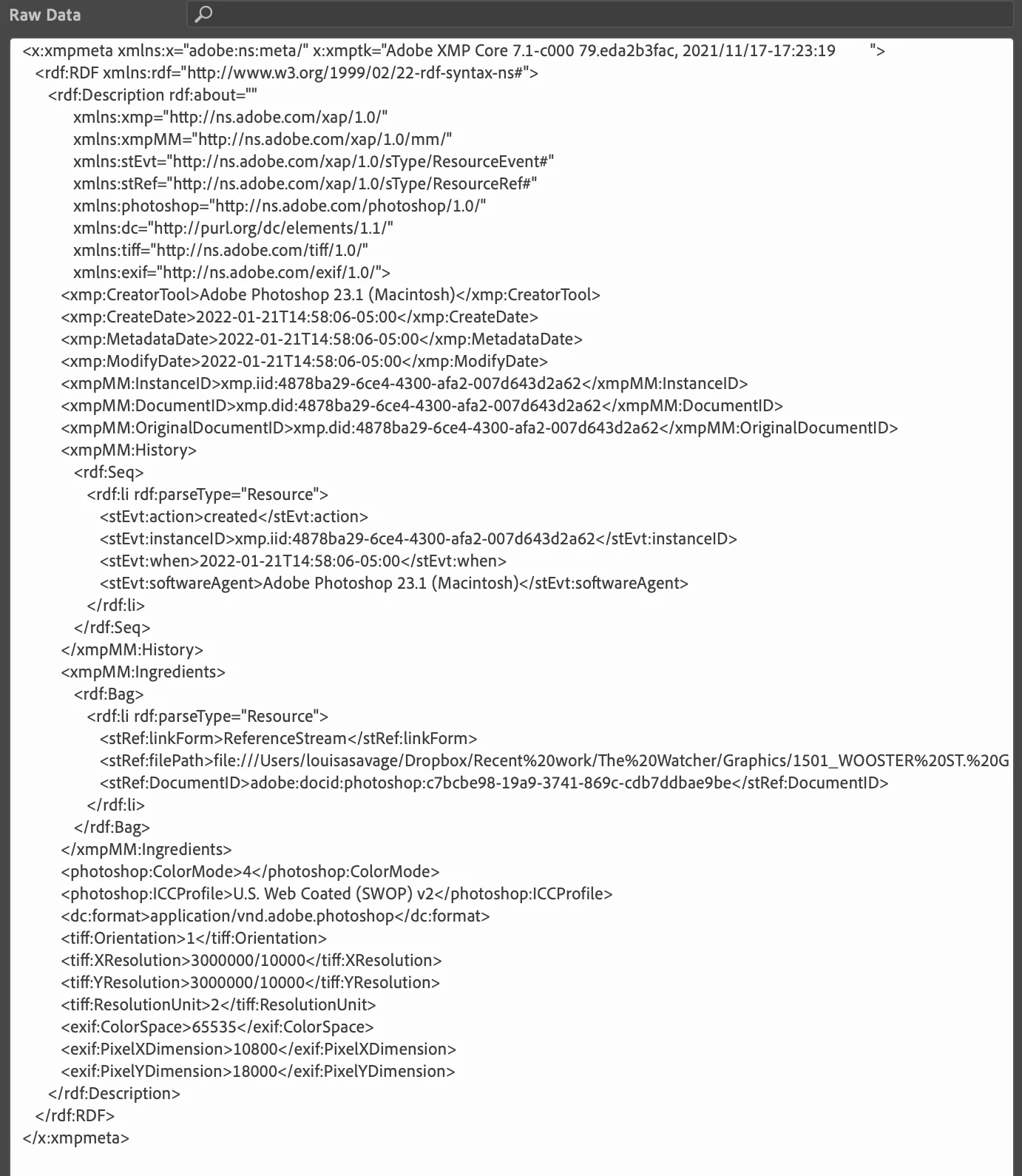
I've never had this issue before, but several Adobe Creative Suite documents this week have been having the same bloat issue. Attaching a photo of my document's Raw Data:
 

Grateful for any wisdom or advice people can share, and I'm happy to answer any further questions.

This topic has been closed for replies.

1 reply

Stephen Marsh
Community Expert
Community Expert
January 22, 2022

At the moment it is simply math. Your document size is 10,800 x 18,000 px which for a single layer file with a white canvas at 300ppi and 8bpc is 556.2 MB in RGB when open in Photoshop as flattened image. If you are in CMYK mode, then the base file size would be 741.6 mb when open in Photoshop. Adding layers and you get an even larger file size. Each layer is smaller than the canvas, but they add up.


Photoshop uses lossless compression, which may be turned on or off. The same 556.2 MB single layer white fill file saves as 9.3 MB on disk as the pure white fill is easy to compress. Photographic images are not as easy to compress using lossless compression, therefore the savings will not be as significant.


When you combine the separate original images onto the larger image, are you enlarging or reducing their size to fit on the new canvas at the required size? I'm guessing from the info provided that they are at 100% size. Are the files embedded or linked smart objects or just standard pixel layers?


Photoshop is not a great tool for combining images like this as the canvas size is pixel based. A vector application such as Illustrator or InDesign is better for such a task as they only have to have the pixel overhead of the actual images, not the entire canvas represented as pixels.


At this point in time the biggest question is why use 300 ppi? Because you have read that this is the resolution required for printing?


This "magic number" comes from historical offset printing, where if you are using a halftone screen of say 150 lpi, the ideal effective image resolution (1:1 size) is 1.5 to 2 times higher than the halftone linescreen. So a 150 lpi halftone screen mltiplied by 1.5 to 2 will give you anywhere from 225 ppi to 300 ppi. This formula assumes "normal" viewing distance and conditions (good lighting and at arms length).


How are these images being printed? This may change the "formula".


I think that you will find that appropriate sharpening for the output conditions at whatever the chosen resolution is will have a major impact on the output, more so than the resolution – as long as there is enough effective resolution for the images.


Participant
January 24, 2022

Hi Stephen, thank you so much for the considered, in-depth answer. I'm very grateful. This is all so helpful to know, and something that I thought I knew a lot about I'm now learning that I know very little! So thank you for filling in those (huge) gaps.


To answer your questions:

1."When you combine the separate original images onto the larger image, are you enlarging or reducing their size to fit on the new canvas at the required size?" I am keeping them at 100%—they are 300 ppi in their own files, and I import them as such.


2. Are the files embedded or are they smart objects? I have tried both—when I drag and drop them in, they are smart objects, but when I copy and paste them from their own files, they are embedded. Both options still yield high file size.


3. Why use 300 ppi? I know that 150 ppi is just as good for printing, and I've done that in the past. However, I work in graphics on a TV show, and a lot of the people in my field keep the resolution at 300 ppi because the artwork needs to be perfect on the screen. I will ask some of my colleagues though if they have ever run into this problem, and if they cap their resolution at 150 (we have to print wallpapers and other HUGE format files).


So it sounds like I need to a) try a vector-based software (like Illustrator) to arrange these images, and b) also consider lower resolution (which will very likely have little impact on the final quality).


I'm curious, however, since you mentioned that Illustrator is better at handling a task like this—I had a similar issue in illustrator earlier this week. I'm going to attach screenshot to show you what I'm talking about, but I also recognize that this is a "Photoshop Ecosystem" forum and not for Illustrator, so it's possible I may need to transition the thread there. Totally fine, if so.


(Images I'm posting are for an Illustrator-made file that is 57.8125"x 29", with a 28"x27" image at 300 ppi. As you can see, from .AI to PDF to Reduced size PDF, the size reduces significantly, which makes sense, but is it even expected/normal to have the initial AI file at 2GB?! That file, combined with the Photoshop issue I initially posted about, is what led me to believe something was wrong. Perhaps I am just not well-versed enough in anticipating correct file sizes!)


Again, THANK YOU for this insight, and the time you took to write out such an in-depth explanation. Very appreciative!

D Fosse
Community Expert
Community Expert
January 24, 2022
quote

a lot of the people in my field keep the resolution at 300 ppi because the artwork needs to be perfect on the screen.


By @louisas4975804


Then they misunderstand a bit. Pixels per inch (ppi) doesn't apply on screen. Resolution on screen is the native screen resolution, whatever that happens to be for the screen it's viewed on. It's only pixels, so many pixels high by so many pixels wide.


The ppi number is moot, redundant and not used. It would only conflict with screen pixels, so it's dropped.


In print, however, the ppi number matters, because paper doesn't have a native resolution. So one has to be invented, and that's pixels per inch.


In addition, Photoshop uses the number for some internal calculations, such as font sizes (point is a physical size unit), and smart objects which mimic the behavior of vector objects. And, notably!, to determine the pixel size of the document if the size is given in inches / cm.