

Answered
Huion tablet will not work all it will do is erase
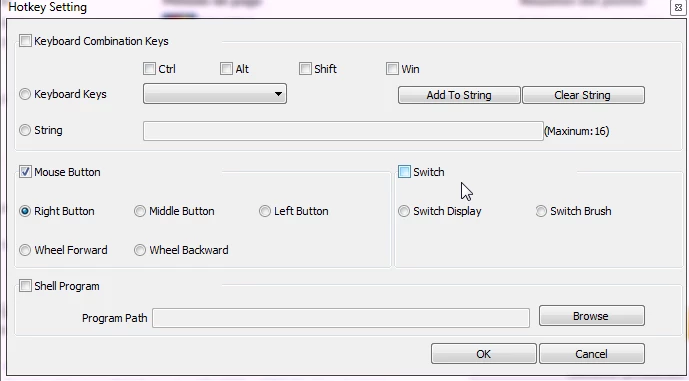
The first day my tablet worked just fine, it would allow me to switch back and forth between eraser and brush but now all it will do is erase. No matter what I click all it will do is try and erase. it will only work if I touch the trackpad on my laptop with my finger but when I go back to the pen tablet it will only erase. i have changed multiple settings on my computer and the tablet. So far I have tried everything looking up youtube videos, googling solutions and even clicking on almost every button/icon in photoshop. I do not think it is the tablet because I also use medibangpaintpro and it works just fine only in photoshop it will not do anything but erase. Someone, please help. give me an idea maybe it will work.
Thank you
 AdChoices