
Participant
April 28, 2023
Answered

I am getting a white page when I try to open a PDF document in Photoshop

  • April 28, 2023
  • 1 reply
  • 1009 views

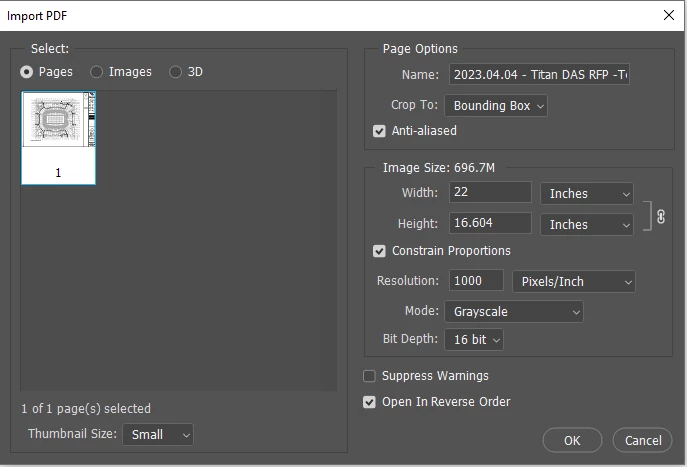
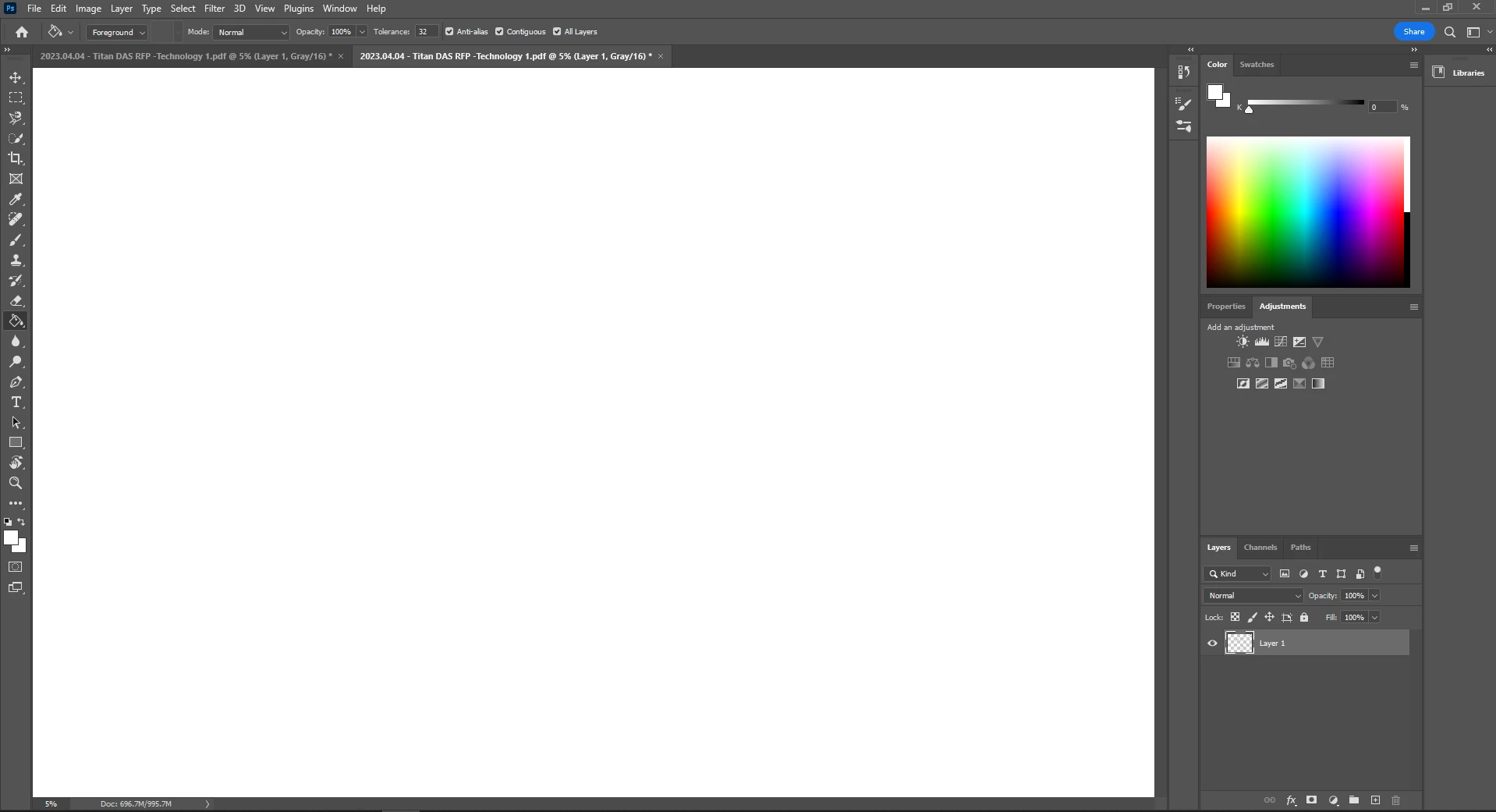
Normally, whenever I open a PDF document in Photoshop in grayscale mode, I get a gray black and white image with transparency. By lately, I don't even see the image. Everything is white. Any ideas what maybe causing this issue?
 

This topic has been closed for replies.
Correct answer davescm

Try going to Preferences > Technology Previews, and check Deactivate Native Canvas. Then close and restart Photoshop.


If that resolves it, try updating your GPU drivers and unchecking it again.


Dave

1 reply

davescm
Community Expert
davescmCommunity ExpertCorrect answer
Community Expert
April 28, 2023

Try going to Preferences > Technology Previews, and check Deactivate Native Canvas. Then close and restart Photoshop.


If that resolves it, try updating your GPU drivers and unchecking it again.


Dave

Participant
April 28, 2023

This worked! Thank you so much!


davescm
Community Expert
Community Expert
April 28, 2023

You're welcome.

Dave