
Participant
September 21, 2023
Question

I can't change this layer color!

  • September 21, 2023
  • 2 replies
  • 553 views

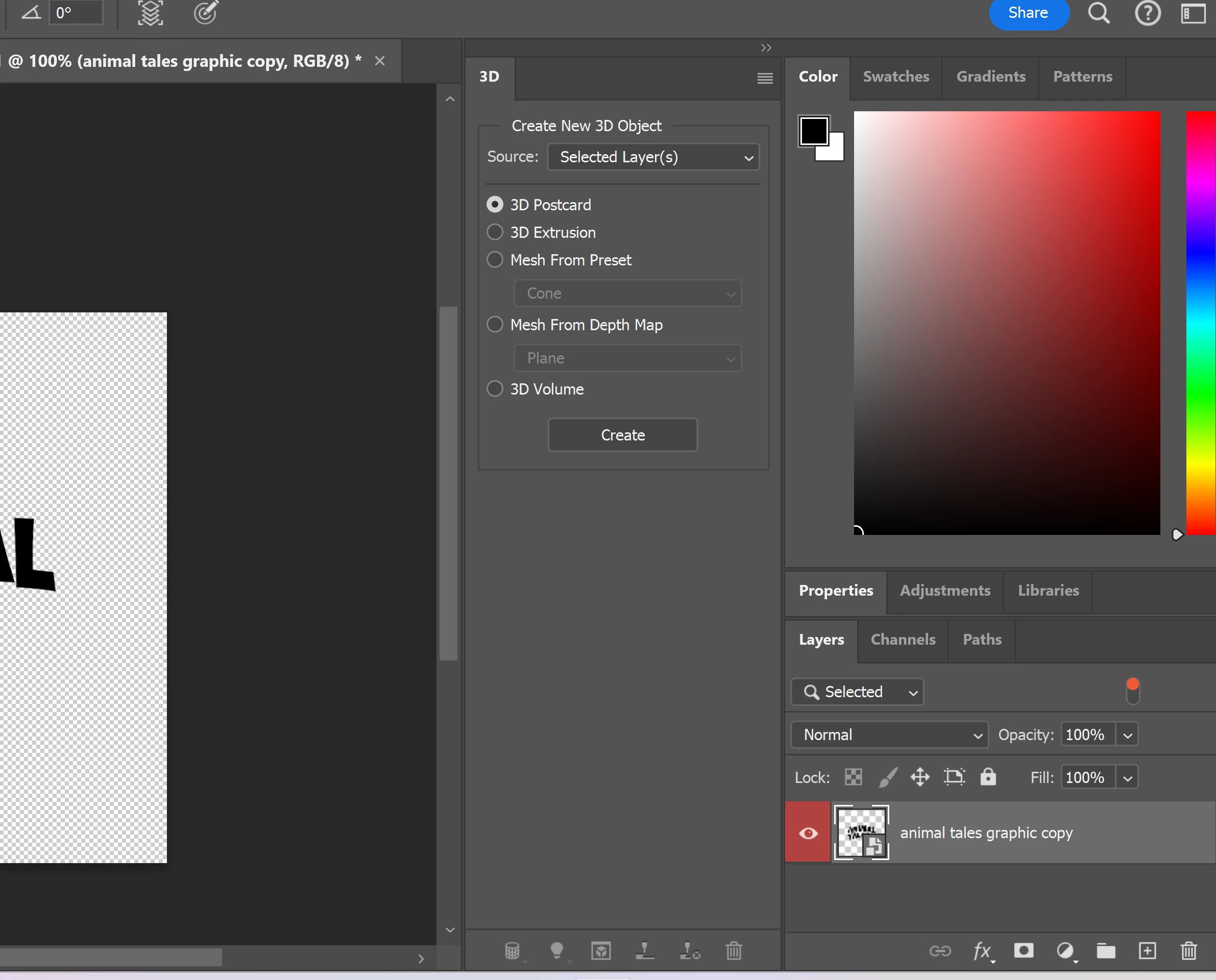
Hi, I am new to photoshop, so apologies if this is a stupid question. I am having trouble changing this text that I distorted and wrapped. I want to change the text from black to white. Can anyone help me? Thanks a ton.



This topic has been closed for replies.

2 replies

Trevor.Dennis
Community Expert
Community Expert
September 21, 2023

Or


Double click to open the Smart Object in a new window.

You'll see the Type layer in that window, so select the Type tool and click on the color swatch in the Options bar.

This will open the Color Picker panel where you can select a new color


Note Kevin's method works perfectly well, but if you are going to use Smart Objects you need to know how to edit them.

Good luck.

Participant
September 22, 2023
Thank you for the help! I will learn about editing smart objects next.
Kevin Stohlmeyer
Community Expert
Community Expert
September 21, 2023

Hi @Duncan324299362t1g based on your screenshots that is a Smart Object layer. You can adjust color by adding a Color Overlay layer style. Double click the blank area of the layer right of the name.

Check Color Overlay and choose your color.