This topic has been closed for replies.

2 replies

Trevor.Dennis
Community Expert
Community Expert
June 27, 2020

What version of Photoshop are you using?  If CC, are you signed in?

dlee012Author
Participant
July 7, 2020

Turns out I already have the brushes. Thanks for the help! 🙂

jane-e
Community Expert
Community Expert
June 27, 2020

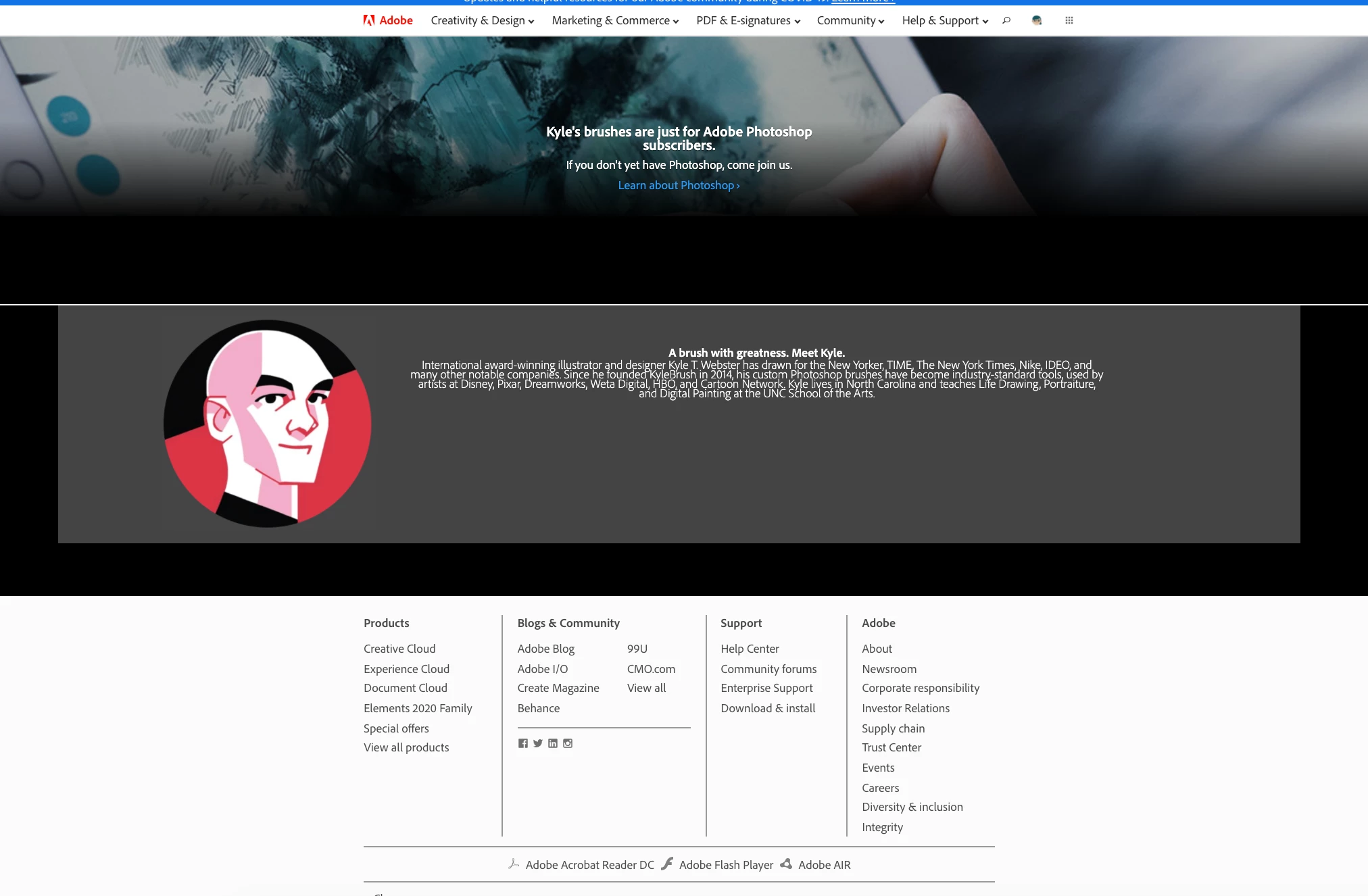
In Photoshop (Creative Cloud), go to Window > Brushes and choose Get More Brushes from the panel menu. This will take you to Kyle's page with a button to Sign In.


~ Jane


dlee012Author
Participant
July 7, 2020

Turns out I already have the brushes. Thanks for the help! 

jane-e
Community Expert
Community Expert
July 7, 2020

Hi Daralee,


I'm glad it's sorted for you for now.


Kyle does add brush collections, so you'll want to check back to get the new ones when they come out. You'll need to be signed in, as Trevor said, and then go to Brushes panel menu > Get more brushes as in my instructions above to be able to download the new ones.


~ Jane