

Danny51
Inspiring
May 8, 2023
Question

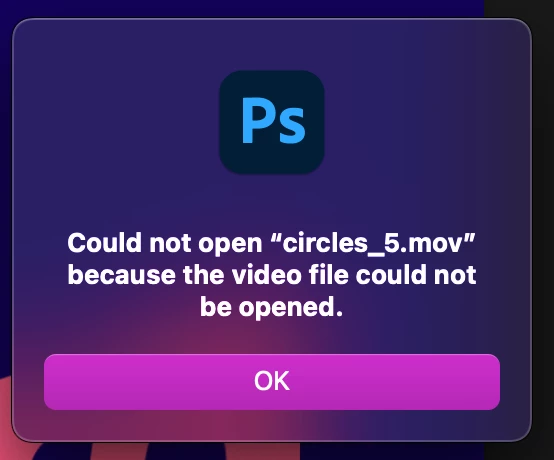
I cannot open .mov files in Photoshop from an external disk

  • May 8, 2023
  • 2 replies
  • 621 views

I want to start working from an external disk because my mac is starting to get full. But when I try to open .mov files in PS from the external disk, I get an error message saying it cannot be opened. If I open the same file from my Mac, there's no problem.


Couple of technical stats:

- Latest Photoshop version 24.4.1

- Mac Monterrey 12.6.5

- External volume: Mac OS Extended (Journaled)


Copying the files to my Mac really wouldn't solve the problem because I just don't have the internal storage and I'm working with tons of different mov files during my projects. Converting to mp4 also isn't helpful since I need transparent video files. Opening other files from the external disk, like psd files, works fine.

Any ideas what I can do?


This topic has been closed for replies.

2 replies

Myra Ferguson
Community Expert
Community Expert
May 8, 2023

You might try archiving the content on your Mac to your external drive and working from your local drive instead. Working locally is what is recommended:


Kevin Stohlmeyer
Community Expert
Community Expert
May 8, 2023

Hi @Danny51 start by going  to Apple System Preferences/Security and Privacy/Full Disk Access and make sure PS is listed and active.

Next, how is your drive connected to your Mac? USBA, C, Thunderbolt? Speed in read/write access could be impacting this as well.

Last there are noted issues with Monterey (and Ventura) requiring external drives be reformatted even if they were Extended Journaled already. Not saying you have to do this, but something to make note of.