franciscoh93570362
Participant
April 30, 2019
Answered

i have a problem with graphics

  • April 30, 2019
  • 3 replies
  • 789 views

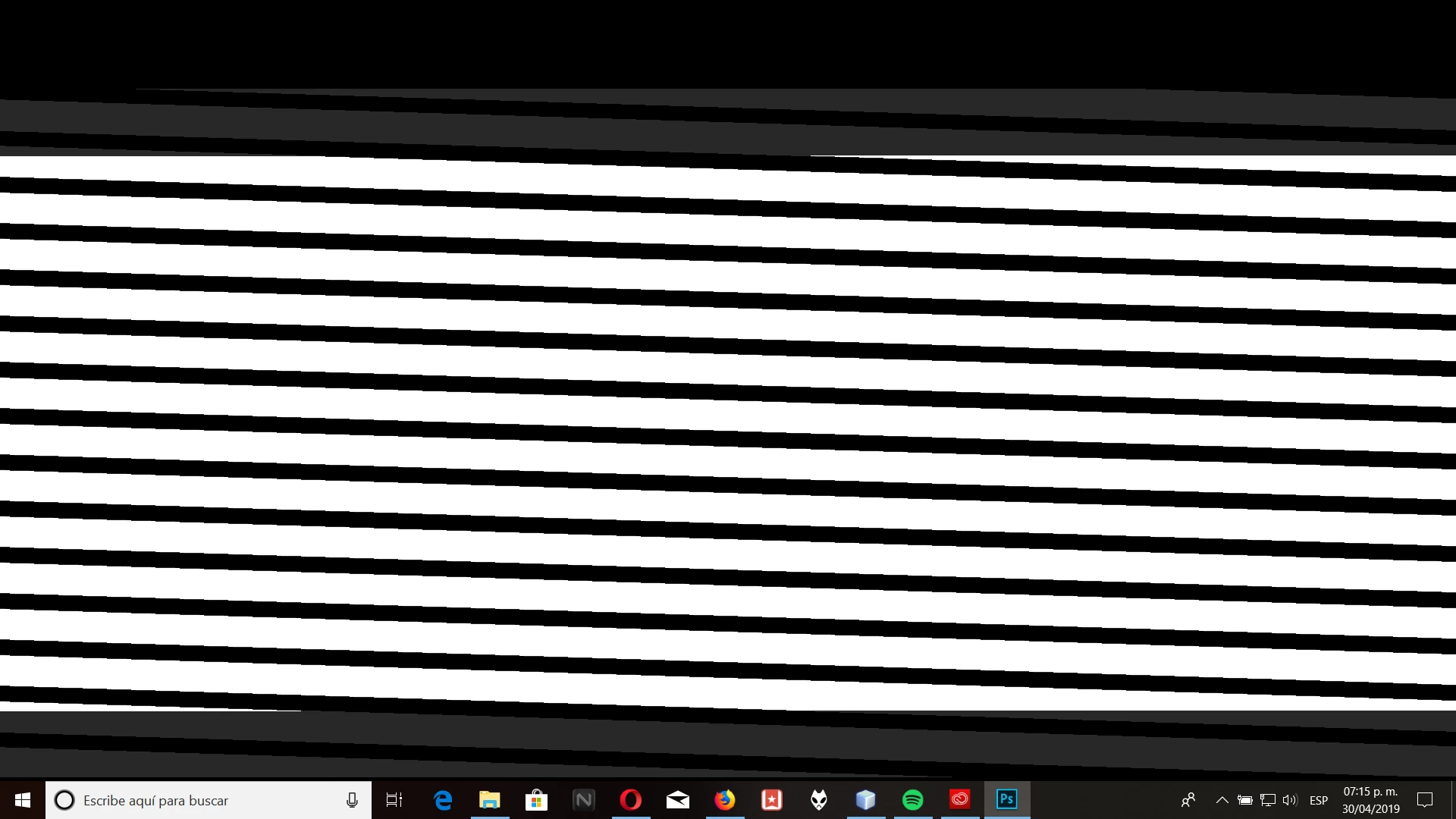
When I open a new project this appears to me and I can not do anything, it appears the same in After effects , any solution? I already tried reinstalling

    This topic has been closed for replies.
    Correct answer Chuck Uebele

    My guess would be your graphics card. Update the drivers, and check what the settings are in PS and AE.

    3 replies

    franciscoh93570362
    Participant
    April 30, 2019

    thanks, already update the graphics card and it worked, thanks to all

    Participant
    April 16, 2022

    Hey i just found this via adobe help chat and i have the same promblem with phoyoshop and illustrator, how do I update my graphics card?


    Mike_Gondek10189183
    Community Expert
    Community Expert
    April 30, 2019

    If the update does nto fix then, Turn off  graphics processor.

    You must restart Photoshop for this change to take effect.

    You may be fine with just turning off Open GL instead. Click on advanced settings as in my first screenshot to get to thhis screen below.

    Chuck Uebele
    Community Expert
    Chuck UebeleCommunity ExpertCorrect answer
    Community Expert
    April 30, 2019

    My guess would be your graphics card. Update the drivers, and check what the settings are in PS and AE.