Inspiring
October 22, 2022
Answered

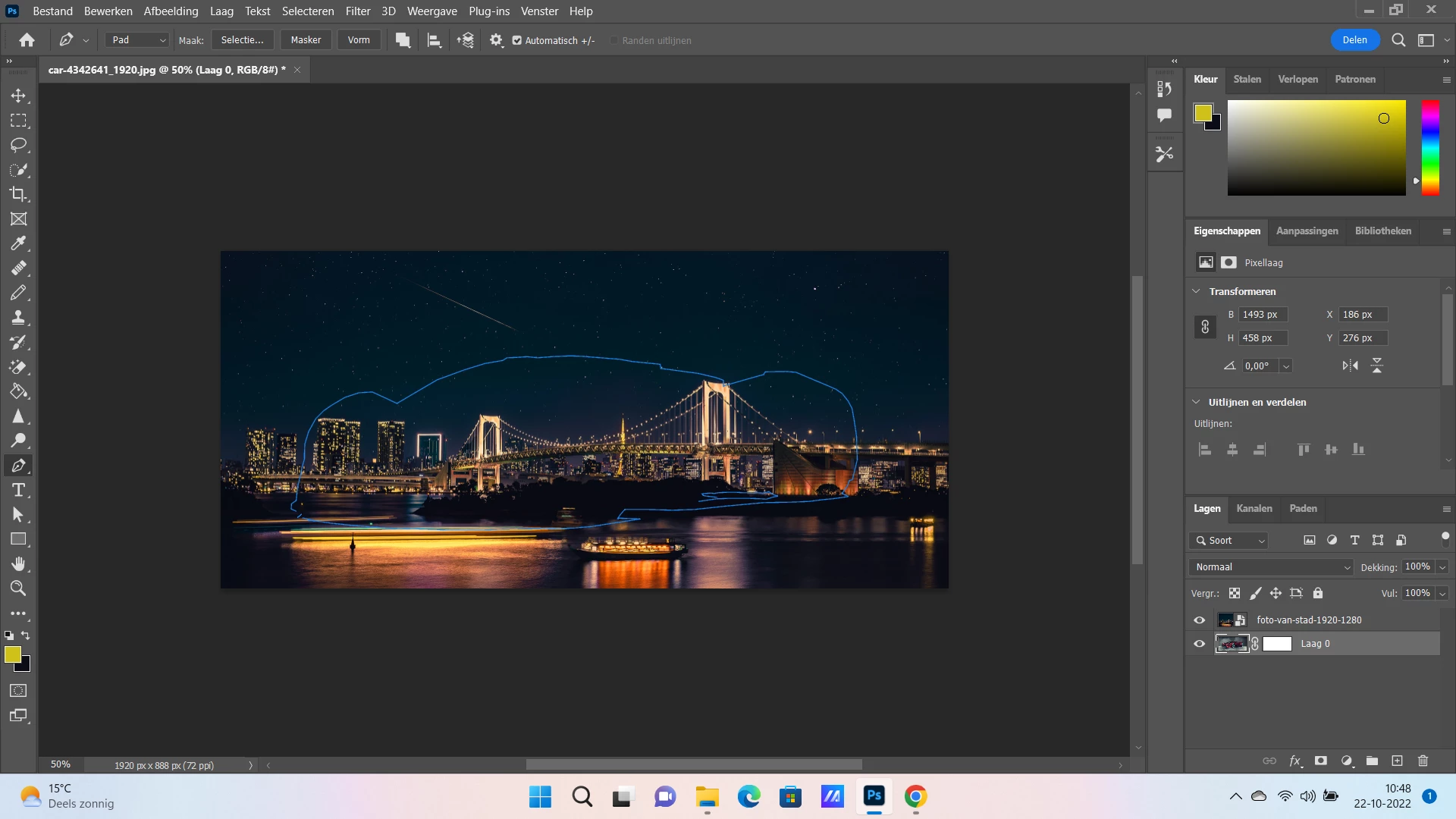
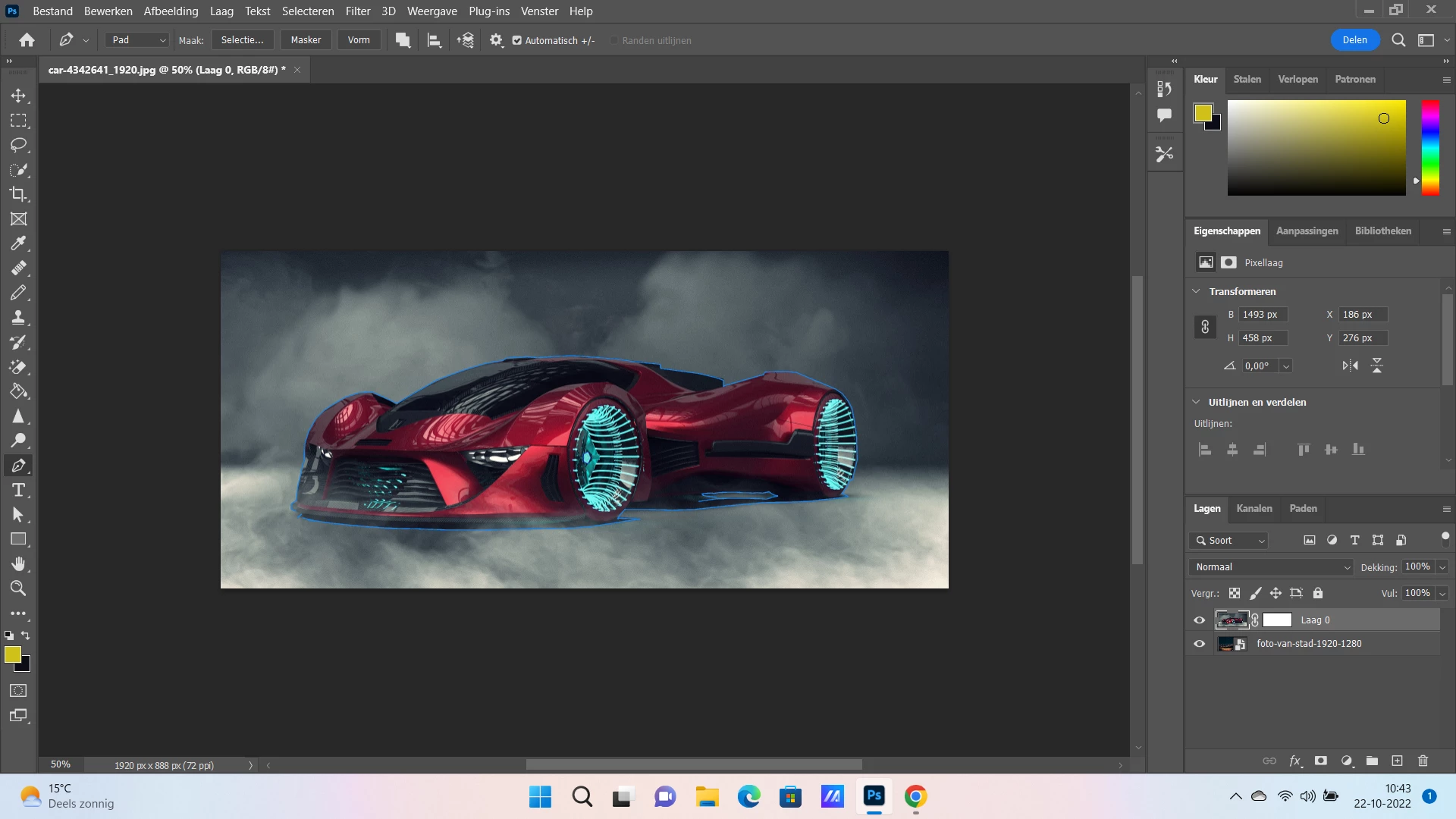
I have used pen tool to select car image but when I embed to city image I get only skeleton of car?

  • October 22, 2022
  • 1 reply
  • 385 views

Hello,

I have used pen tool to select car object and I have embedded city image as background. now I try with drag and drop to place car image into city image but I get only skeleton of the car

how I can solve this problem or what I am doing wrong?

thanks
This topic has been closed for replies.
Correct answer Ged_Traynor

In your second screenshot, just hit Ctrl + Shift + I to invert the selection, then hit Ctrl + J to copy the selection to it's own layer.

1 reply

Ged_Traynor
Community Expert
Community Expert
October 22, 2022

Hi

You need to right click on the Path and select Make Selection

Inspiring
October 22, 2022

thanks ,

I went to path option and made make selection I get first this ( it selects both sides)

then when I go back  to layers option and make (select and mask )the car disappears


Ged_Traynor
Community Expert
Ged_TraynorCommunity ExpertCorrect answer
Community Expert
October 22, 2022

In your second screenshot, just hit Ctrl + Shift + I to invert the selection, then hit Ctrl + J to copy the selection to it's own layer.