
Participant
November 19, 2024
Question

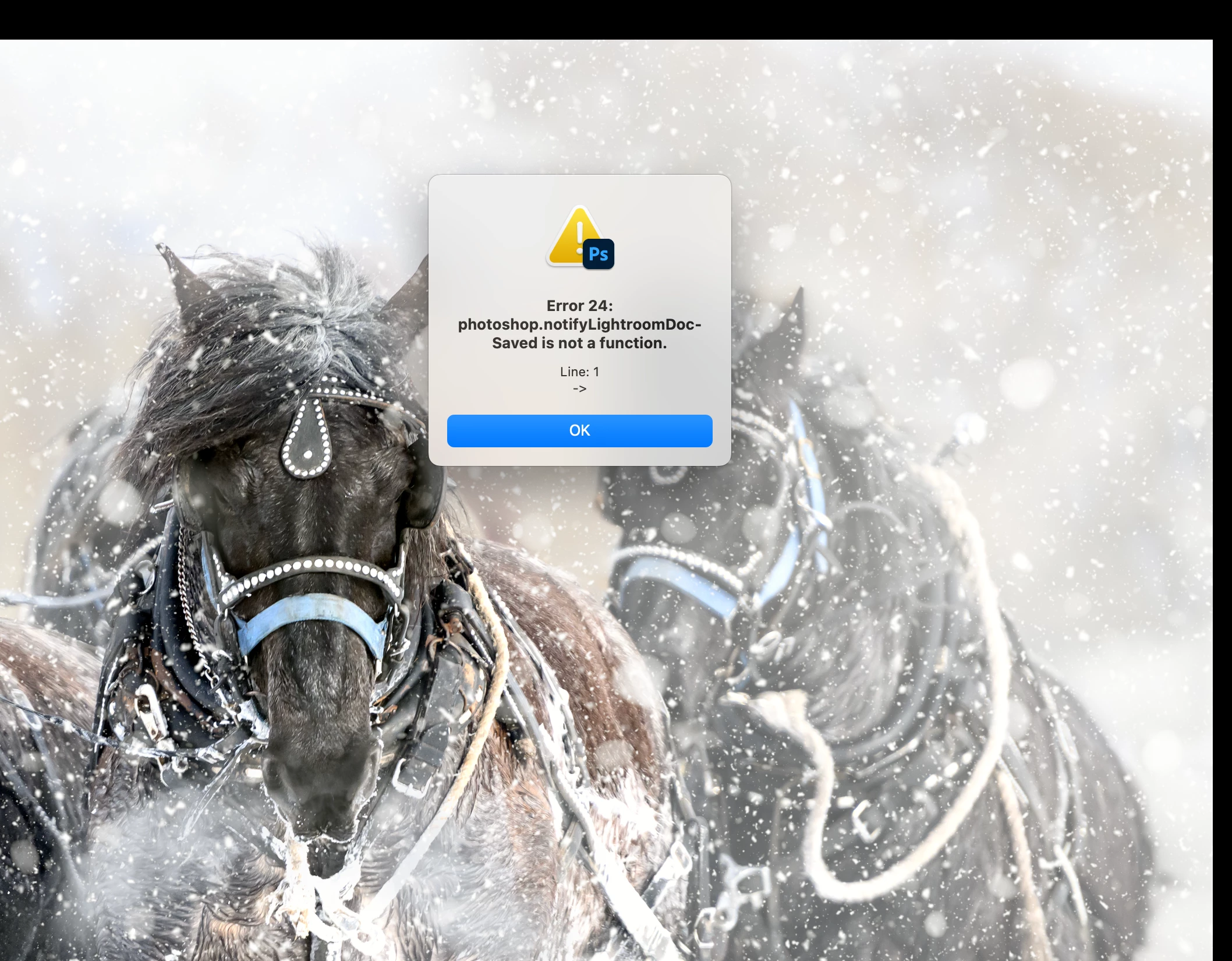
I keep getting an error 24: photoshop.notifylightroomdoc-saved is not a function. line:1 ->

  • November 19, 2024
  • 1 reply
  • 984 views

I bring the photo over from lightroom to make photoshop 2025 adjustments and when I close the image to take back over to lightroom I get this error. It never happened before and no all of the sudden it happens constantly. The error code is- error 24: photoshop.notifylightroomdoc-saved is not a function. line:1 ->
 

This topic has been closed for replies.

1 reply

Sameer K
Community Manager
Community Manager
November 20, 2024

Hey, @joshtrekking. Welcome to the Photoshop Community. I'll help you figure this out. What version of MacOS are you working on?


Try these steps to set up or recreate the link between Lightroom Classic & Photoshop 2024.

  • Reset Lightroom Classic following the second (manual) method from this article: https://adobe.ly/4fOPxm4
  • Uninstall Photoshop & Lightroom Classic and then install again.
  • Before launching both of the apps, ensure Lightroom Classic & Photoshop have the required permissions on the macOS: https://adobe.ly/4amzwQg
  • Try launching Photoshop first, then Lightroom Classic & check if it behaves as expected.

Let me know how it goes.

Thanks!
Sameer K

(Use '@mention' to tag me when you reply)