

Answered
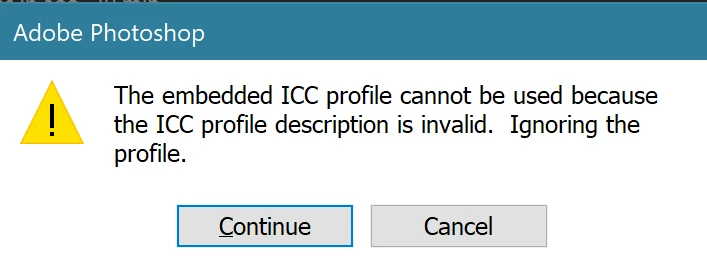
ICC profile cannot be used because the profile description is invalid
I've seen similar problems on here but haven't been able to fix this. My next option is to move on from PhotoShop because it destroys the images. I'm a beginner with PhotoShop. I installed Creative Cloud Desktop, then PhotoShop and Lightroom. I thought I could use it right after the install but I can't do anything with these photos in PhotoShop with the colors being destroyed.
This happens when I try to open NEF files from my Nikon (editing images works fine in Lightroom).
Any help would be greatly appreciated! Thanks in advance
PhotoShop 21.2.0
Windows 10 Pro Version 10.0.18362 Build 18362
Dell Precision 7720
Opening Photo:
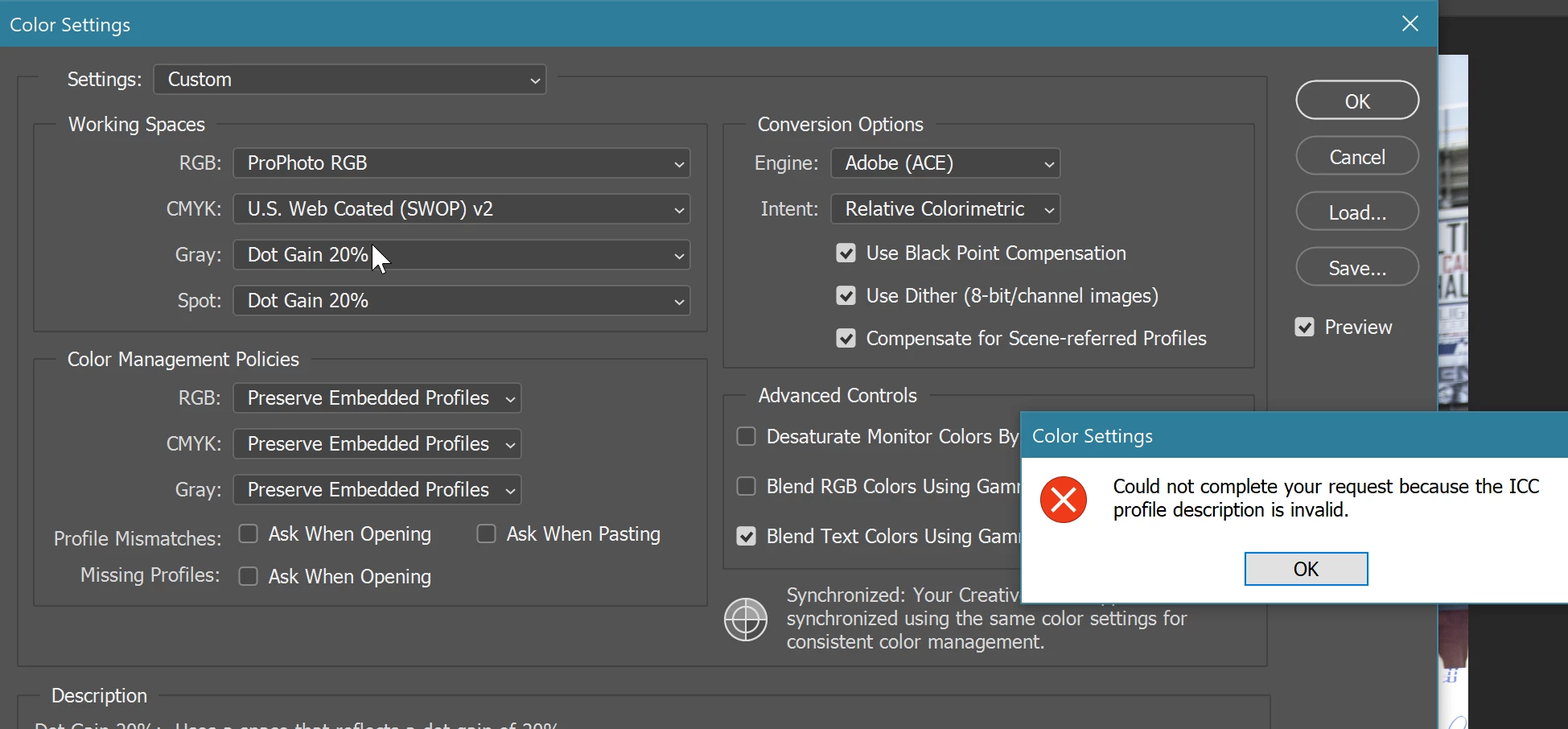
When I go to Color Settings I get this as soon as I make any changes:
 AdChoices