Participant
May 18, 2023
Question

ICC profile does not show up in final print dialogue box once I select Photoshop Manage Color

  • May 18, 2023
  • 2 replies
  • 639 views

For the life of me, I can't use photoshop manages colors. I am using CC on a MAC running Ventura. Any advice on what I am missing?


Thanks!


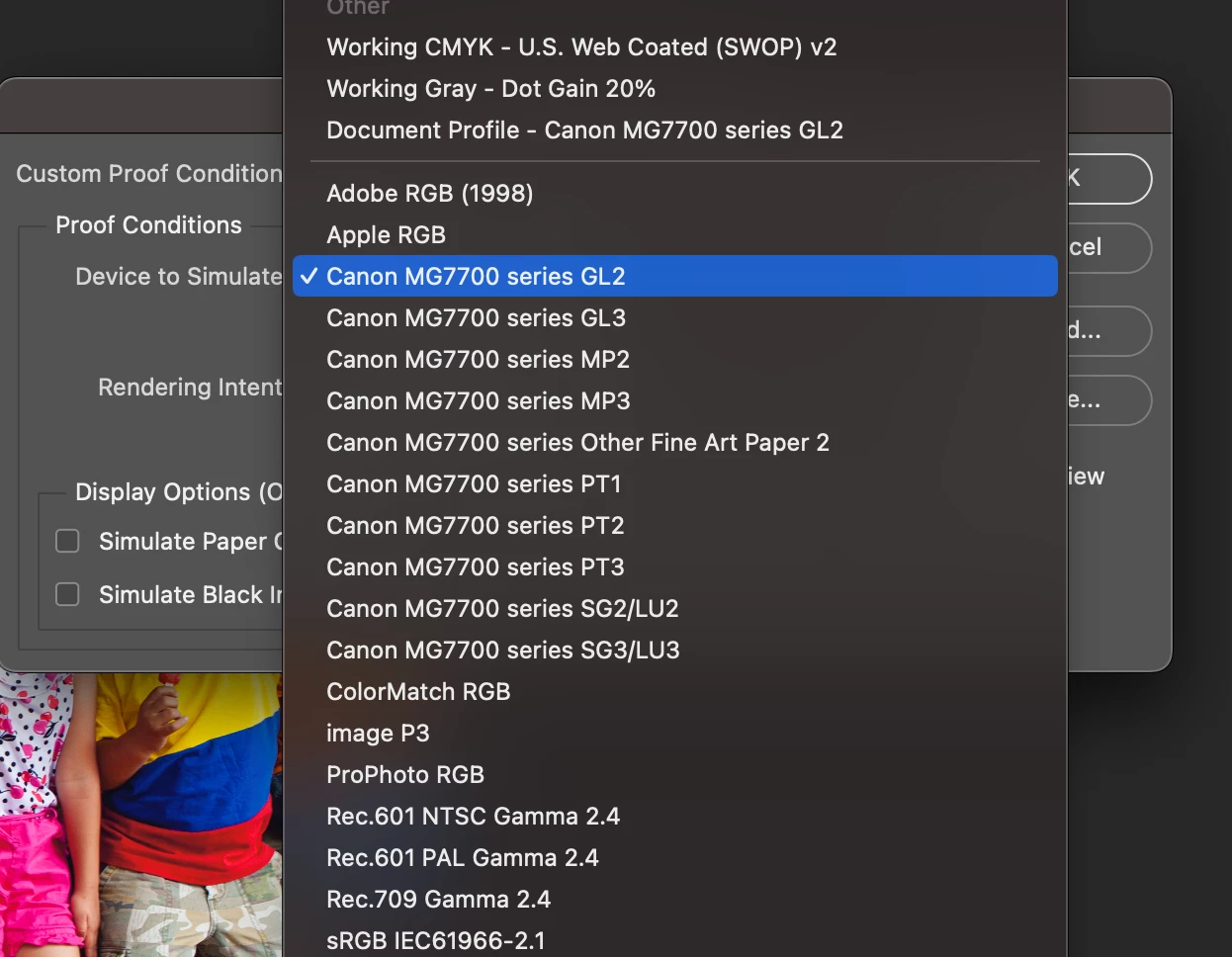
Shows up in proof set up:


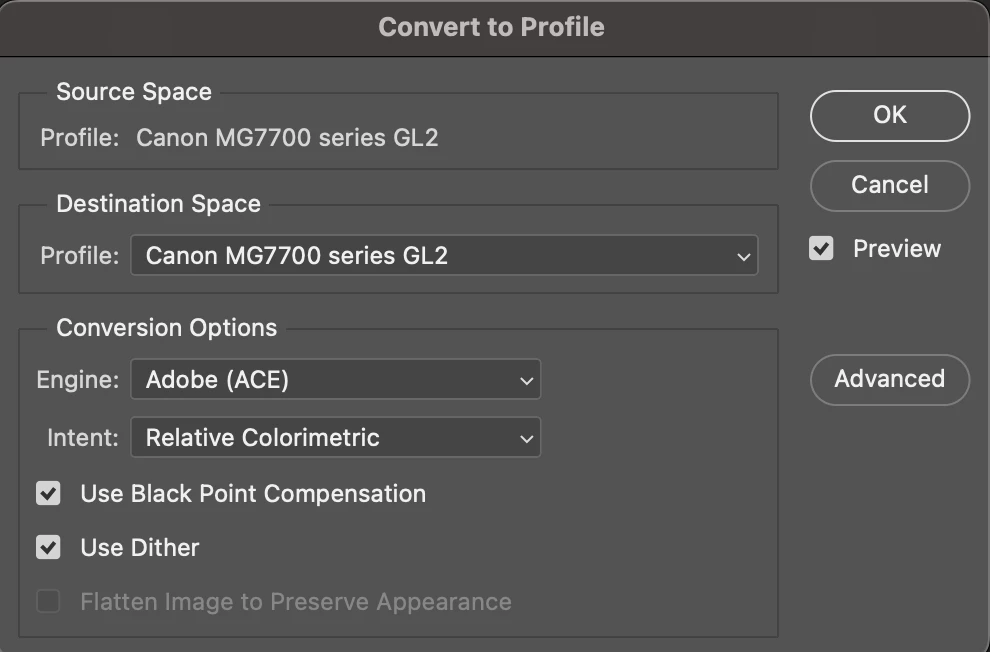
Convert to profile


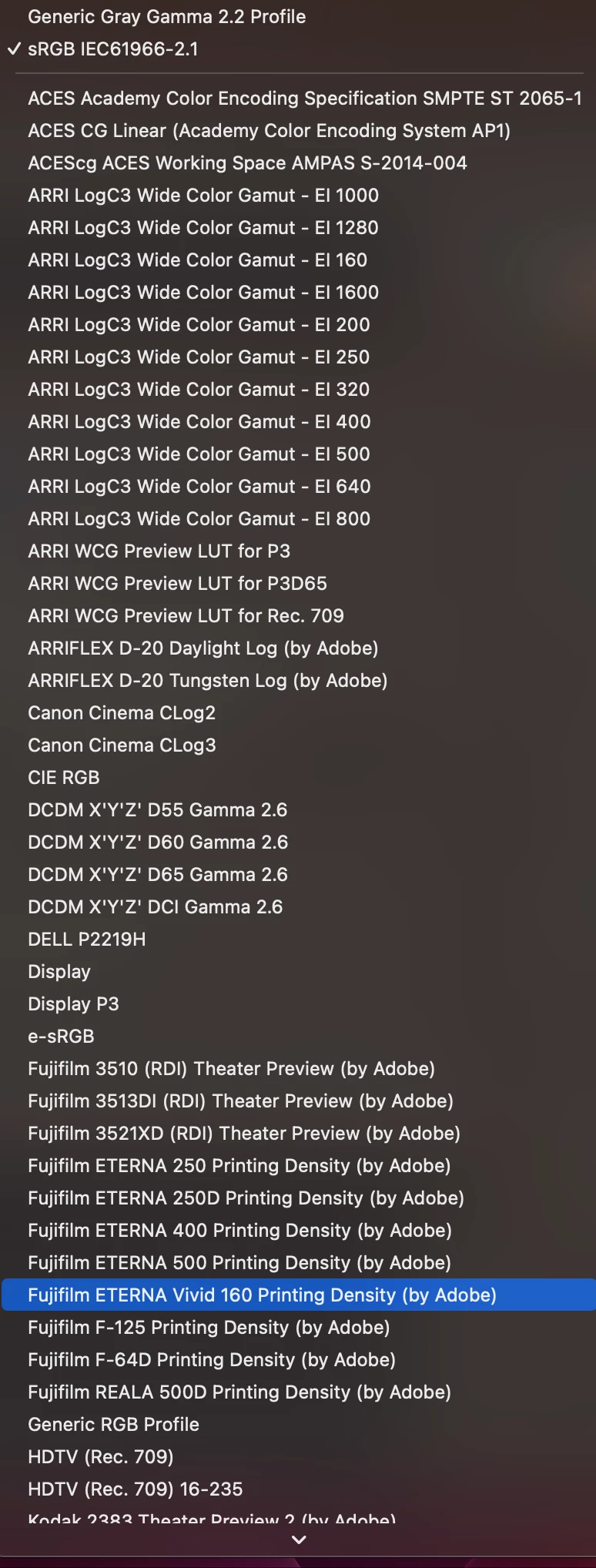
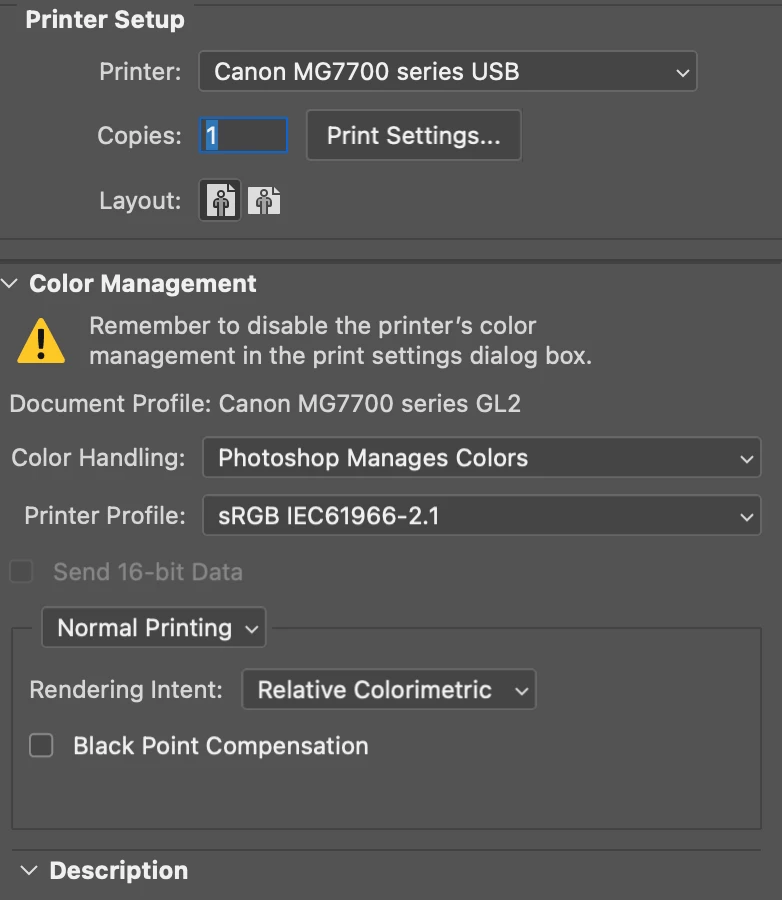
Nowhere to be found in photoshop print settings box


This topic has been closed for replies.

2 replies

NB, colourmanagement
Community Expert
Community Expert
May 19, 2023

If the suggestion from @TheDigitalDog doesn’t solve your issue (it should) then find the ICC profile and double click it to open in Colorsync Utility find out if it is 1: faulty, or 2: has a different internal name. Some media manufacturers ill-advisedly name profiles differently internally and externally. 

Sometimes profiles don't show up due to permissions, I'd check that on the original profile [select it and click get info in the contextual menu]


I hope this helps
neil barstow, colourmanagement net - adobe forum volunteer - co-author: 'getting colour right'
google me "neil barstow colourmanagement" for lots of free articles on colour management

TheDigitalDog
Inspiring
May 18, 2023

Quit Photoshop if running.

Relaunch Photoshop and open the file that you want to print.

Press the Spacebar on your keyboard before you click File > Print. This process resets printer preferences that have been written into the image. 


See: https://helpx.adobe.com/photoshop/kb/troubleshoot-printing-problems.html

Author “Color Management for Photographers" & "Photoshop CC Color Management/pluralsight"