

Answered
Identify the incompatible color channels are present in the document
If I delete the color channel as below, File -> Export -> Save for web option is disabled. Therefore I cannot perform the ExportOptionsSaveForWeb() Photoshop API.
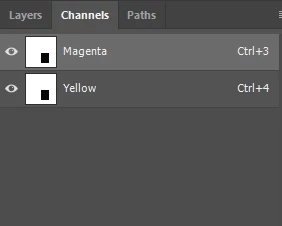
I want to identify that incompatible color channels are present in the document (Save for web option is disabled)
( Note: When the document has RGB color channels as below, Save for web option is enabled. )
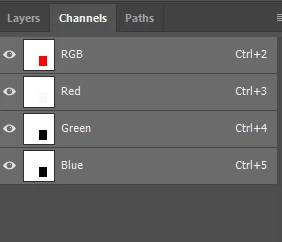
Anyone please help me to find the way to identify the incompatible color channels are present in the document?
 AdChoices