
Im having trouble with coloring specific regions on the artboard
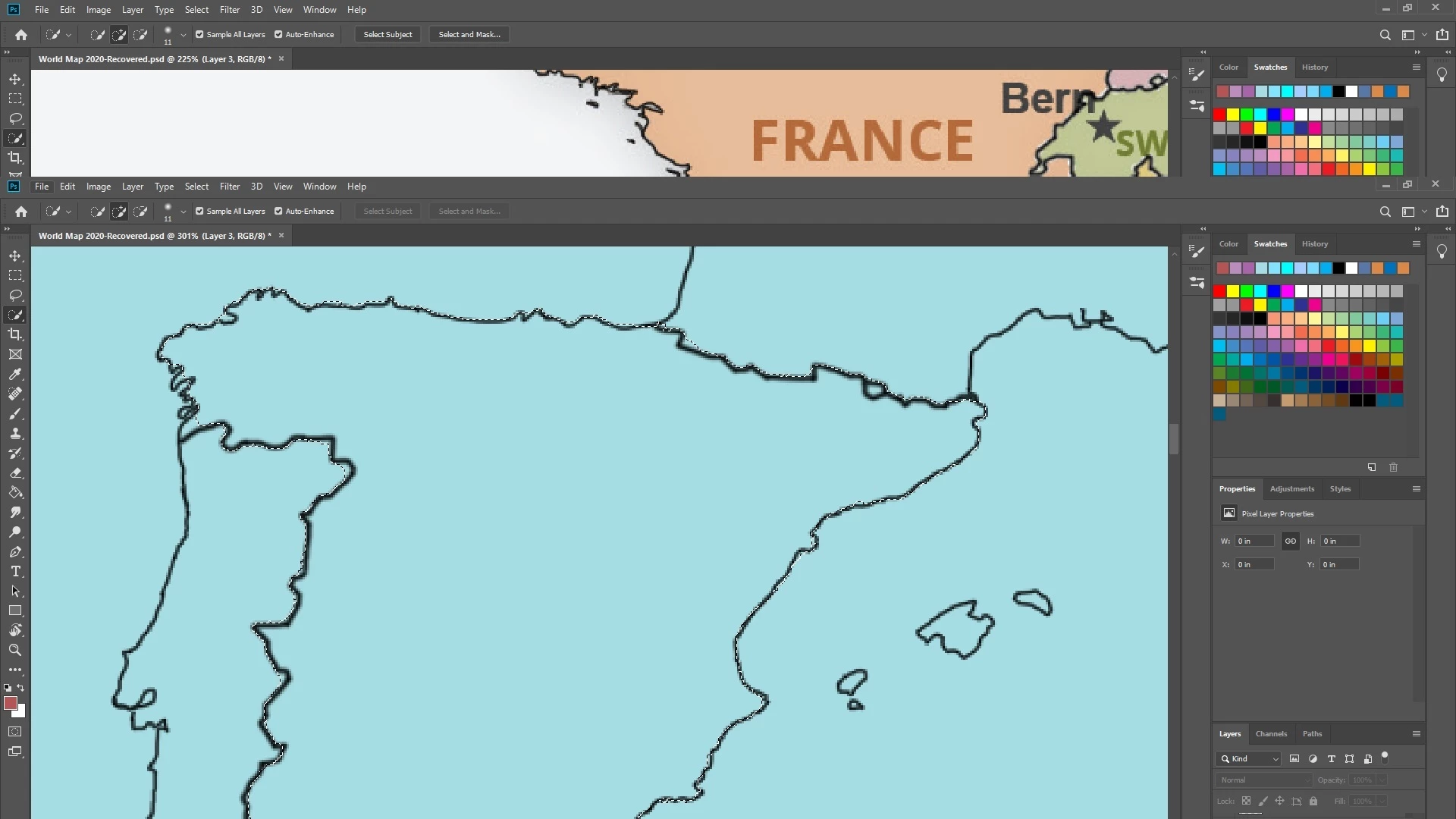 Hey guys. What Im doing here is redesigning the world map. Focus on the blue window. All the borders are drawn by hand with the brush tool. My next step is coloring the countries. From my experience I have two options. Coloring them by hand, going carefully right next to the edge of the borders (which is painful and time consuming) and doing it with quick selection tool. Now, I dont know how practical is it to use the quick selection tool. I tried using it but it never seems to select the iner part of the country without the border. And when I tried selecting the peninsulas I got even worse results, selecting parts of the sea. Its like the selection tool acted dumb even tho the image is pretty simple with blue backround and black outlines, also I already have experience with the qucik s. tool and every time it worked fine. So I need your help. How can I color the countries, without going by the edges becouse when I was drawing the borders it was so time consuming. (keep in mind, these are all layers, these are not jpeg images).
 AdChoices