Exit
  • Global community
    • Language:
      • Deutsch
      • English
      • Español
      • Français
      • Português
  • 日本語コミュニティ
  • 한국 커뮤니티
3

Image & Canvas

Mentor ,
Sep 23, 2023 Sep 23, 2023

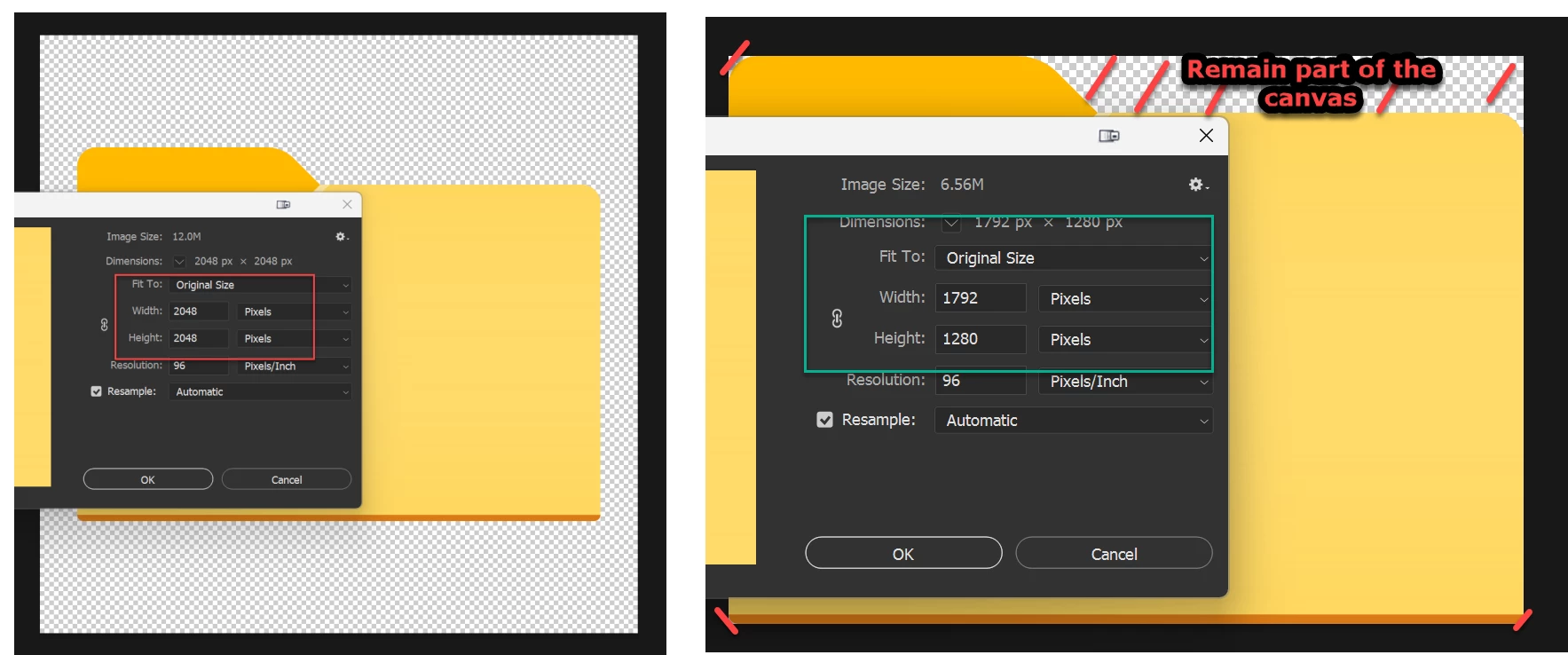
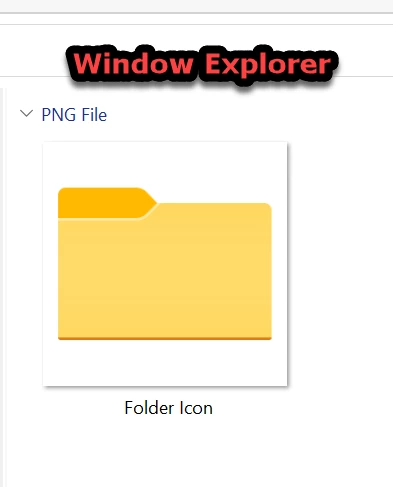
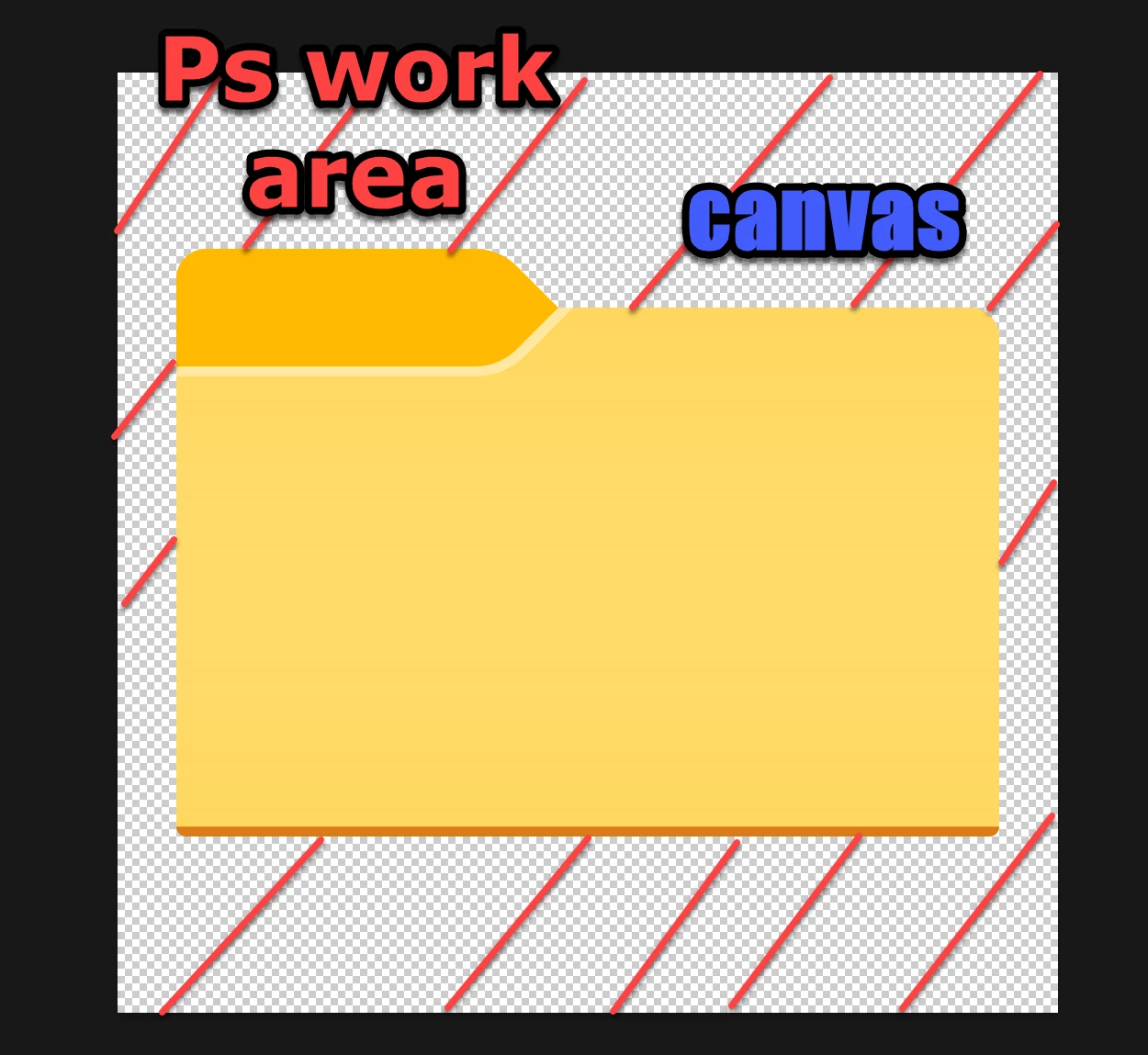
It is a PNG folder icon in the windows explorer. This icon was opened in the Ps work area. Is it correct to say folder is an image and regioned marked with a red line is a canvas? Because triming the canvas is changing the image size of the image.
 

2023-09-23_10-04-46.png2023-09-23_10-07-00.png2023-09-23_10-34-07.png


TOPICS
Windows
247
Translate
Report
Community guidelines
Be kind and respectful, give credit to the original source of content, and search for duplicates before posting. Learn more
community guidelines
Adobe
Community Expert ,
Sep 23, 2023 Sep 23, 2023

What do you mean by trimming the image? Is that Image > Trim? That's what it's supposed to do.


Incidentally, Export will also do this. The sole purpose of Export is to cut the file size as much as possible, so transparent pixels outside the layer content will be removed.

Translate
Report
Community guidelines
Be kind and respectful, give credit to the original source of content, and search for duplicates before posting. Learn more
community guidelines
Mentor ,
Sep 23, 2023 Sep 23, 2023

Yes, Image > Trim


Just test this command & came with this issue. 


My understanding is you only trim the canvas therefore image size should remain intact.  

Translate
Report
Community guidelines
Be kind and respectful, give credit to the original source of content, and search for duplicates before posting. Learn more
community guidelines
Community Expert ,
Sep 23, 2023 Sep 23, 2023
LATEST

It's behaving as designed. This is what Image > Trim does.

Translate
Report
Community guidelines
Be kind and respectful, give credit to the original source of content, and search for duplicates before posting. Learn more
community guidelines