Participant
September 7, 2023
Question

Image error when deforming with warp tool in cylinder mode

  • September 7, 2023
  • 1 reply
  • 693 views

Maybe you can help me.
It's about the following: I have a PDF that I load into Photoshop and then place on a cylindrical product using the Warp tool in Cylinder mode. The process goes well and works for another cylindrical product.

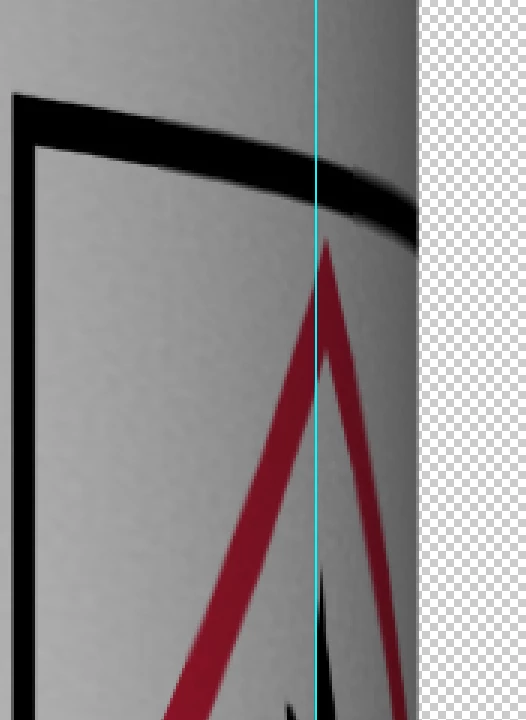
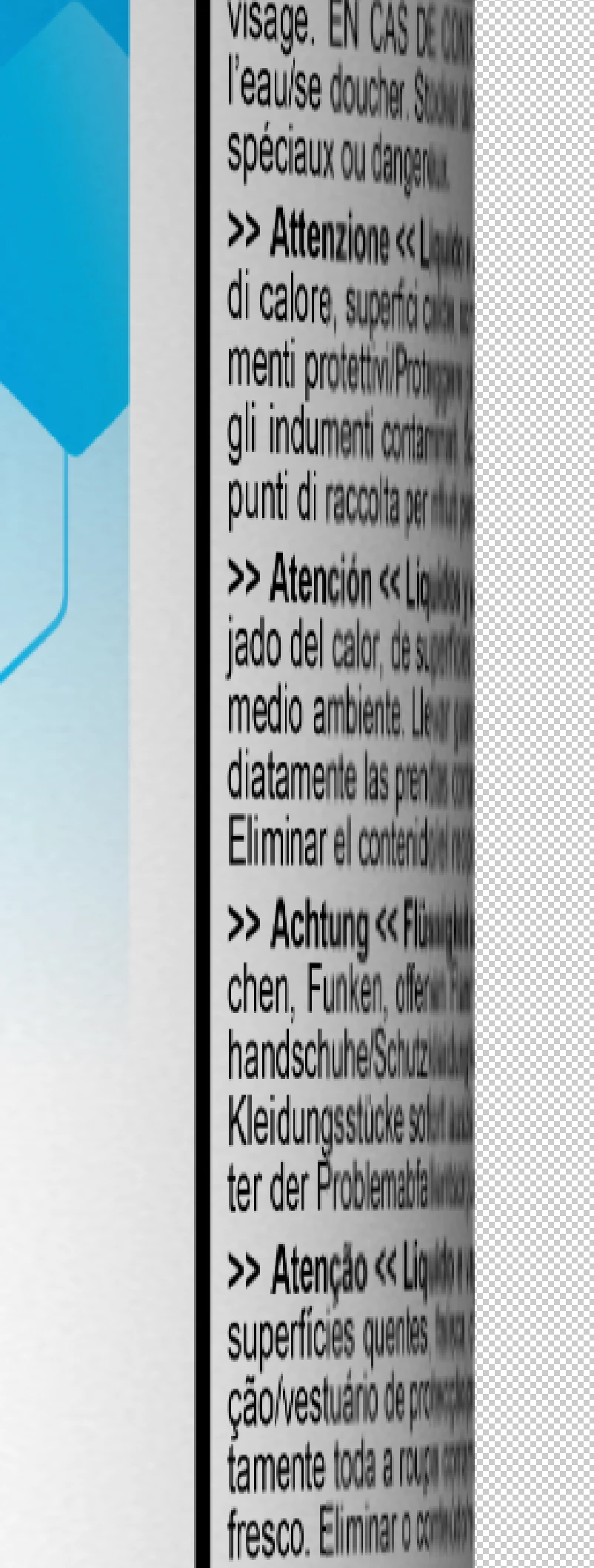
Only with this product do image errors occur at the edge. The font and lines are displayed pixelated. (see pictures) I have already tried loading the PDF in a higher resolution. The problem is still there.
Another info: I use the warp tool in cylinder mode within an action. I tried to run the process with photoshop 22 as well as photoshop 23 I tried to run the process with photoshop 22 as well as photoshop 23

Thank you in advance 🙂 Greetings!
This topic has been closed for replies.

1 reply

c.pfaffenbichler
Community Expert
Community Expert
September 7, 2023

Please provide the file. 

Participant
September 8, 2023

as it is not possible to upload the whole file at once because it is to big, i split it up into 2 files. open part 1 and paste layers of part 2 ito the file as shown in Screenshot "Original file structure"

Participant
September 8, 2023

Thank you, the second image is not necessary for testing, just the design is relevant. 


And I am afraid the issue is stubborn. 

Upsampling the SO to 1200ppi takes care of only part of the issue. (see screenshots) 

SO 600ppi

SO 1200ppi


One possible work-around might be working at much higher resolutions (containing document and SO) and downsampling the result. 

Before 

After 


thank you very much for your efforts c.pfaffenbichler! At the moment i have to work on another urgent project so i may come back to this thread in 2 workdays. 

Then i ll try to increase the dpi to the max and see if it works. Also adobe support suggested to update my system on the computer. maybe GPU is also involved.