
Question
Image is distorted after sending photo from Bridge to Photoshop
I am using Bridge and selecting the photos that I'd like to edit, and opening about 6 at a time into Photoshop. I don't know why, but most of the time they open like this. If I click the lock to unlock the background layer, the image will pop back to normal. It's a simple fix but I have a ton of photos to edit so doing this on nearly every single one is taking a lot of extra time I don't have. Additionally, I have to rename the background layer back to "Background" instead of "Layer 1" after unlocking it so that I am able to apply my action. Anyone know why this would be happening? Both programs are fully updated! 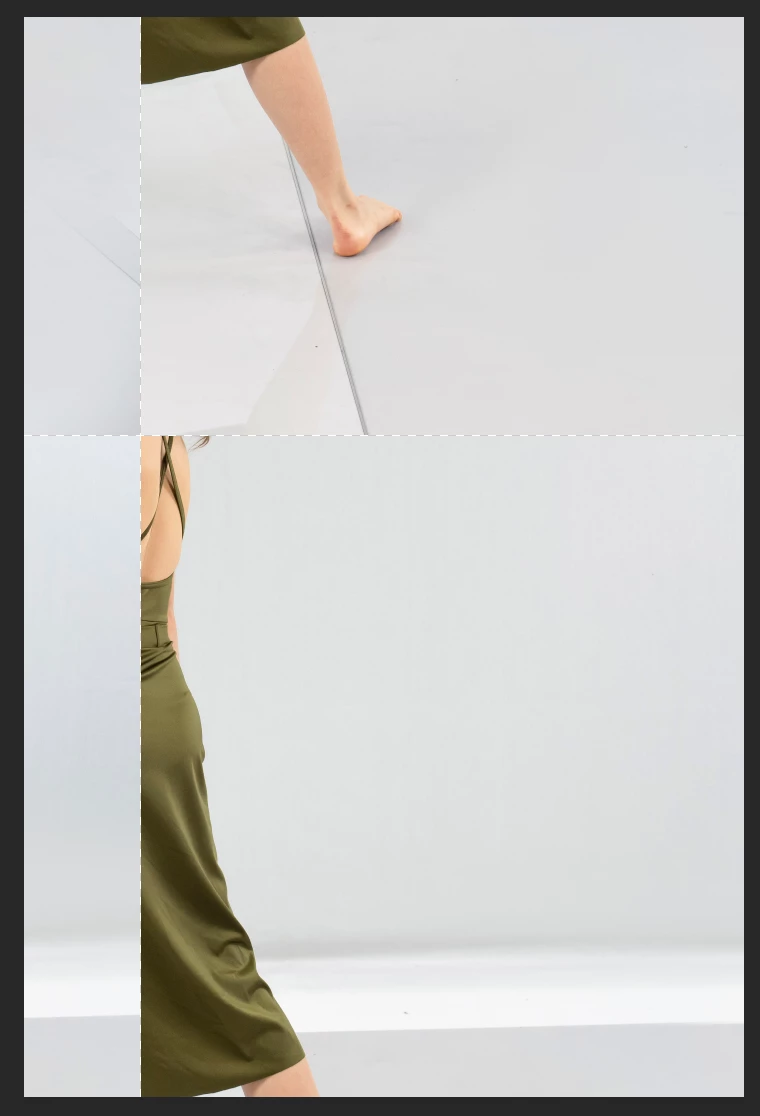
 AdChoices