
Participant
November 22, 2021
Question

Image loses quality when reducing its size

  • November 22, 2021
  • 2 replies
  • 431 views

Hi there.

I have a rendered image of a poster stand and I'm trying to place an image extracted from a pdf (made in InDesign) to create a mock-up. Opening the pdf in Photoshop poses no problem, and it gives me a large image with good detail (image 1, with size of 10628x15354 px), then I drag this image onto the document containing the rendered image, and I need to resize this large image to fit into my render (image 2, with size of 1920x1080 px), when I make it smaller, it loses its quality, looking pixelated. I tried changing the resampling algorithm to bicubic sharper, but it makes no difference.

Am I doing something wrong when dragging the large image onto my other document? Is there anything I could do to improve the quality of the dragged image?
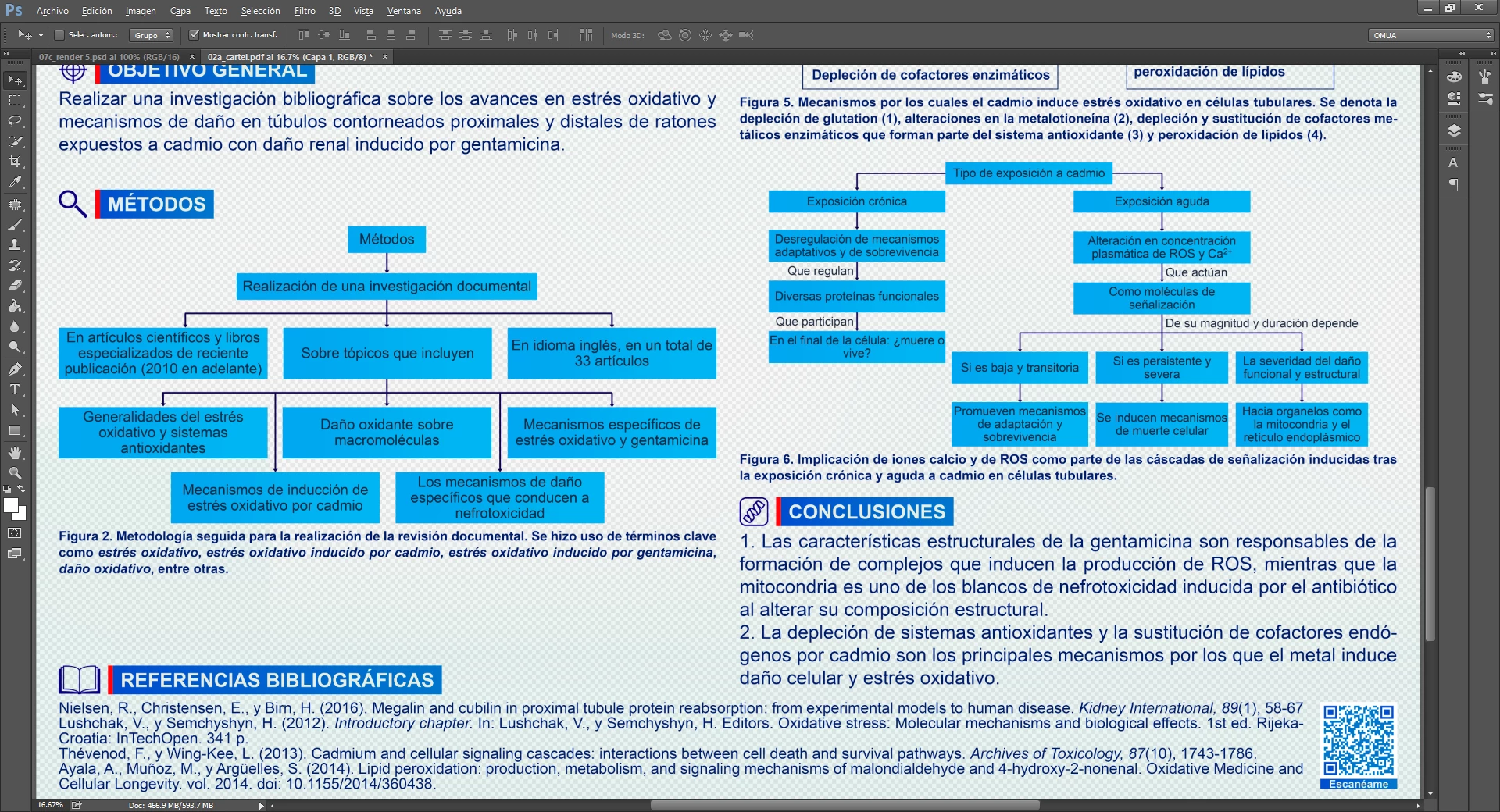
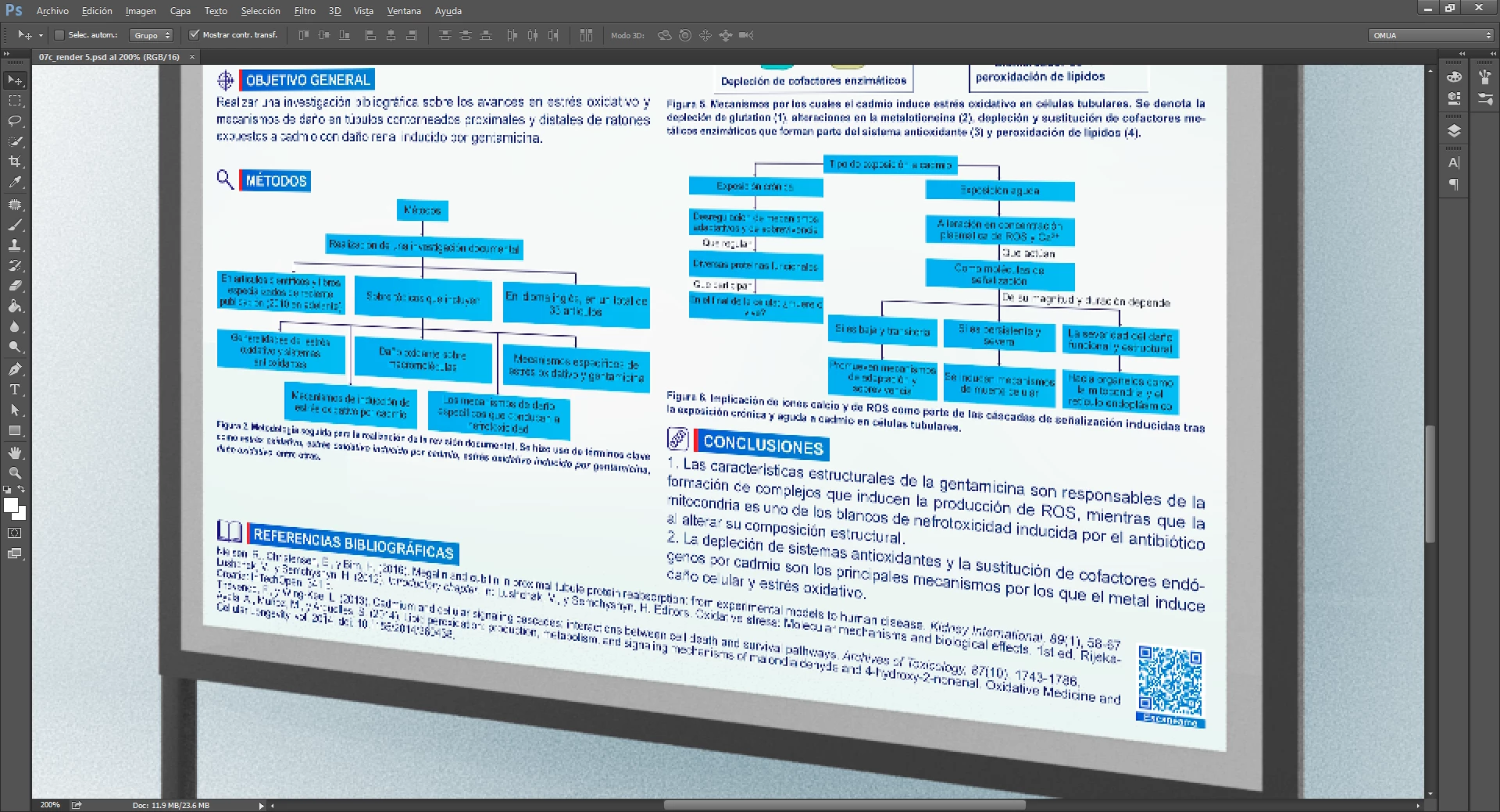


Thanks in advance.

This topic has been closed for replies.

2 replies

Trevor.Dennis
Community Expert
Community Expert
November 22, 2021

Do you have Acrobat?  That text is pretty clean and Acrobat will scan it with OCR and convert it to vector type.

Our @jane-e is an Acrobat expert and has been tagged.

jane-e
Community Expert
Community Expert
November 22, 2021


@jeremiah_a_fink wrote:

 I'm trying to place an image extracted from a pdf (made in InDesign) to create a mock-up. Opening the pdf in Photoshop poses no problem, and it gives me a large image with good detail


@Trevor.Dennis wrote:

Do you have Acrobat?  That text is pretty clean and Acrobat will scan it with OCR and convert it to vector type.


As I read the first sentence, the text started in InDesign where it was exported to PDF. That PDF should theoretically still be vector and can be used if that's what Default needs. The image was exported from the PDF (instead of directly from InDesign), and we do not know anything about the image format.


While Acrobat can do OCR, I think there might already be a PDF available with live text in it.


Jane

D Fosse
Community Expert
Community Expert
November 22, 2021

Vector text and rasterized text are two very different things.


The general advice is to not use Photoshop for text. Almost anything else is better. Photoshop will rasterize text without mercy, and once rasterized, that's it. Any resizing will lose legibility. That's not Photoshop, that's the nature of pixels.


If you have raster text, don't resize unless absolutely necessary, and even then, take all possible measures to not destroy it too much. Don't use Place, it will create a smart object very likely to be scaled. Just copy/paste, which will preserve pixels. Then decide if and how it's possible to resize to an acceptable result.