Participant
March 17, 2018
Answered

Image not acting is a smart object

  • March 17, 2018
  • 1 reply
  • 360 views

Hi,

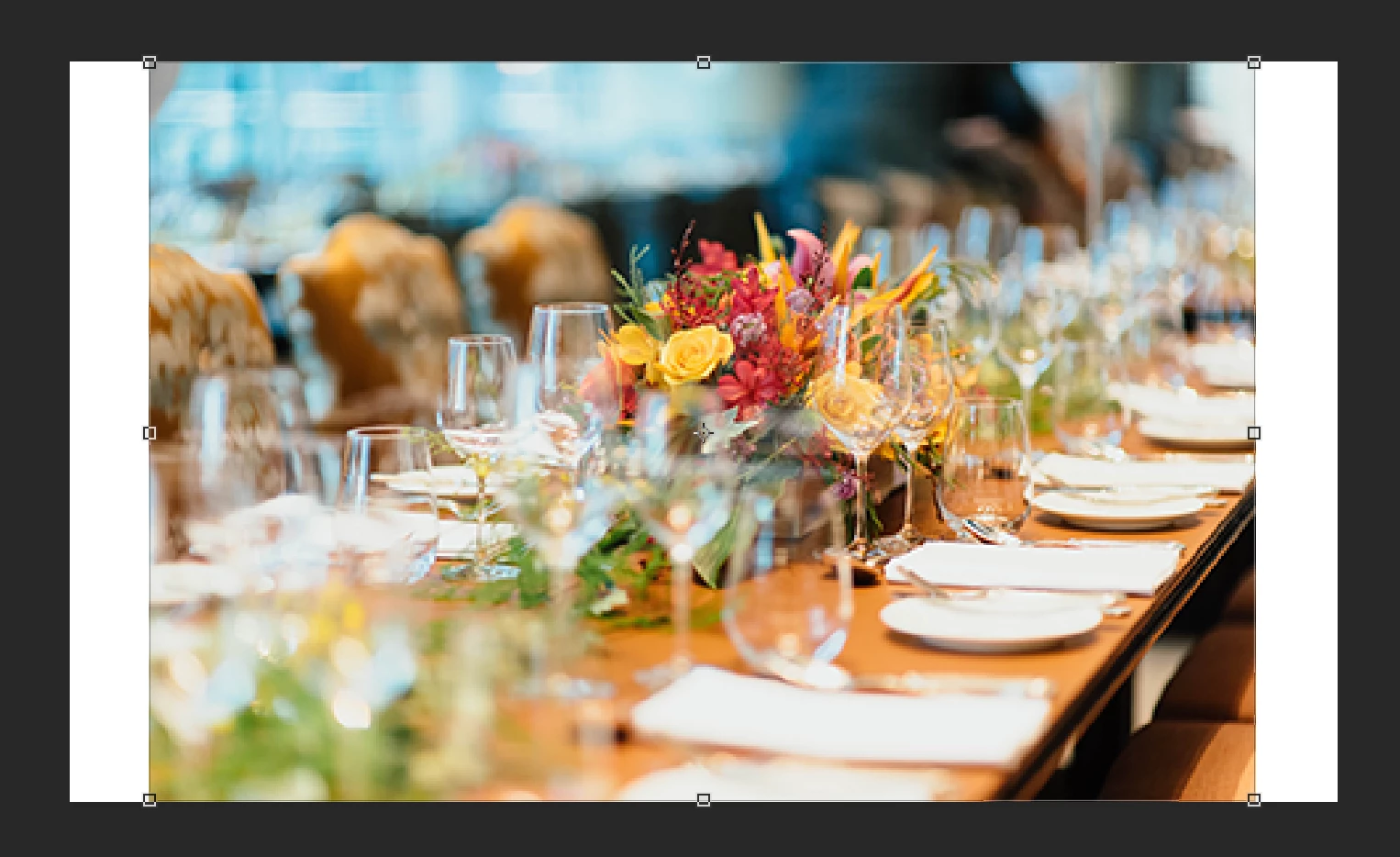
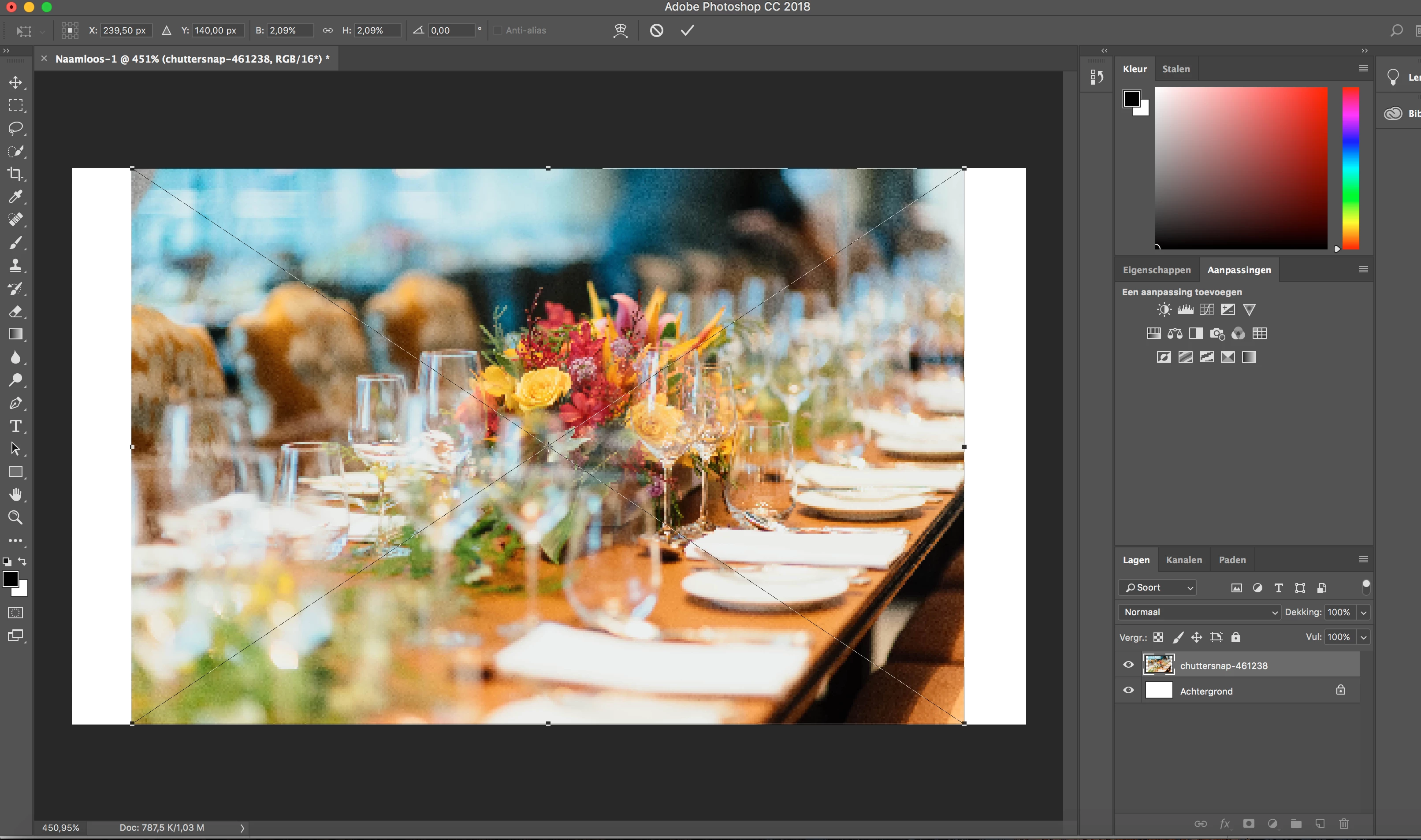
When I drag and drop an image into photoshop (W:480; H:280) the image looks very blurry.

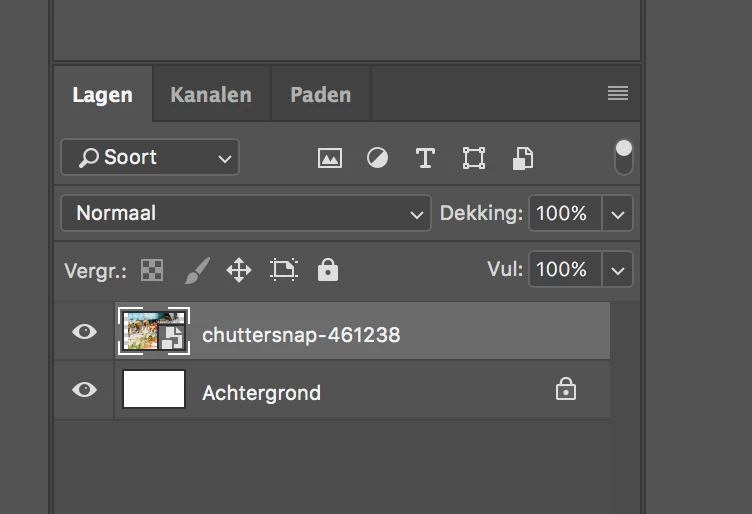
The image isn't also perceived as a smart object when I drag and drop it into Photoshop.

What's the solution ?

Normal Image:

Image within photoshop:
This topic has been closed for replies.
Correct answer D Fosse

Hi Dave,


Yes it converts to a smart object. But the image remains blurry.

Beforehand I used the same process and the image quality did not alter like now. So somehow some settings are altered/changed. But the question is which. I can't seem to find it.


Your first screenshot shows it's displayed at 451%! Of course it's blurry. That's a very small image, blown up on screen.

1 reply

davescm
Community Expert
Community Expert
March 17, 2018

Hi

Try Preferences > General >Always Create Smart Objects when Placing

Dave

Participant
March 17, 2018

Hi Dave,

Thanks for taking your time to respond.

These settings were already active.

Any other ideas?

davescm
Community Expert
Community Expert
March 17, 2018

Does it change to a smart object once you click on the "tick" symbol in the options bar to accept the transformation?

Dave