Answered
Image Size
Image size dialogue box in the tutorial:
What I see when I click on Image Size:
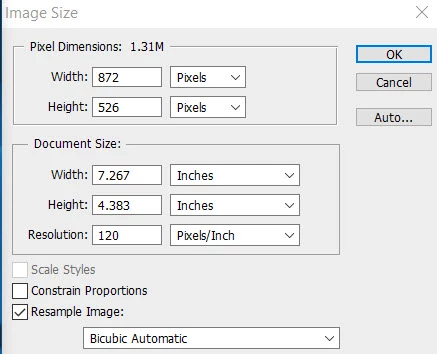
When I click on Constrain Proportions I see:
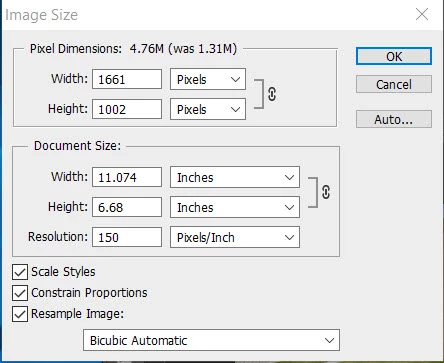
I checked all three boxes. I take it the Image size width I need to select is the Pixel Dimensions box?

Image size dialogue box in the tutorial:
What I see when I click on Image Size:
When I click on Constrain Proportions I see:
I checked all three boxes. I take it the Image size width I need to select is the Pixel Dimensions box?
CS6 is from 2012.
In the meantime, the user interface has been changed here and there. Nevertheless, many newer tutorials are still suitable for older versions of Photoshop.
Fenja
Already have an account? Login
Enter your E-mail address. We'll send you an e-mail with instructions to reset your password.
 AdChoices