
Question
Images closes right after opening – 25.9.1
Photoshop 25.9.1
Windows 11 Pro 23H2
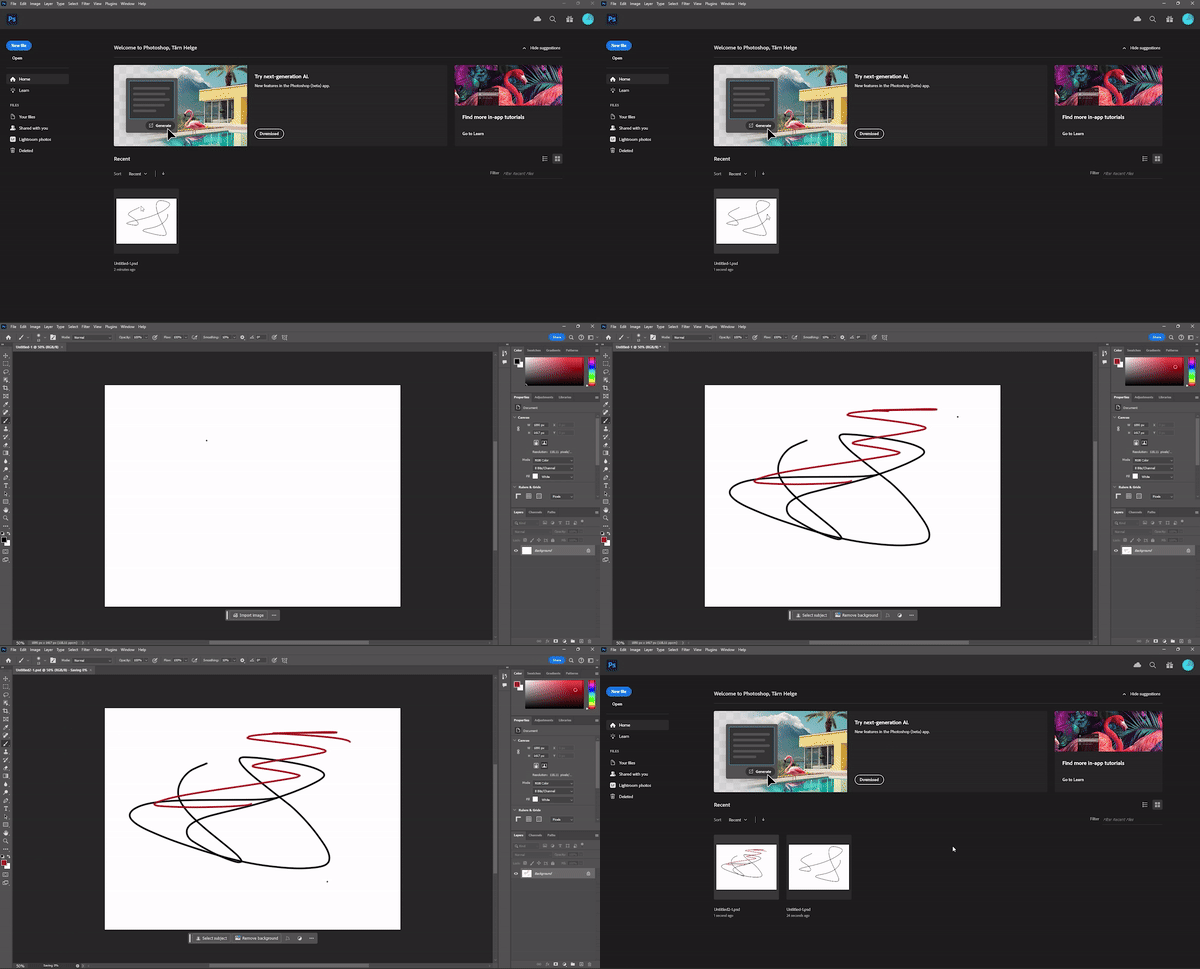
I open up Photoshop and want to open or continue editing an image. The image opens, but closes imidiatly. I can create a new file but wont be able to open it up again.
What I have tried
- Reinstall Photoshop
- CTRL+SHIFT+ALT and starting the program to reset settings
- Updated everything else
- Closed other applications and services
- Disabled GPU in settings
Photoshop is not very usefull if you cant edit your photos.
 AdChoices