
Known Participant
December 27, 2021
Answered

Imported Patterns, Styles, Brushes etc Keep Disappearing

  • December 27, 2021
  • 2 replies
  • 1646 views

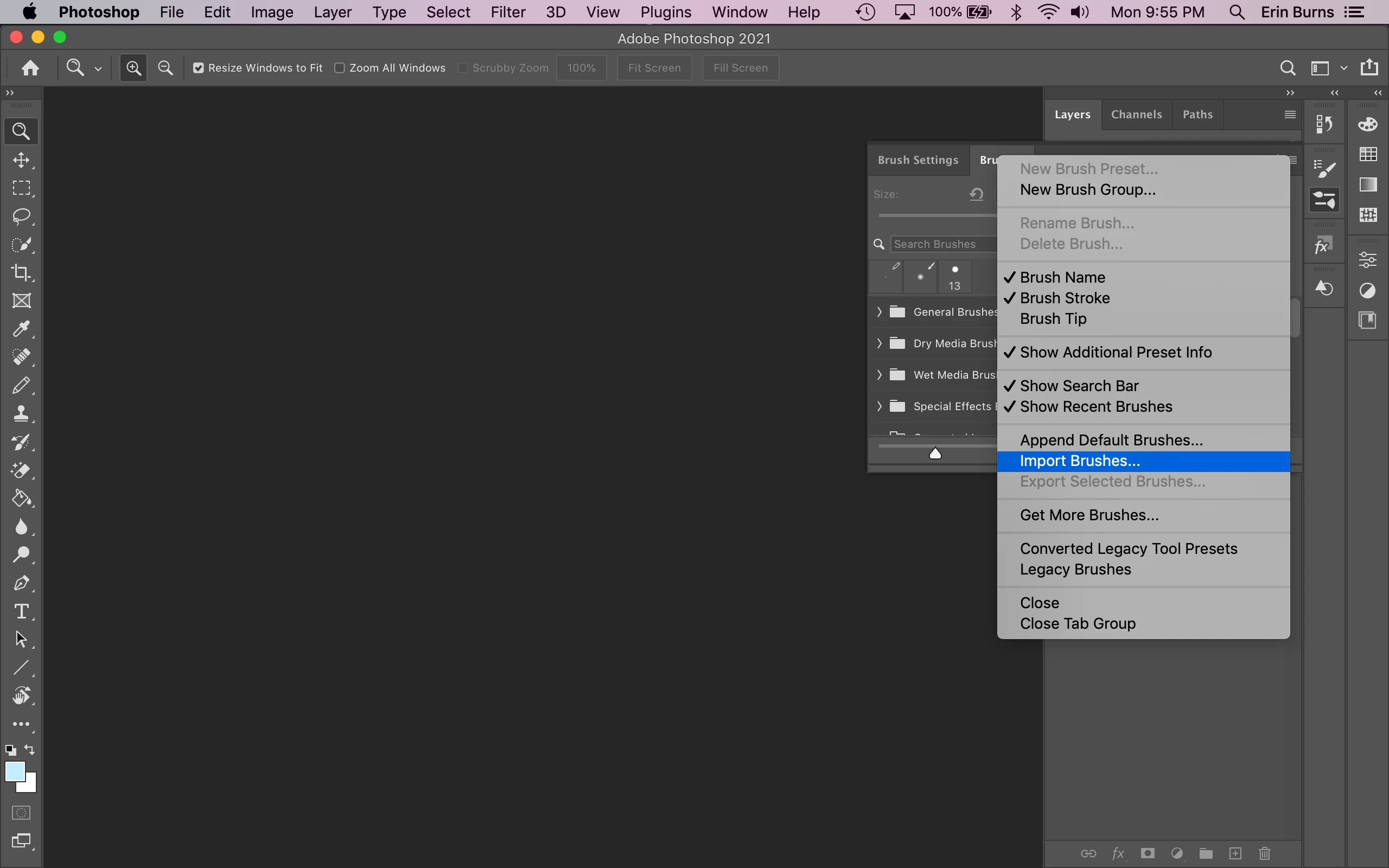
I just bought a subscription to Photoshop, and I tried to save the brushes, patterns, styles, etc. that I have collected throughout the years (when I was using Photoshop Elements) into the Photoshop 2021 Preset folders (ie. User/Applications/Photoshop 2021/Presets/Brushes), but when I opened Photoshop 2021, they weren't there. Then, I imported everything by opening the tabs for the Patterns, Brushes, Styles, etc (see screen shot), and those worked.
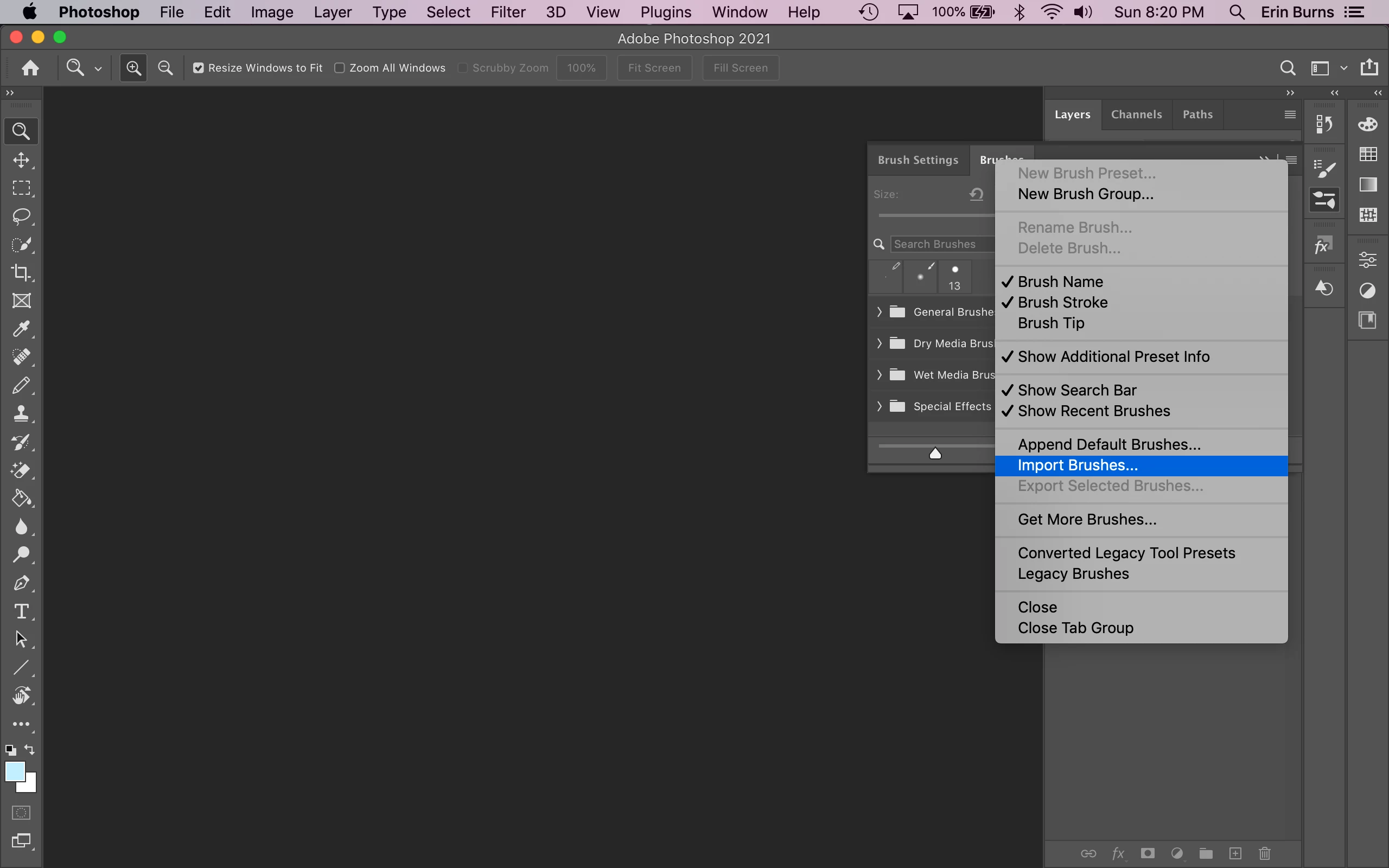
 

But after I closed Photoshop and reopened it again, they were all gone, but the preset files were still in the Preset folders.


Also, I can't seem to find the Custom Shapes preset folder. It isn't in the main Preset folder. See the screenshot below, since all the folders are in alphabetical order.
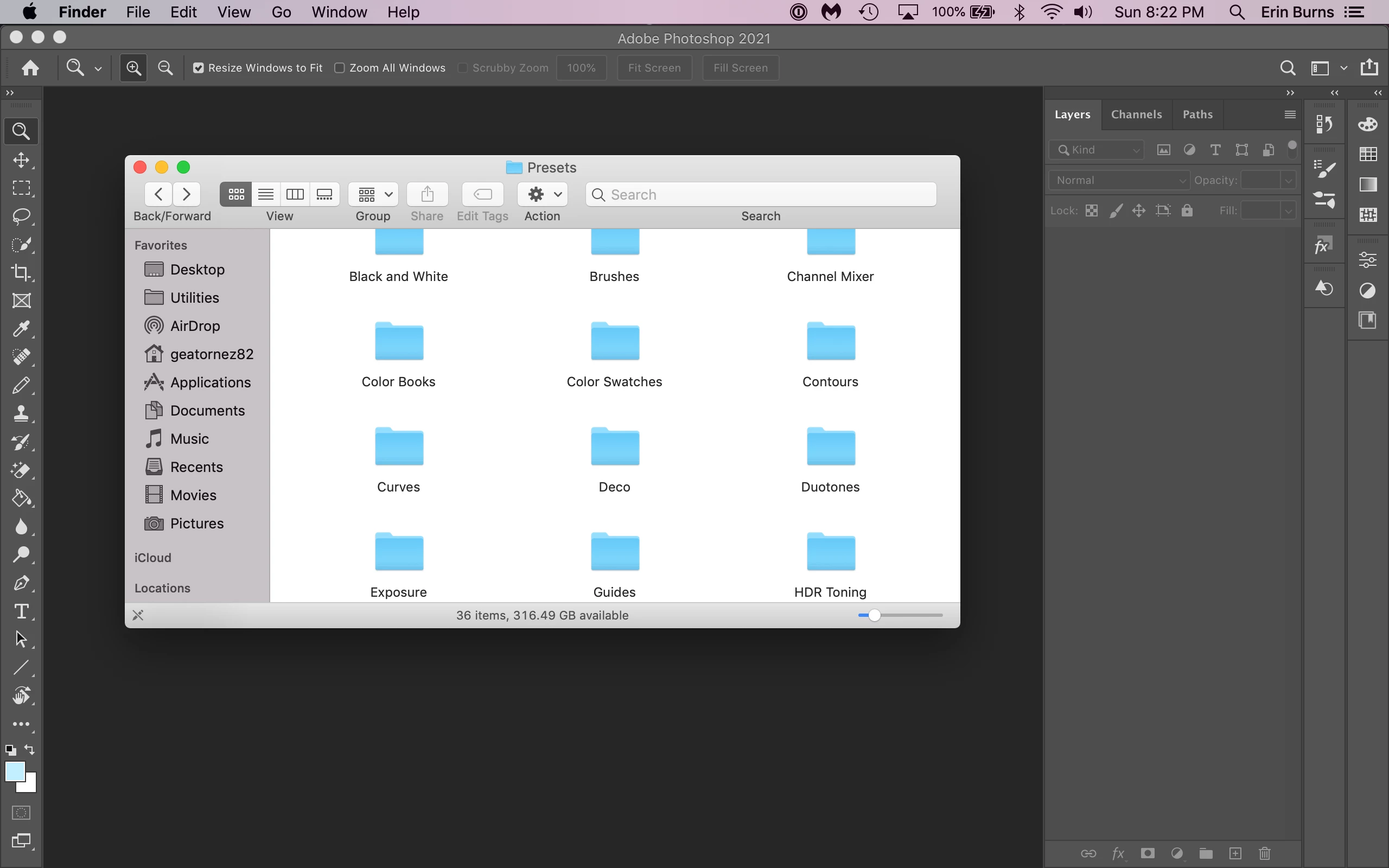
 

As you can tell, I'm on a Mac, and it's MacOS Mojave Version 10.14.6. Photoshop is Photoshop 2021, version 22.0.0 (the newest update is not compatible with my computer, and I DON'T want to switch to Catalina right now, because Catalina is NOT compatible with a lot of the games I have downloaded).
This topic has been closed for replies.
Correct answer mglush

1. I don't have an older version of Photoshop anymore, I was using Photoshop Elements, and I do have my brushes, patterns, styles, and shapes saved in the Elements Presets folders, as well as on an external hard drive. I did have an older Photoshop, but I deleted it when the license ran out, and I wasn't able to afford the subscription until now.


2. No, I did not try to export, or import from the Edit tab. I *did* import them from the Brush tab on the right side of the screen, as seen in the screenshot. I'm so used to Photoshop Elements, since the last time I used the full Photoshop was in 2017, but none of those files are on my computer anymore, nor do I have access to them anymore.


The thing is, I usually copy the brushes, patterns, etc. I purchase and download from various sources into the Preset folders in Photoshop Elements. I can't figure out why you can't just do the same thing for this version of Photoshop.


I figured out where the folder is!

In the Finder, hold down the Option Key and click on the Go Menu and you will see "Library" just below the link to Home.

1. Select Library.

2. Click on Application Support.

3. Click on Adobe.

4. Click on Adobe Photoshop 2021

5. Click on Presets....and

6. Click on Custom Shapes.


Let me know if that works for you!

Michelle


2 replies

mglush
Community Expert
Community Expert
December 27, 2021
Known Participant
December 28, 2021

This doesn't help because it's the Custom Shapes Preset Folder that's missing.

mglush
Community Expert
Community Expert
December 28, 2021

I have a couple of questions for you: 

1. Do you still have the old version of Photoshop with your brushes, patterns, styles and shapes?

2. Did you export the different presets from the older version and imported them? 


I actually was able to access the Custom Shapes folder when I hit the import button -- the first time. But when I went back to the Import option in the flyout menu, I wasn't able to see it again. But I also wasn't able to see it in the 2020 or 2022 folders either. I have asked about this issue and when I hear back I will let you know.

Michelle


mglush
Community Expert
Community Expert
December 27, 2021

Hi!

Have you tried Legacy Shapes? Go to Window > Shapes and from the Shapes Panel flyout menu choose Legacy Shapes and More.


Also, if you are trying to import old Photoshop shapes, here is a good thread:

https://community.adobe.com/t5/photoshop-ecosystem-discussions/missing-old-photoshop-shapes/td-p/10738017


Let us know if that helps or if you are still having the issue.

Michelle


Known Participant
December 28, 2021

I already found out about Legacy Shapes. That's not my trouble. My trouble is importing patterns, brushes, and layer styles into Photoshop, but when I exit the program, the patterns, brushes, and layer styles are gone when I reopen it.


And I wasn't asking about where the old shapes were, I was asking about where the Custom Shapes preset FOLDER was, because it is nowhere in my computer.