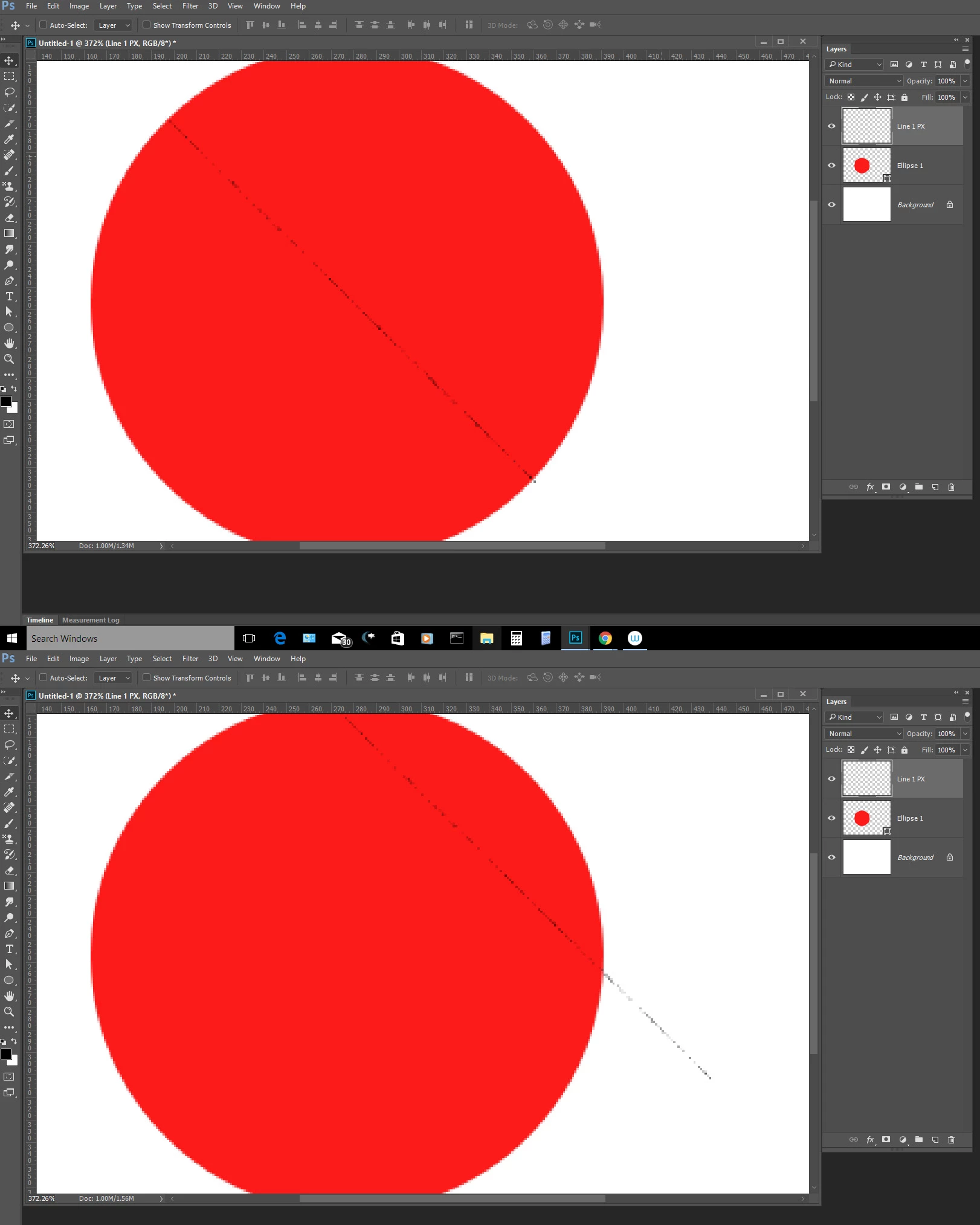
allanl4456393 wrote no you dont get what im saying, draw a vector shape, then draw a key line. 1 px width on top. Then try to select it with the move tool. |
Correct I did not get that at all. You wrote nothing about any shape layer or any line. You also can not draw on a shape layer. Yon can add a layer above it and draw a 1px line over the shape layer. It is easy to taget the layer in the layer palette or slect the 1px wide line with a ctrl+Click in the layers palette. If you try to select the line layer with the move tool with auto select layer option checked I could see you could easily miss and select some other layers. You should uncheck auto-select layer in the move tool option bar and target the line layer in the layers palette.
Sorry, its my fault for not being clear. I forget words like "select" are also tools. Your answer is correct, i just mis communicated and wasnt clear.
Thats what i ended up doing, turn on and turn off, but i had 20 layers with key lines i just duplicated. it really blew up in my face. Because i needed to select one key line to move 6 pixels down. "auto select" just doesnt work sometimes so i did the "AB testing" to figure out which layer was which line.
Its a strange bug, other key lines in other files are selected fine. But every now and again theres one of these lines who just wants to be left alone and i need to go into the layers pallets to do it the hard way.


 AdChoices