
Inconsistent image viewing experience between apps
I just bought a base model surface laptop 7 and I'm having trouble understanding what's going on when I switch color profiles. I'm using a display p3 tagged image from a wide gamut test website and viewing it in Microsoft photo viewer and photoshop simultaneously. The laptop has two individually calibrated color profiles--vivid and srgb. When set to vivid, the image looks as follows with a vibrant red around the w in both programs:
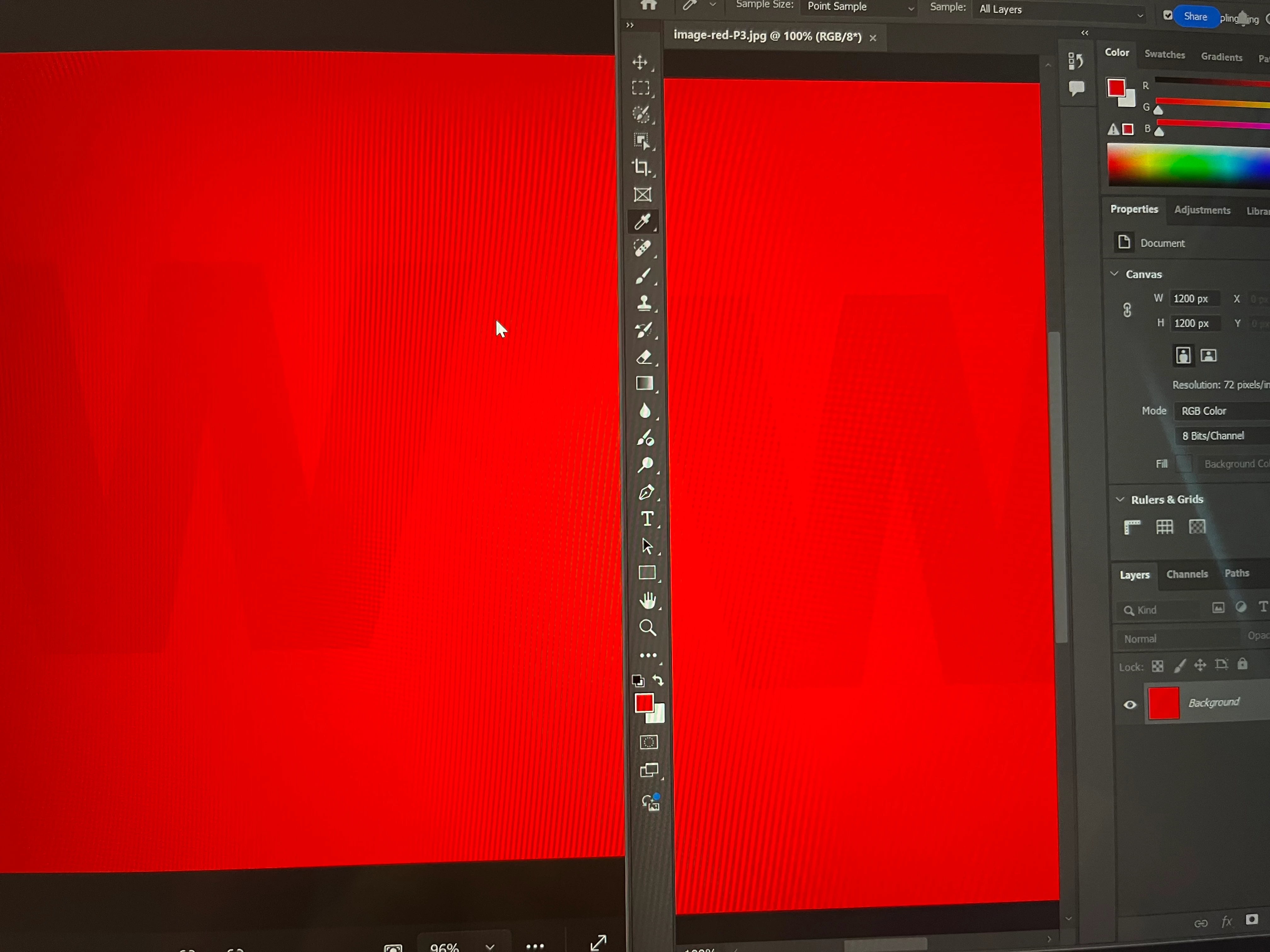
when set to srgb, the image in photo viewer demonstrates what I think should be the expected behavior and shows a uniform, less vibrant red with no w while photoshop shows a less vibrant red background and an even less vibrant w still apparent (incidentally this is how it behaves in chrome as well):
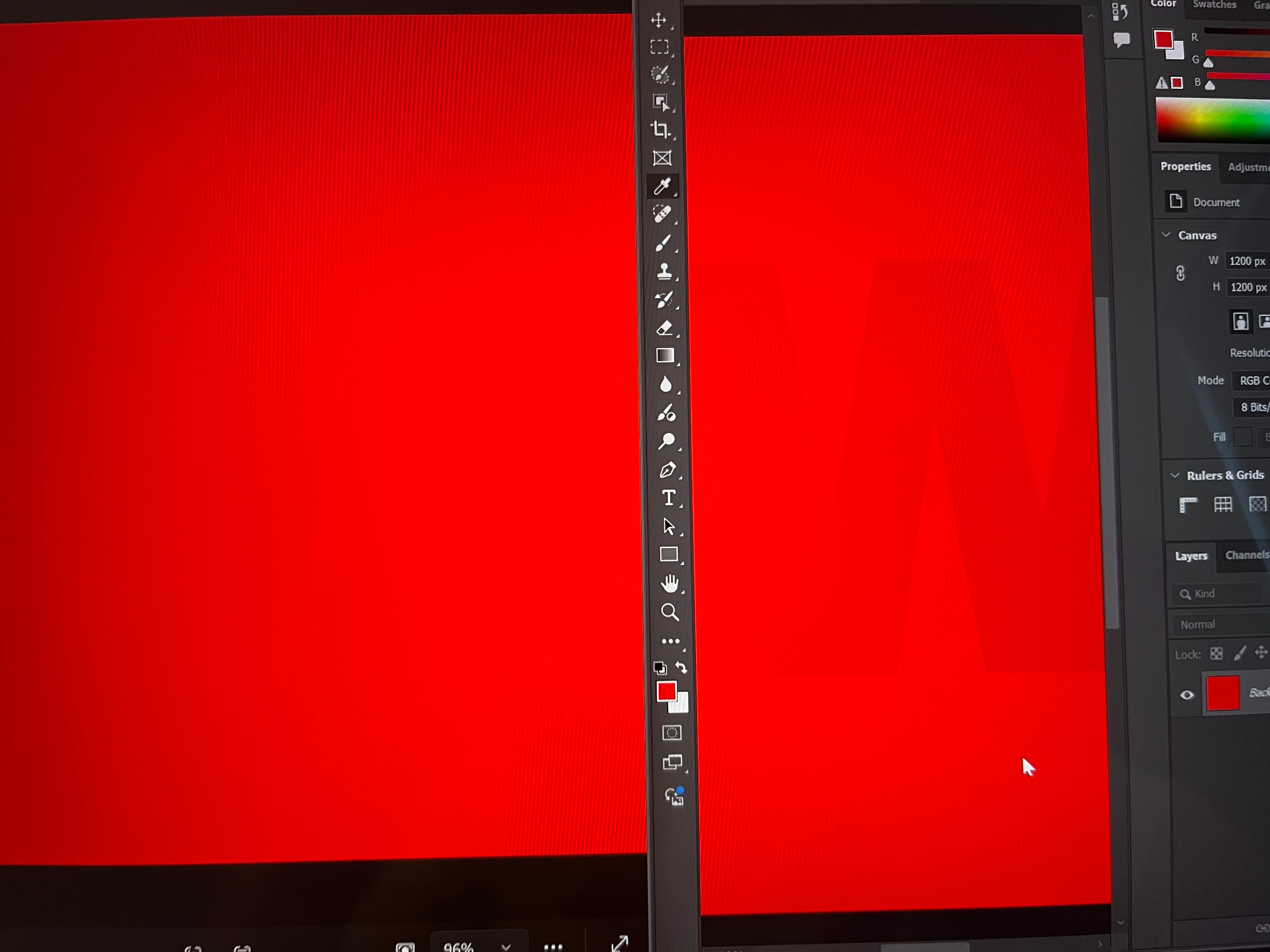
I'm trying to understand what's going on and how to fix it if it needs fixing.
Srgb tagged images look the same between the two programs in vivid mode but photoshop displays them with washed out colors when in srgb mode while photo viewer still shows the same image.
If I'm understanding things correctly, a detailed, high res srgb tagged image could have banding in vivid mode but not in srgb mode, but it will be impossible to work on properly in photoshop in srgb mode because of how the colors get washed out.
Please be gentle, as I am just starting to learn about this stuff.
 AdChoices