
Participant
June 8, 2025
Answered

Inconsistent image viewing experience between apps

  • June 8, 2025
  • 1 reply
  • 539 views

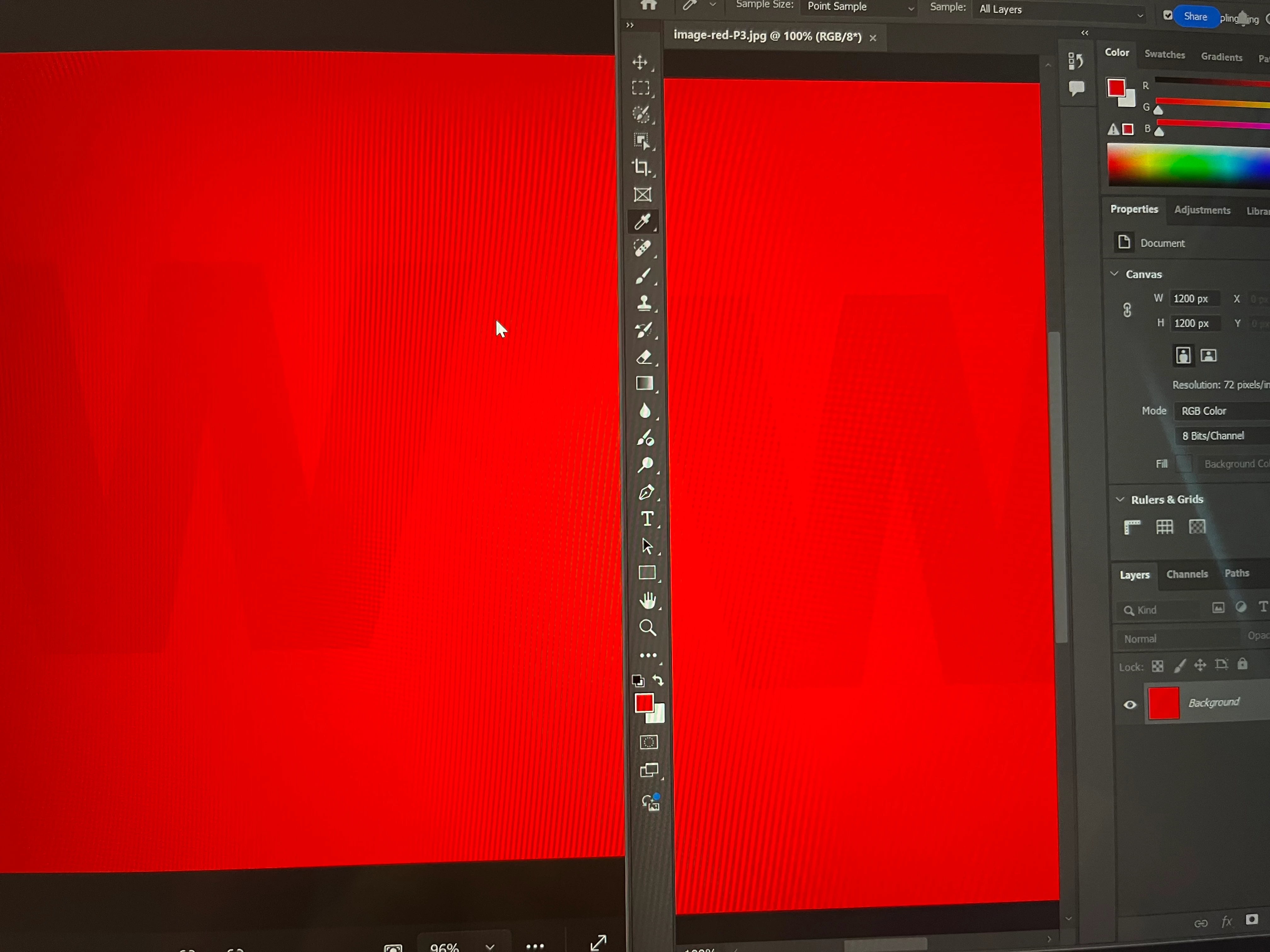
I just bought a base model surface laptop 7 and I'm having trouble understanding what's going on when I switch color profiles. I'm using a display p3 tagged image from a wide gamut test website and viewing it in Microsoft photo viewer and photoshop simultaneously. The laptop has two individually calibrated color profiles--vivid and srgb. When set to vivid, the image looks as follows with a vibrant red around the w in both programs:
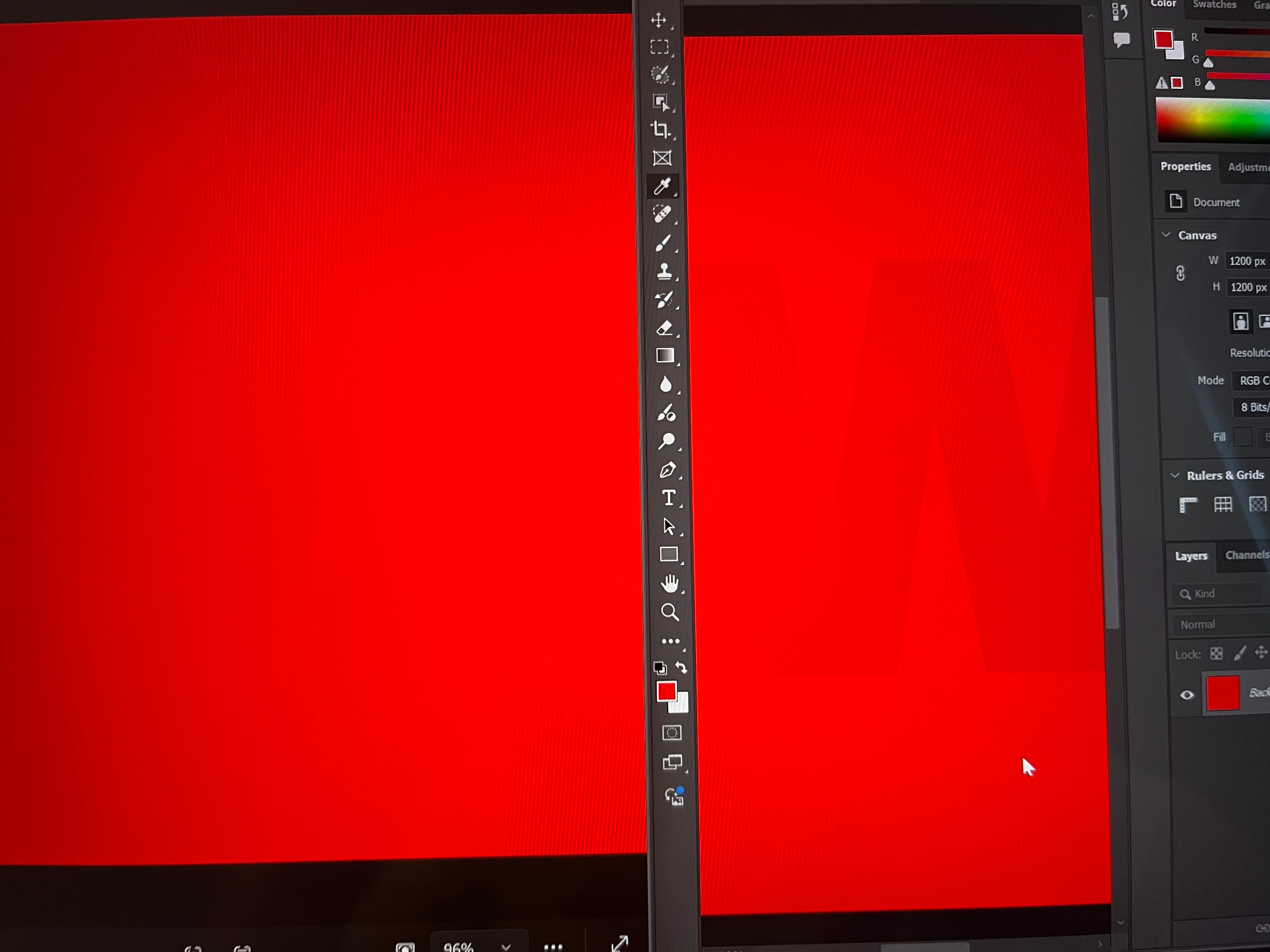
 when set to srgb, the image in photo viewer demonstrates what I think should be the expected behavior and shows a uniform, less vibrant red with no w while photoshop shows a less vibrant red background and an even less vibrant w still apparent (incidentally this is how it behaves in chrome as well):
 I'm trying to understand what's going on and how to fix it if it needs fixing.
Srgb tagged images look the same between the two programs in vivid mode but photoshop displays them with washed out colors when in srgb mode while photo viewer still shows the same image. 
If I'm understanding things correctly, a detailed, high res srgb tagged image could have banding in vivid mode but not in srgb mode, but it will be impossible to work on properly in photoshop in srgb mode because of how the colors get washed out. 
Please be gentle, as I am just starting to learn about this stuff. 

Correct answer davescm

'I believe there is still a large gap in my understanding because I had thought the profiles provided with my device were icc profiles'

They are but an ICC monitor profile describes the behavior of that problem in a specific state i.e. in the state it was in when the profile was made. Adjusting any monitor controls such as brightness, contrast, colour etc makes the profile invalid and then a different profile is needed. 
When you use a hardware device to calibrate and profile a monitor it works in two steps. First the calibration step where you are invited to set the white point, black point, transfer profile and colour values for Red, Green and Blue. It then creates a look up table LUT that is loaded into the GPU, or the monitor itself on higher end monitors, to achieve that calibrated state. The next stage is profiling which creates a profile of how that monitor behaves when sent colour values. Colour managed applications use that profile to translate the values in the document to those that need to be sent to the monitor in order to output the correct colours. What is important is that the monitor controls are not changed without remaking or changing the profile.

Dave

1 reply

D Fosse
Community Expert
Community Expert
June 8, 2025

That laptop setting should really be avoided - it's a simplified and dumbed down version of a calibrator, but one that disregards how color management works and how Photoshop uses the monitor profile..


To use Photoshop with a wide gamut display, you really need a proper calibrator to make monitor profiles based on actual measurement. No wide gamut display should ever be sold without one.


The short version is that Photoshop relies on a monitor profile that describes the actual and current behavior of the display. The monitor profile is a map; and like any map it needs to describe the actual terrain, or the result will be wrong.


The monitor profile is a standard icc profile. This profile is used in a standard profile conversion, from the document profile into the monitor profile. These corrected numbers are sent to screen, thus representing the file correctly on screen.


Photoshop uses the profile it gets from the operating system when it starts up. It will continue to use this profile for the remainder of the session. If the display behavior changes, the profile is invalidated and you need a new profile that reflects that new display behavior. That also means relaunching Photoshop to load the new profile.


In short, you cannot just flip this switch in the laptop. The result will be wrong. You need to leave this switch in one or the other position, and then use a calibrator to make a profile based on that behavior. 


Photoshop is the industry standard for color accuracy, but it needs a proper monitor profile to work as intended. A calibrator is really an essential piece of equipment.

Participant
June 8, 2025

Hello D Fosse,


Thank you so much for your response! You've saved me a great deal of headache. It was exactly like you said--if I restarted photoshop with the profile I wanted to use applied, the image would then be displayed correctly. Same with chrome. Windows photo viewer must have a sort of semi-restart built in for when the profile is changed, at least on surface devices. I believe there is still a large gap in my understanding because I had thought the profiles provided with my device were icc profiles (they say they are in windows control panel color management), so if you could explain that further, I would appreciate it, but I am grateful either way and will mark your initial response as the solution. 

Participant
June 9, 2025

You DO have preinstalled ICC profiles, but there is no way of knowing what they actually mean. You need one that matches the display.

Apple devices come with factory profiles that pretty closely match the actual characteristics of that device. I own three wide-gamut displays and the Apple-supplied profiles are close enough that I cannot visually see any difference between a hardware profiled setting and the default profile.

I have no idea what profiles that Microsoft ships or whether they are accurate.


Thank you ExUSA for your response! For anyone looking at this thread for information, I think Microsoft's profiles are display specific because I had to reinstall the os and they needed my device's serial number for a couple of device specific file downloads. Could be wrong. I definitely can't speak on the quality of the profiles because I don't own any hardware calibration equipment to try. I was just going off of reviews when I purchased the device. Pictures on this display definitely look better than they do on my old laptop, but I don't know if they are really more accurate.