Participating Frequently
December 30, 2017
Answered

Increasing Canvas Size Not Working | Photoshop

  • December 30, 2017
  • 2 replies
  • 7197 views

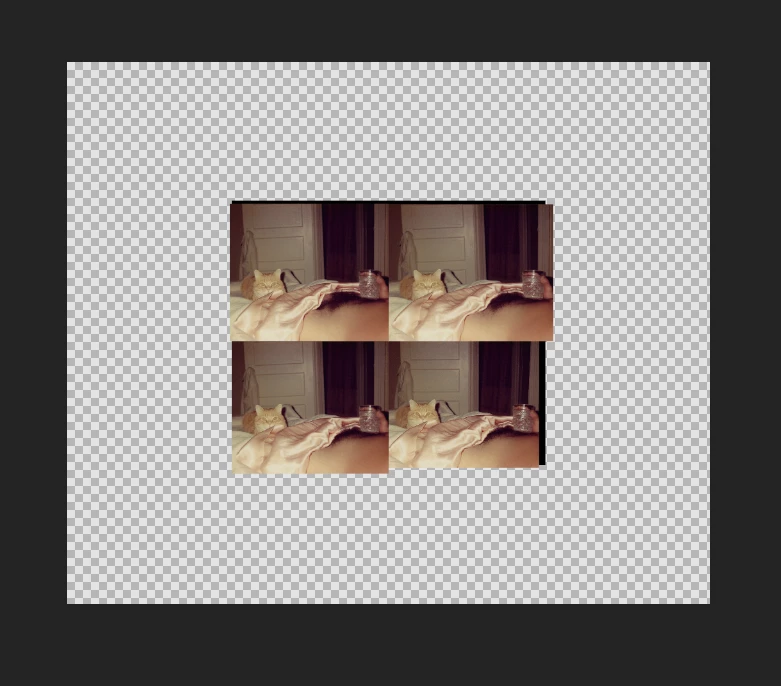
Ok I am fed up with Adobe's (profanity removed) products constantly (profanity removed)up ever since CC was created years ago. (Profanity removed) never works properly and I'm (profanity removed) sick to death of it. Why the (profanity removed) when I change the canvas size to 105 percent (Increase the canvas size by 5 percent) does it make it like twice as big? Fix your (profanity removed) products, thanks.


This topic has been closed for replies.
Correct answer davescm

I show at the beginning how it works now and the second part of the video I show where it worked the way it should.  So was that a fluke?  Is it me or what am I missing?


Your video showed in the first half you used Canvas Size to  decrease the canvas size and got a warning message that it would clip, which it did. The second part shows that you used canvas size to increase the canvas size which by definition does not clip anything - it just adds canvas.

All appears to be normal and in line with the replies above.


Dave

2 replies

Known Participant
May 22, 2022

Frankly I'm tired of it myself.  The tool works when it wants to.  Can you fix it already?  Five years later and it's still doesn't work right, it keeps cropping my image.  How about an up-to-date tutorial on youtube if it in fact works the right way.


jane-e
Community Expert
Community Expert
May 22, 2022

@Storm2012 wrote:

it keeps cropping my image. 


Hi


When you use Image menu > Canvas size and reduce the size of the canvas, the expected behavior is that the image will be cropped. 


On this Help page from Adobe, scroll to the heading for "Change the canvas size" for details"

https://helpx.adobe.com/photoshop/using/adjusting-crop-rotation-canvas.html


Does this answer your question?


Jane


Known Participant
June 2, 2022

I have used it in the past and it didn't crop the image.  I hope I can get footage in the future of when it works and then when it doesn't work.  The tools are wishi washi, I'm gonna say it that way.

Semaphoric
Community Expert
Community Expert
December 30, 2017

Because you have it set to "Relative"

Can you fix your potty mouth?

Participant
September 19, 2021

That does NOT fix what he's having problems with, [abuse removed].

davescm
Community Expert
Community Expert
September 19, 2021

Yes it does.