Bugger. I somehow posted the above before adding this text. 😞
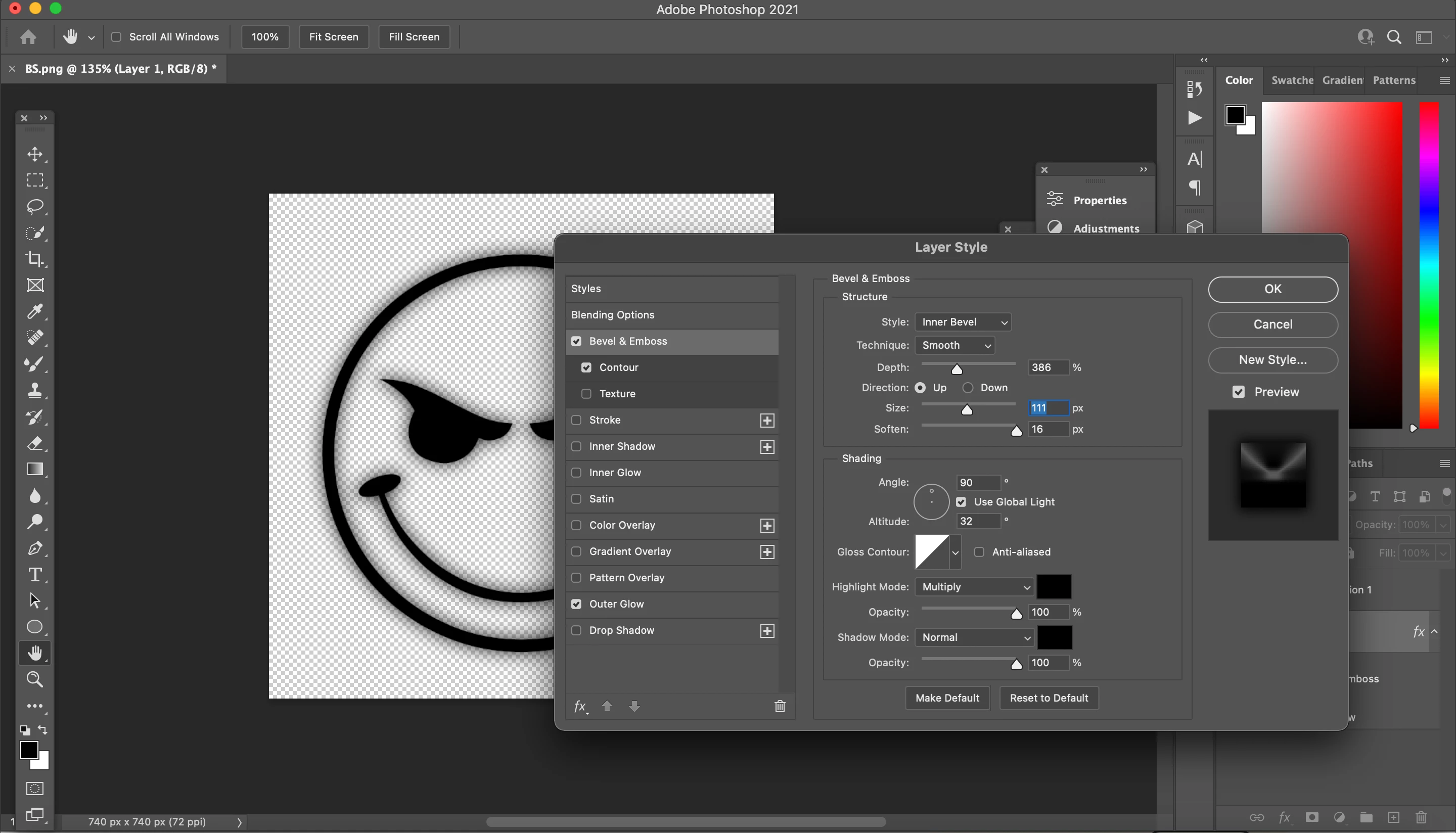
OK, so your biggist problem is that you have Soften turn up almost to maximum. That is the same as using a lot of blur. In fact, so much blur, you can no longer see it. So take that down to zero.
Full black is not helping you as you can't add any shadows. I made my example a dark charcole, and split the background into black and white so you could see that the ring is not full black. Even so, you can still barely see the shading. The defualt blend mode for shadows is Multiply, but if I was doing this I'd use a dark colour like a maroon, and set the blend mode to normal.
You have the light direction at 90° which is directly overhead. Diagonals might look better, like 45° or 135°
So try again. Set Soften to 0 to start with till you get the bevel right, then nudge up soften to suite, but it will only need a very low value.

 AdChoices