Participant
March 20, 2020
Question

Instagram Profile Photo

  • March 20, 2020
  • 6 replies
  • 9489 views

Hey guys,

I'm getting crazy out here. hope you can help.

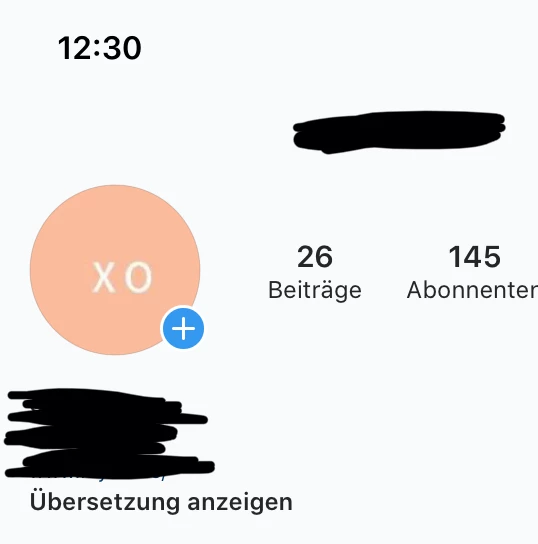
I've read on multiple websites that the best option to make and export an instagram profile pic is 180px x 180px. I did that but no matter what I try (I tried everything from 180px to 1080px), the profile photo is always blurry.

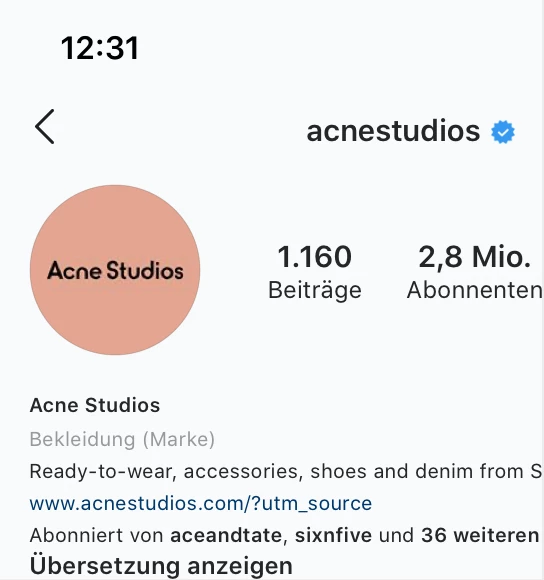
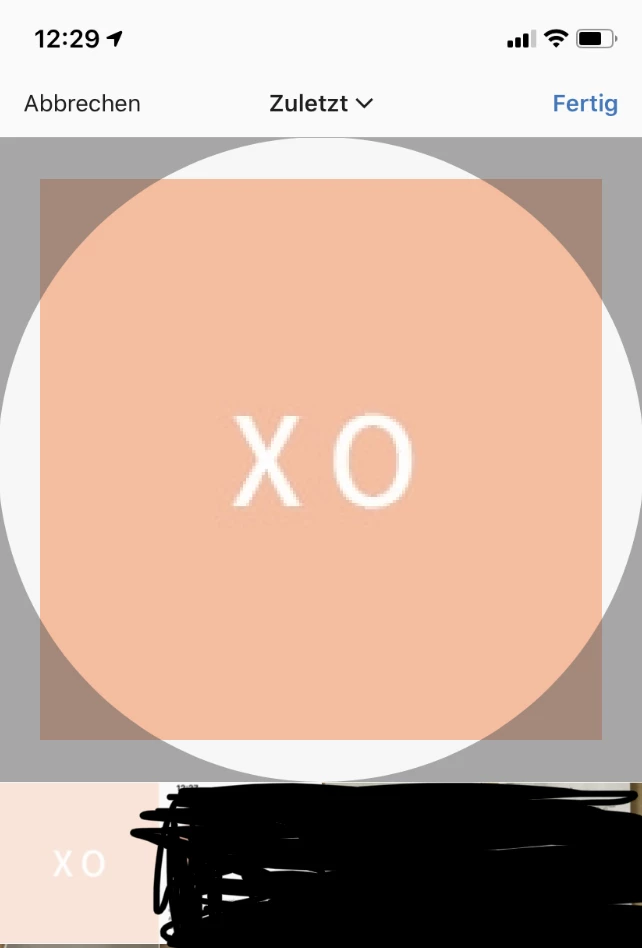
I attached it so you can see. Also I find it weird that when I'm choosing the pic from my library it doesn't seem to fit in the preview window (see pic below). I also attached an example of a popular fashion account that is close to what I'm trying to achieve. Their profile photo is not perfect because of instagram hard filter I know. But I'm not even close to that.

I use the following export options:

180px x 180px - JPEG - Quality 73%


Pls help.

This topic has been closed for replies.

6 replies

Participant
March 23, 2022

Any news? Solution? I'm going crazy, i tried everything and the profile pic is alway blurry

Randy Hufford
Community Expert
Community Expert
March 21, 2020

Ok do not use jpeg. Use PNG or Gif. Here is a PNG at 180x180 pixels. For besy viewing results, view at 100%. You cannot view a 180 pixel image at larger size without seeing pixels.

Participant
March 24, 2020

I have tried everything now.


PNG-8, PNG-24, PNG, JPEG

All at 100%


I even tried what your blog says: 110 x 110 pixels.


Nothing works. No matter what I do, it's blurry 😞

Participant
November 6, 2020

I have the same problem as you're, no matter how high the resolution is and no matter you fit the pixel size from every single blog and website guide, it's still blurry when you upload your logo into instagram profile.

I tried random picture from google with low resolution to be uploaded on instagram profile and it didn't blurry at all. Just WTF. Are they hating adobe family? LOL

I'm crazy as you're, looking for answer -.-
please let me know if you find any. Thank you.

Randy Hufford
Community Expert
Community Expert
March 21, 2020

try this web site. Thet do not look to low res. https://later.com/blog/instagram-profile-picture/

Randy Hufford
Community Expert
Community Expert
March 20, 2020

Also here is a link from Instagram for sizing 1080x1080

https://help.instagram.com/1631821640426723

Participant
March 20, 2020

Hey, 


thanks for the answer but the 1080 px insta feed photo is not the problem here.


Pls read my initial question. It's about the insta profile photo that's blurry. 


My initial question contain screenshots that help to understand my problem. It is a type illustration.

Participant
March 20, 2020

lol why is your answer marked as the "correct answer" now? It's not, cause unfortunately it doesn't work.

Randy Hufford
Community Expert
Community Expert
March 20, 2020

opps sorry

Sahil.Chawla
Adobe Employee
Adobe Employee
March 20, 2020

Hi there,

To increase the quality of the image and making sure that the image does not get blurry when you upload it on Instagram, please keep the aspect ratio as 1:1, it means you can keep any dimension as long as it has an aspect ration of 1:1 for eample 1080 X 1080. Also, keep the resolution between 72 to 150 and always export the image at 100% quality.

Let us know how it goes.
Regards,
Sahil

Participant
March 20, 2020

Hi Sahil,


thanks for the quick answer but even at 100% quality that doesn't work out. It's still blurry. I always keep a ratio of 1:1 and have a resolution of 72.


As for the 1080px insta feed photos that works out fine, but as much as I know around 72% - 73% quality is optimal. So my guess was that I should keep that quality for the profile photo as well.


Any other solution?

Randy Hufford
Community Expert
Community Expert
March 20, 2020

Is it a photo or type? Did you try at 100% quality?