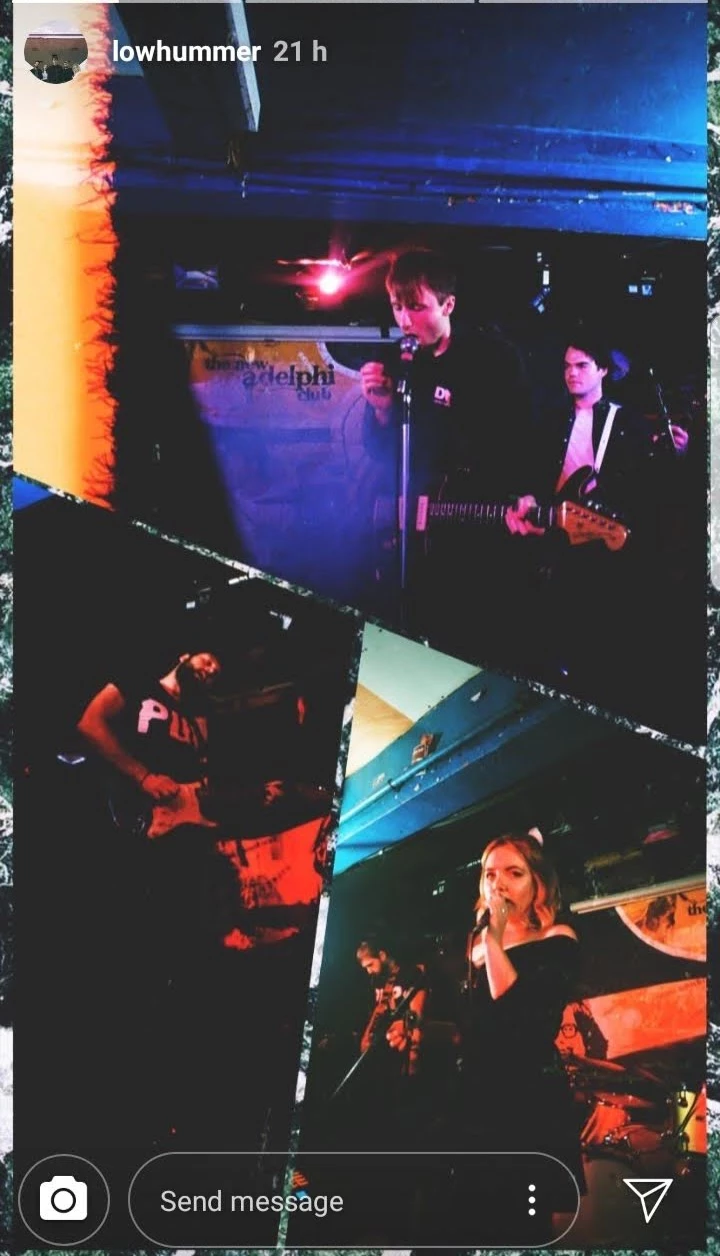
That’s a cool effect! It looks like a combination of a duotone filter and gradient overlay—commonly used in Instagram stories to create a trendy, moody vibe. You can achieve this in Photoshop or Lightroom:
In Photoshop:
Use Gradient Map (Layer > New Adjustment Layer > Gradient Map) and pick two contrasting colors.
Adjust blending modes (e.g., Soft Light) for a seamless blend.
In Lightroom:
For quick edits, apps like Canva or VSCO also offer similar filters. If you’re sharing these designs on Instagram, tools like iiganony.com can help you anonymously check how others’ stories use these effects for inspiration! 🎨✨

 AdChoices